
Here's how to import 10s and 100s of images into Webflow.
Step 1: Download CSV file
Select any assets you want to import to Webflow and click on the Webflow icon in the right selection panel under Export to.
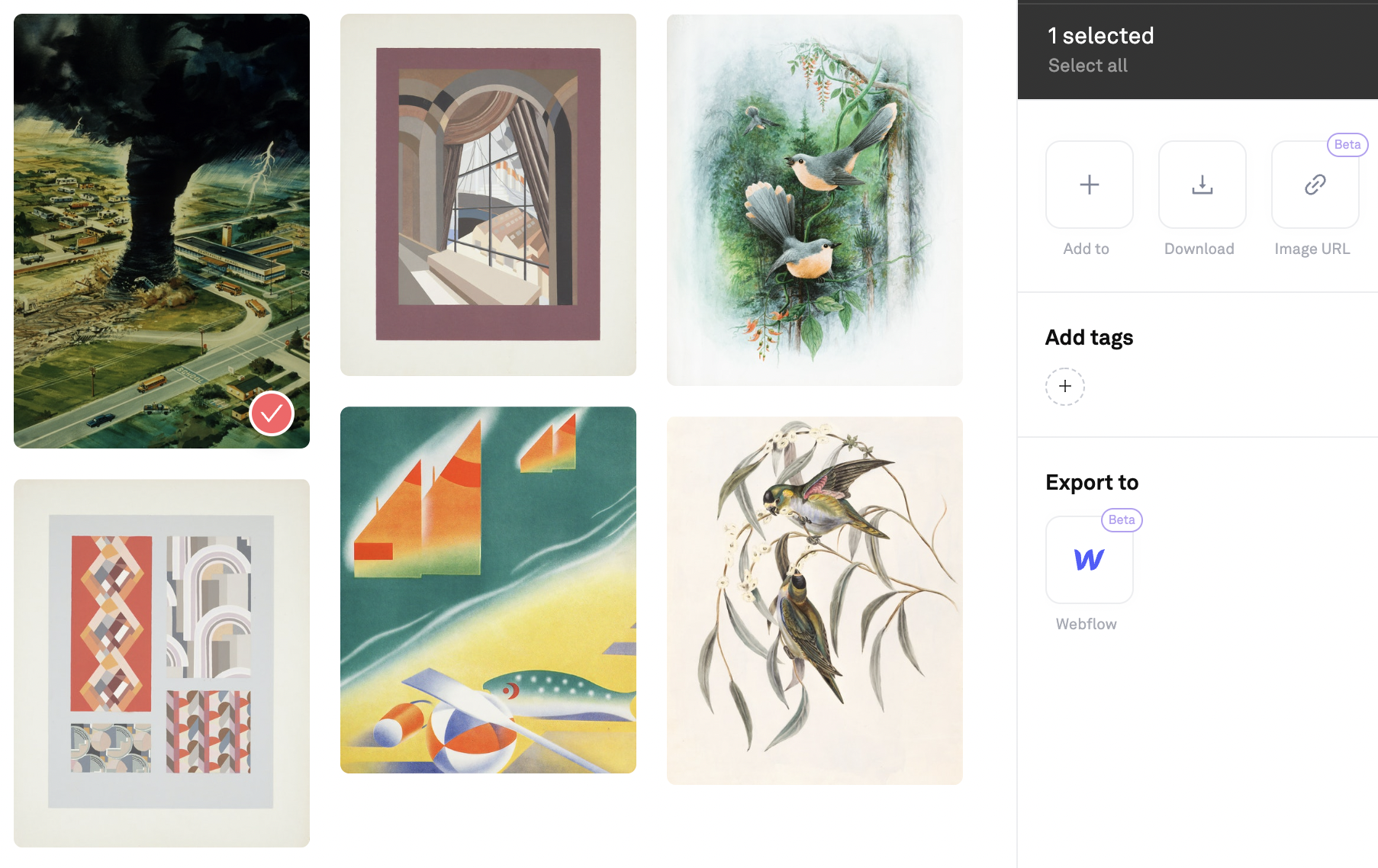
Click on Confirm and generate CSV.
Step 2: In Webflow, create a new CMS Collection
0:00
/
Step 3: Import the CSV file to the CMS Collection
And map Name, Slug, Image to matching fields in the Collection.
0:00
/