
For this process, we use MetaMask as an example.
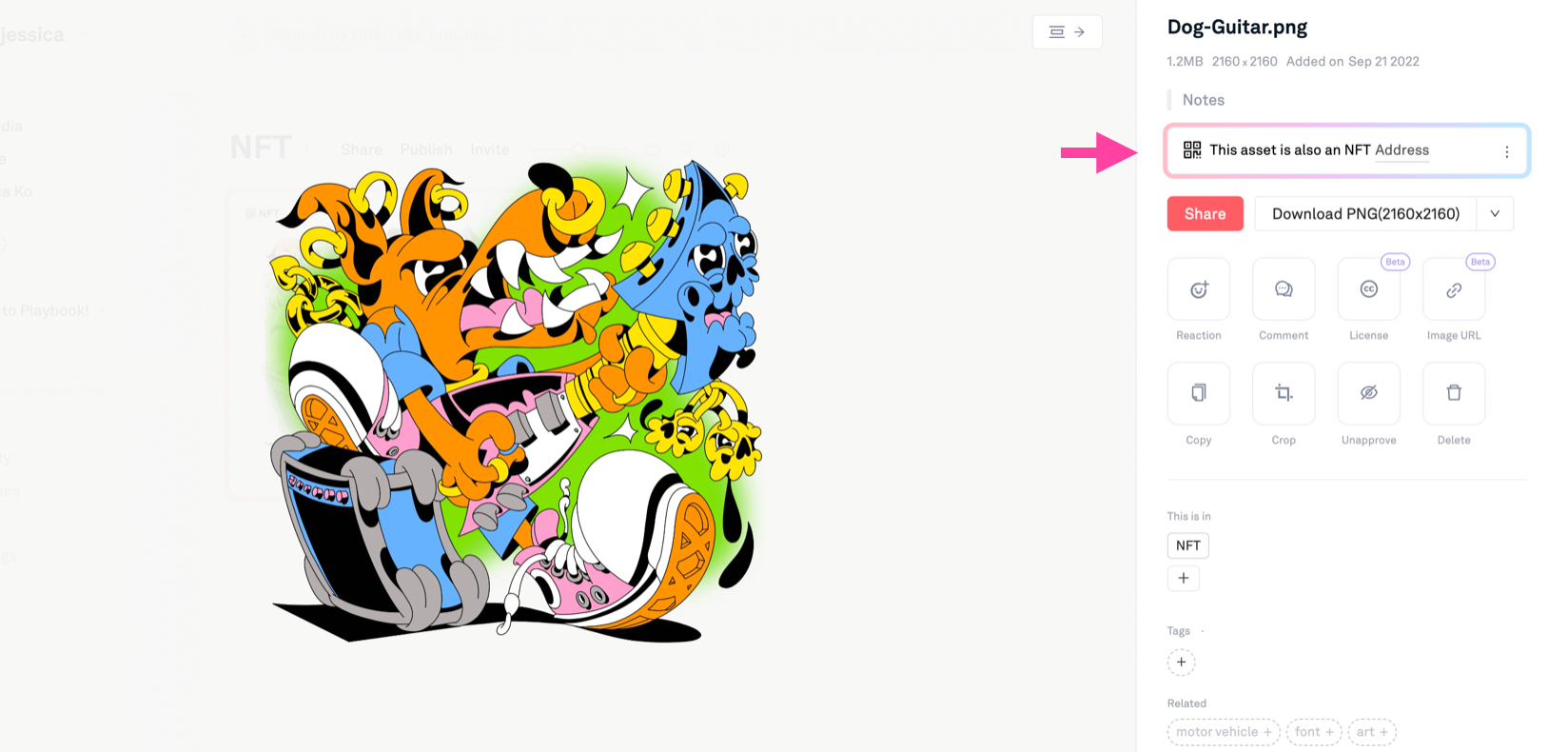
1. Click on the asset and the "Address" in the license box on the right. This link should take you to the linkdrop page.
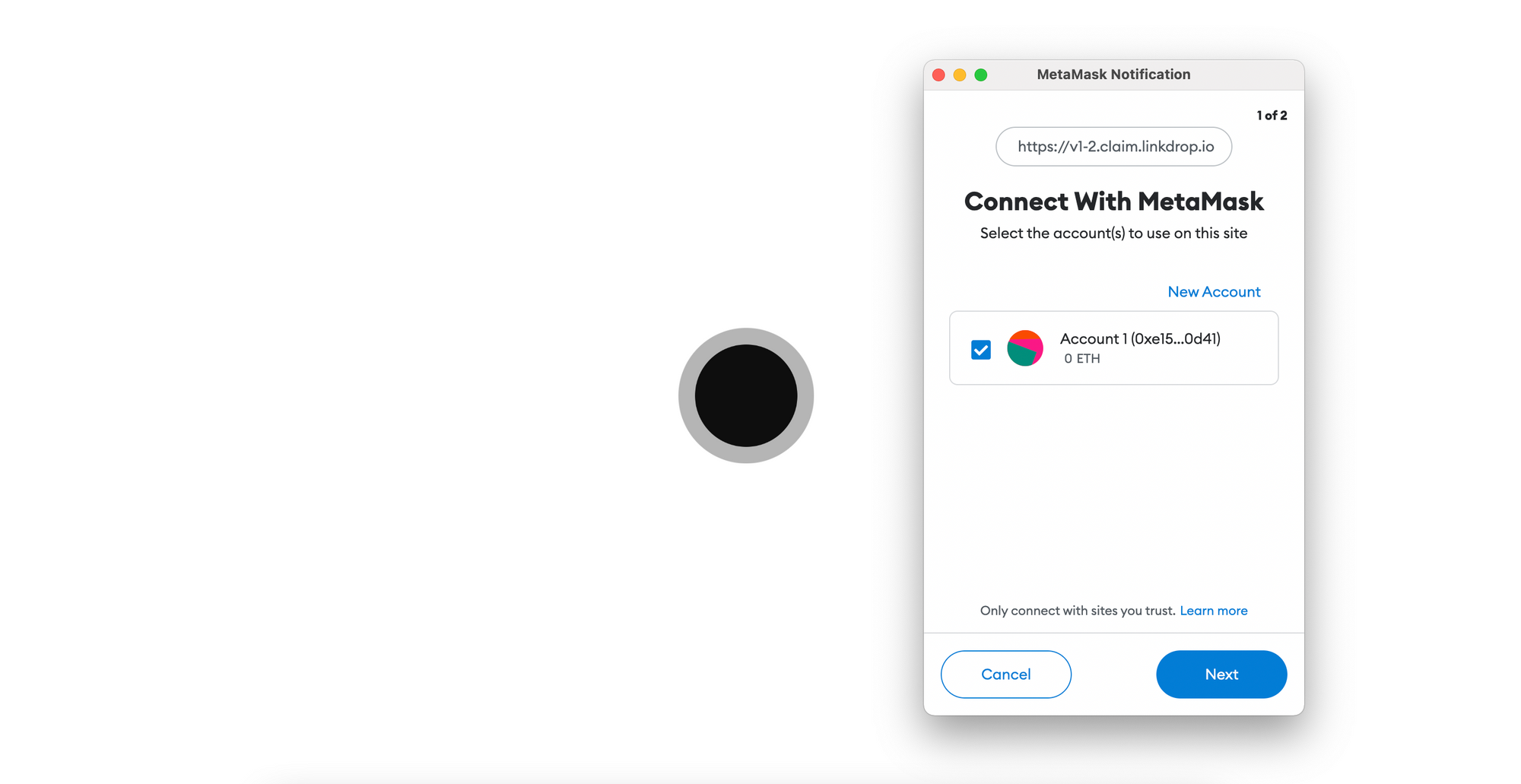
2. When the link opens a new tab, you can sign into your digital wallet.
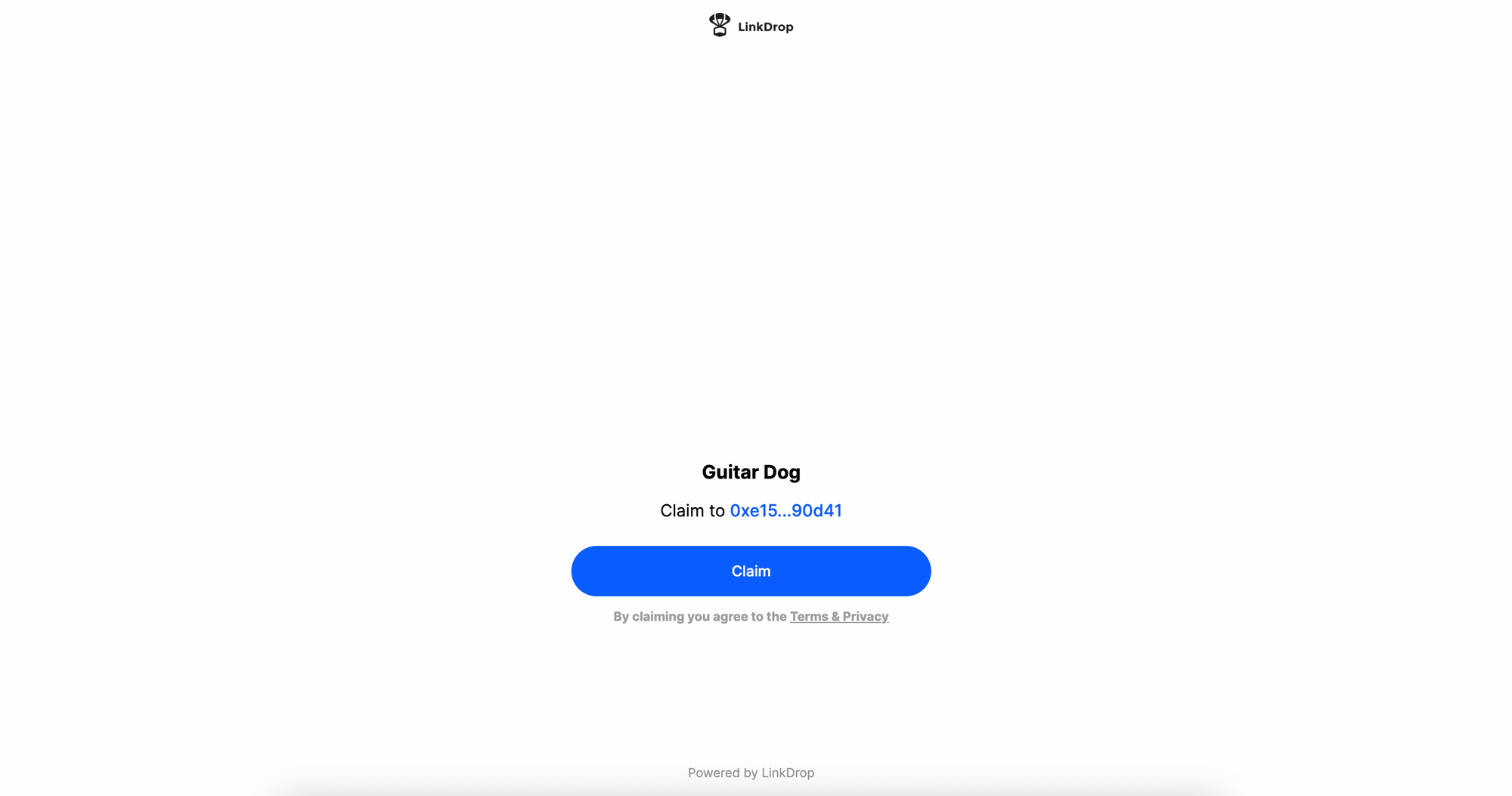
3. Click on "Claim" to start transferring!
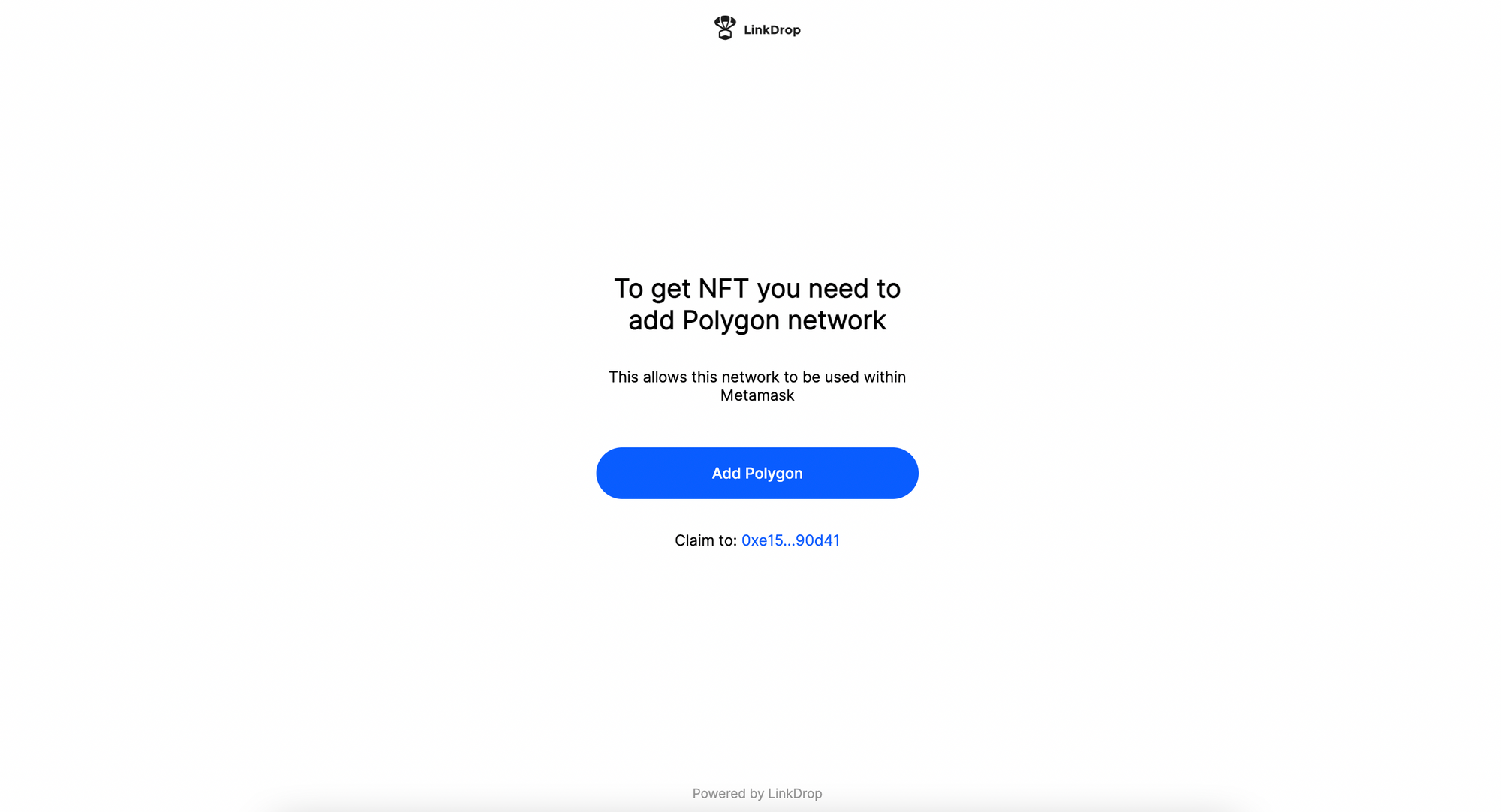
4. If you haven't, add Polgyon network.
5. When the transfer is complete, you should see "Success!" message.
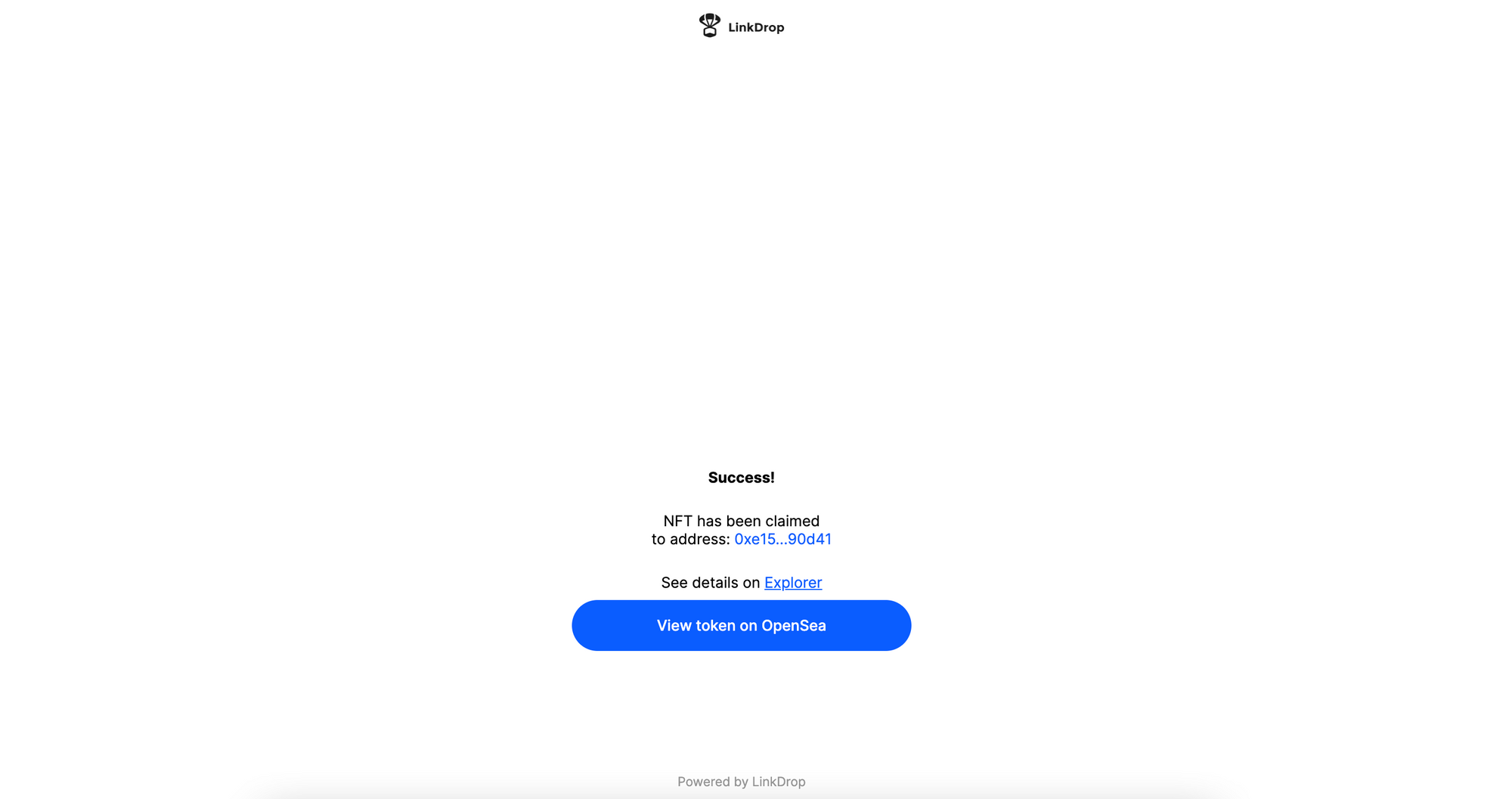
6. "View token on Opensea" to see the transferred token.
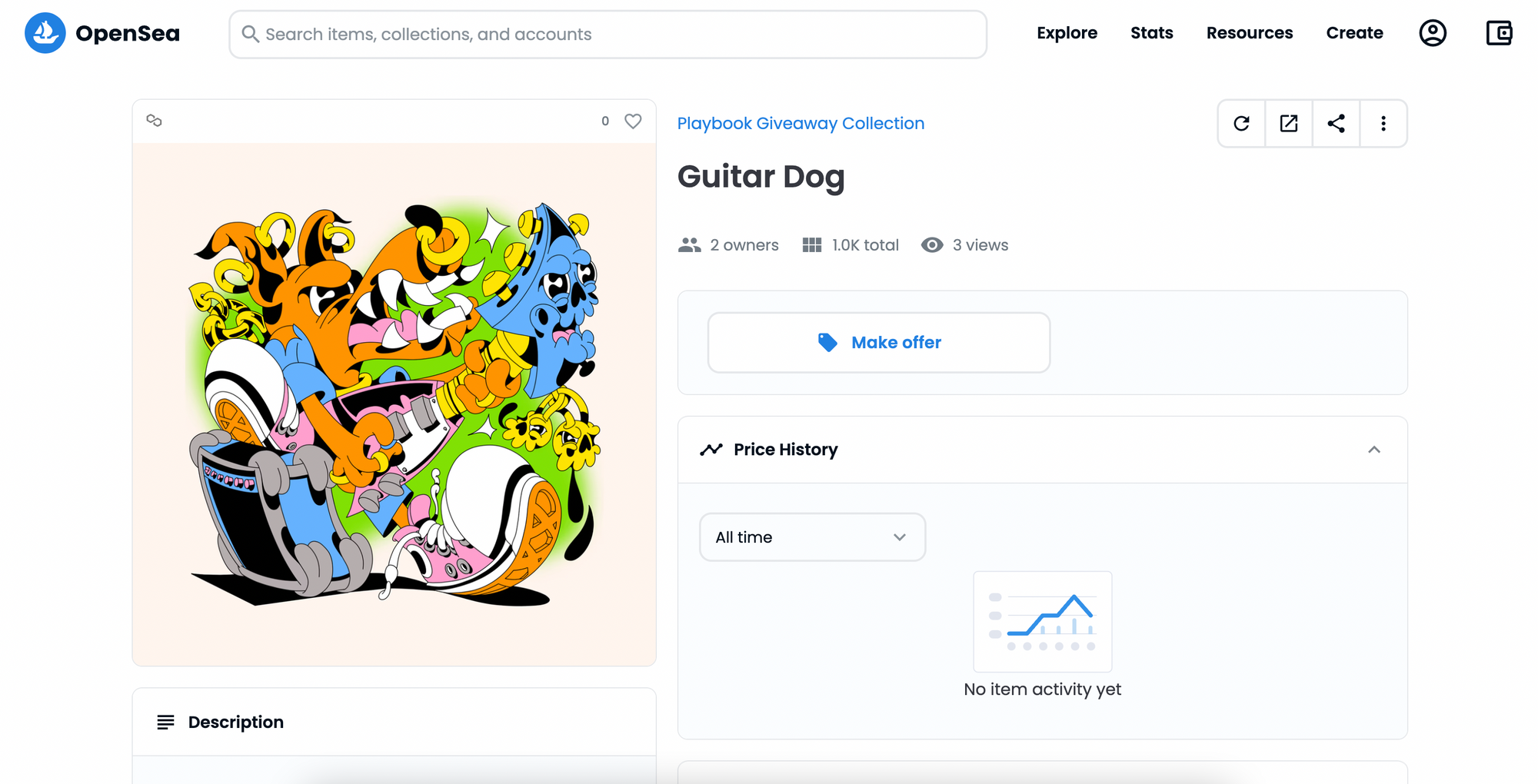
That's it!
Have any more questions? Join our Discord server and ask any one of us.