
Shopping for Asana alternatives usually starts with a symptom list: pricing crept up, the interface fights you, an integration is missing. Fair complaints, and seven capable replacements below answer them. But creative teams carry a second symptom list that no PM tool on the market answers, because it was never a PM problem: nobody can name the approved file, feedback is welded to task cards instead of pixels, and the design team moonlights as a lost-and-found.
Both lists get answered here. Tools one through seven for the first, and the asset layer for the second.
1. ClickUp: best for teams that want maximum customization
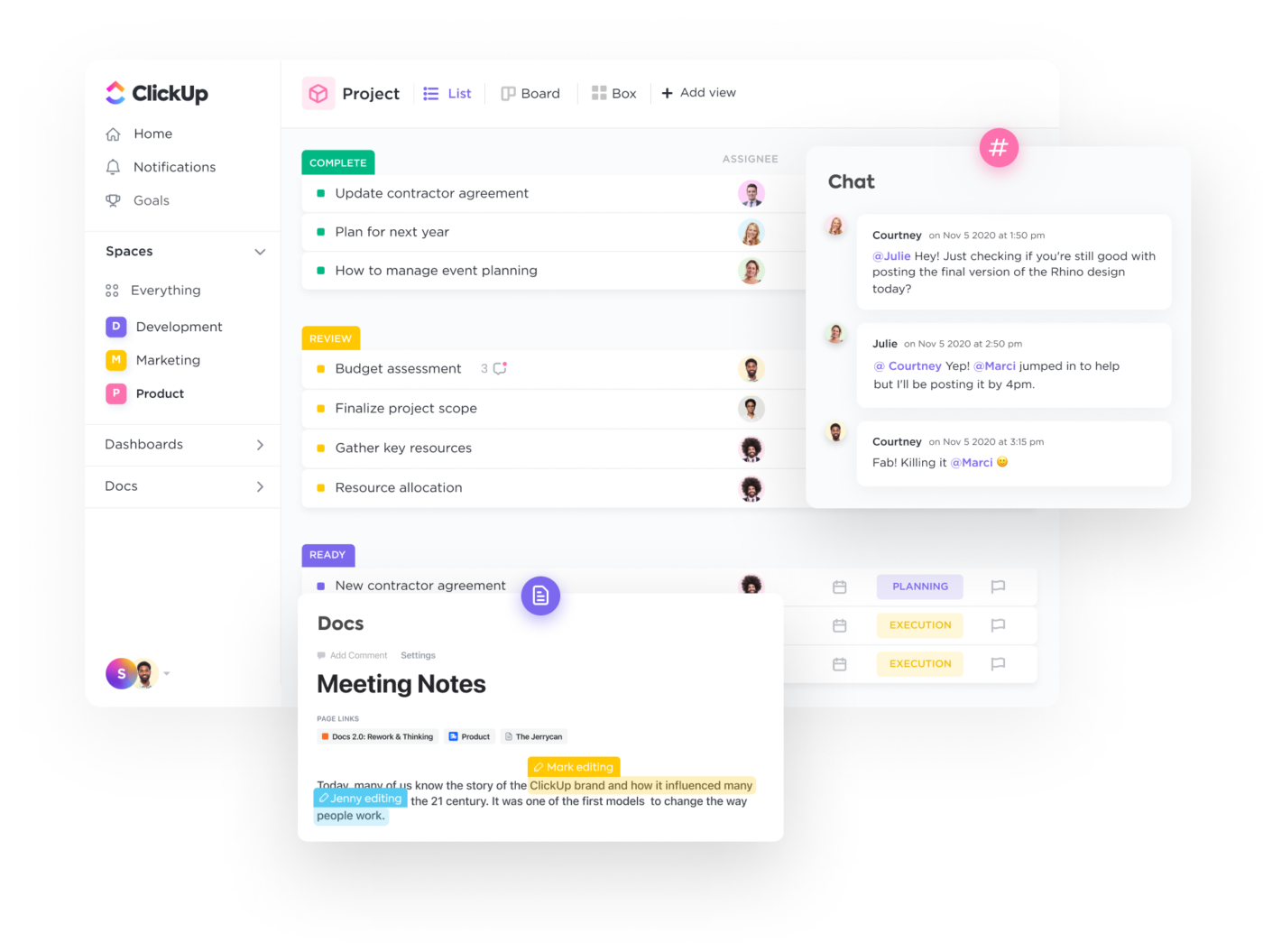
ClickUp is a feature-dense, all-in-one platform combining project management, docs, whiteboards, and goals, for teams willing to invest setup time in exchange for flexibility.
Strengths: 15+ view types (list, board, timeline, Gantt, mind map); built-in docs and whiteboards; granular permissions.
Limitations: Steep learning curve from the sheer breadth; creative asset management still relies on file attachments rather than a purpose-built library, so finding, versioning, and reusing approved work is unsolved.
G2 rating: 4.6 out of 5 at the time of writing.
Pricing: Free plan. Paid from $7/user/month.
2. Notion: best for combining project management with documentation
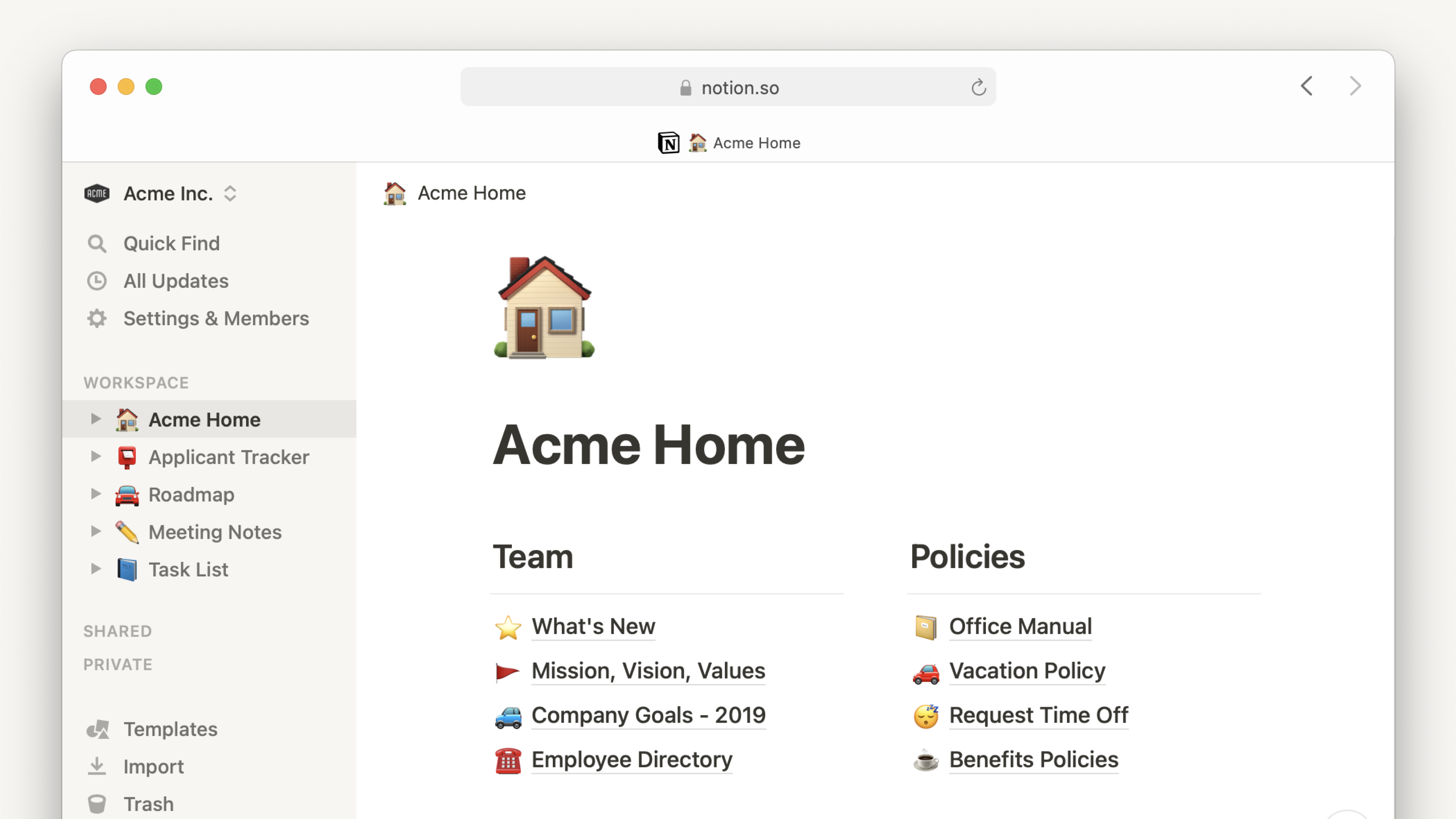
Notion blends databases, wikis, and lightweight project management into one flexible workspace, for teams that want tracking and knowledge management in a single tool.
Strengths: Customizable databases that double as trackers or content calendars; strong knowledge management; flexible templates.
Limitations: PM capabilities are less mature than dedicated tools; asset handling is minimal, with no visual previews, no version stacking, and no approval workflows on the files.
G2 rating: 4.6 out of 5 at the time of writing.
Pricing: Free for individuals. Paid from $10/user/month.
3. Monday.com: best for visual work management with strong automation
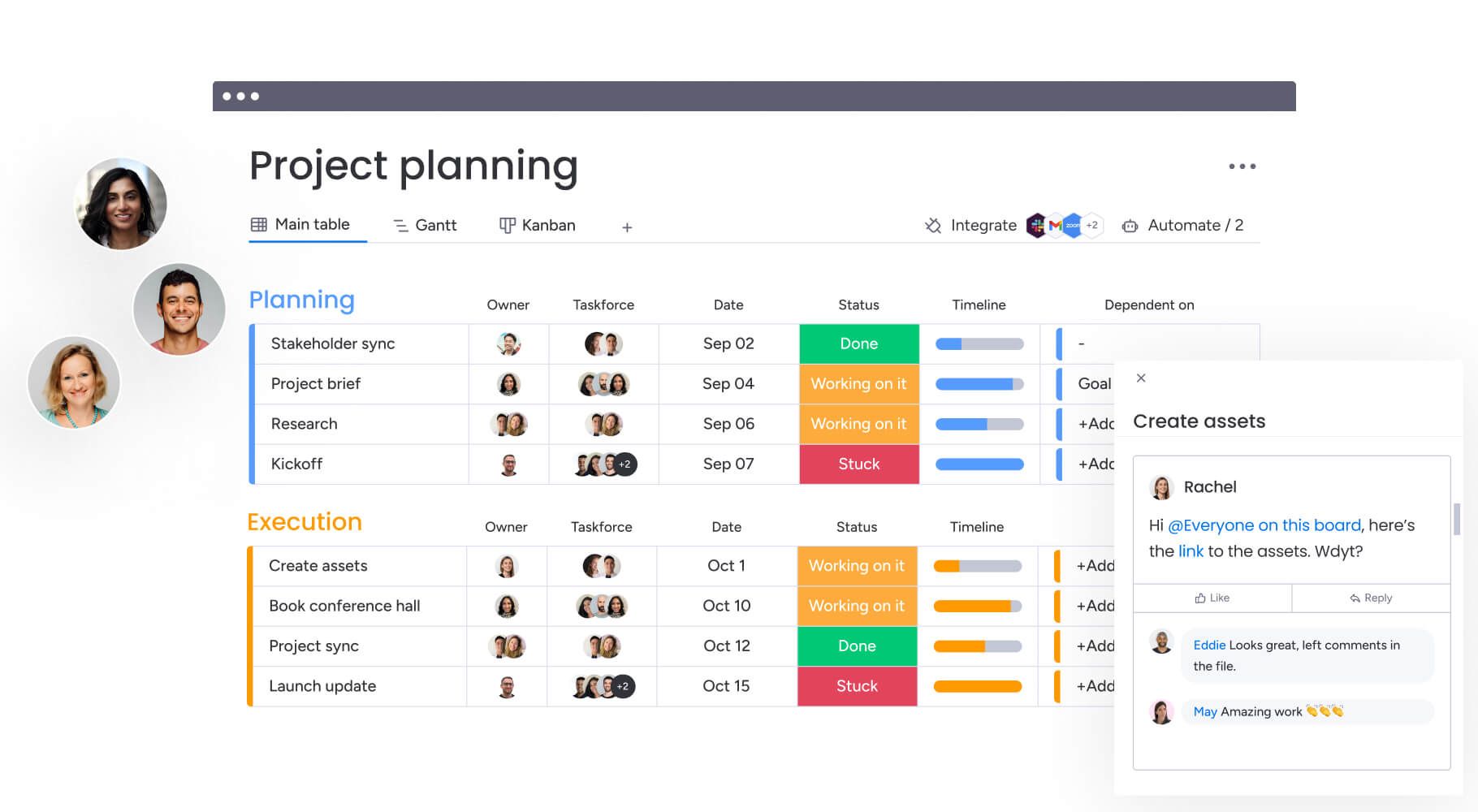
Monday.com is a visual-first work platform built around flexible board views and a powerful automation engine, for teams that want structured workflows with clear handoffs.
Strengths: Automation recipes for status changes and handoffs; flexible board views (Kanban, timeline, calendar, Gantt); large integration marketplace.
Limitations: File management is secondary to the workflow engine, so version control stays basic and creative review needs workarounds. The asset layer is its blind spot: which version of a file is approved is a question the platform cannot answer.
G2 rating: 4.7 out of 5 at the time of writing.
Pricing: Free for up to 2 seats. Paid from $9/seat/month.
4. Wrike: best for large teams and agencies with complex projects
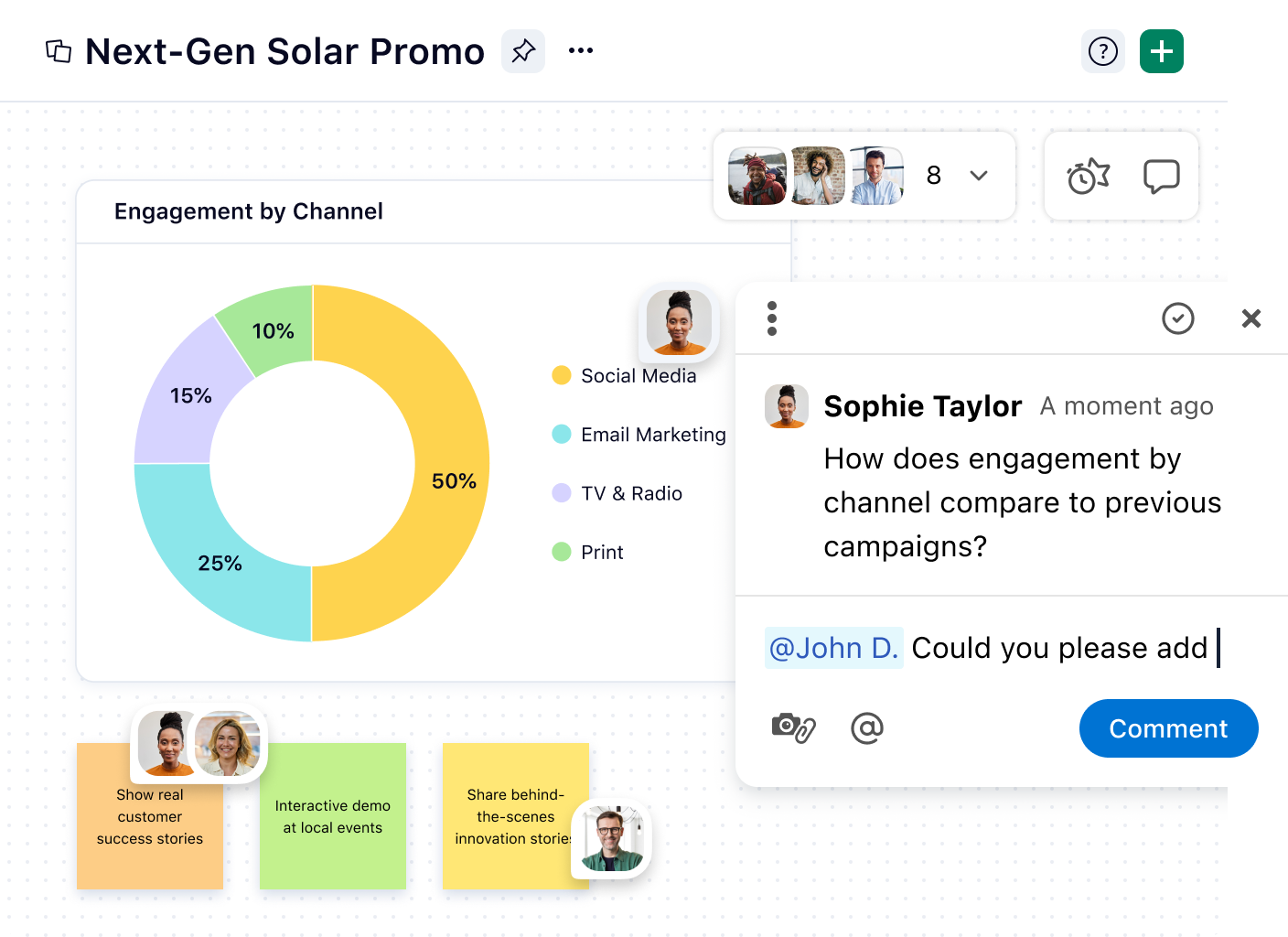
Wrike is enterprise-grade work management with resource planning, built-in proofing, and cross-functional tracking, notable among Asana alternatives for its native creative review.
Strengths: Built-in proofing for images and video; Gantt and workload management; request forms that standardize creative intake.
Limitations: Dense UI and higher pricing; proofing operates separately from a centralized asset library, so the approved asset does not automatically become the source of truth marketers can find and reuse.
G2 rating: 4.2 out of 5 at the time of writing.
Pricing: Free for basic tasks. Paid from $10/user/month.
5. Trello: best for small teams that want lightweight Kanban
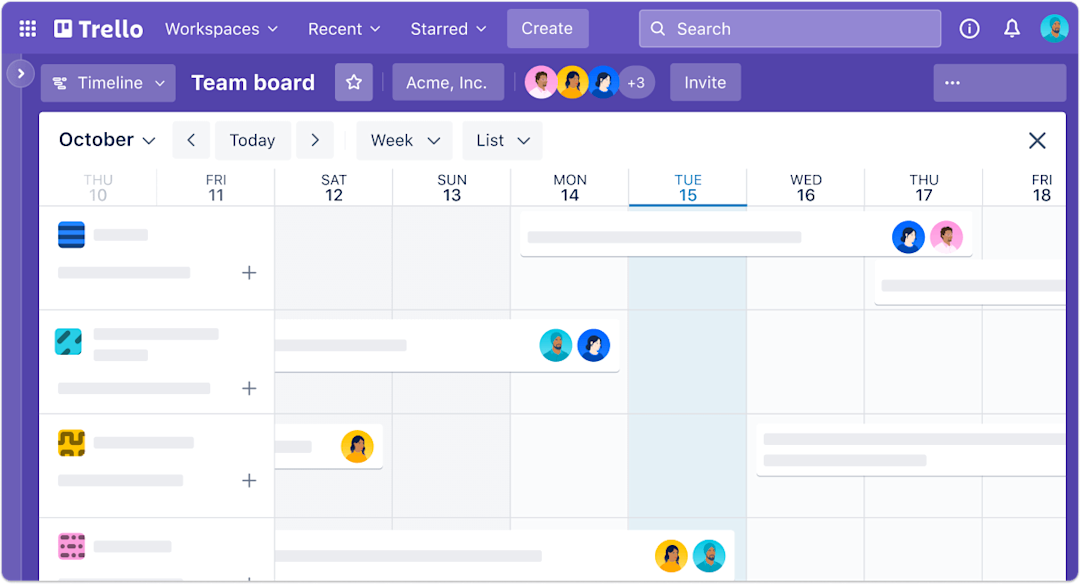
Trello is a Kanban-focused tool built for simplicity and speed, with a near-zero learning curve that makes it a popular free Asana alternative for small teams.
Strengths: Card-based Kanban with no configuration; Power-Ups for calendars and integrations; generous free tier.
Limitations: No native timeline or Gantt, limited reporting. For creative teams, the gap is asset handling: no version history, no visual preview, no approval workflows on the asset.
G2 rating: 4.4 out of 5 at the time of writing.
Pricing: Free tier. Paid from $5/user/month.
6. Basecamp: best for teams overwhelmed by PM complexity
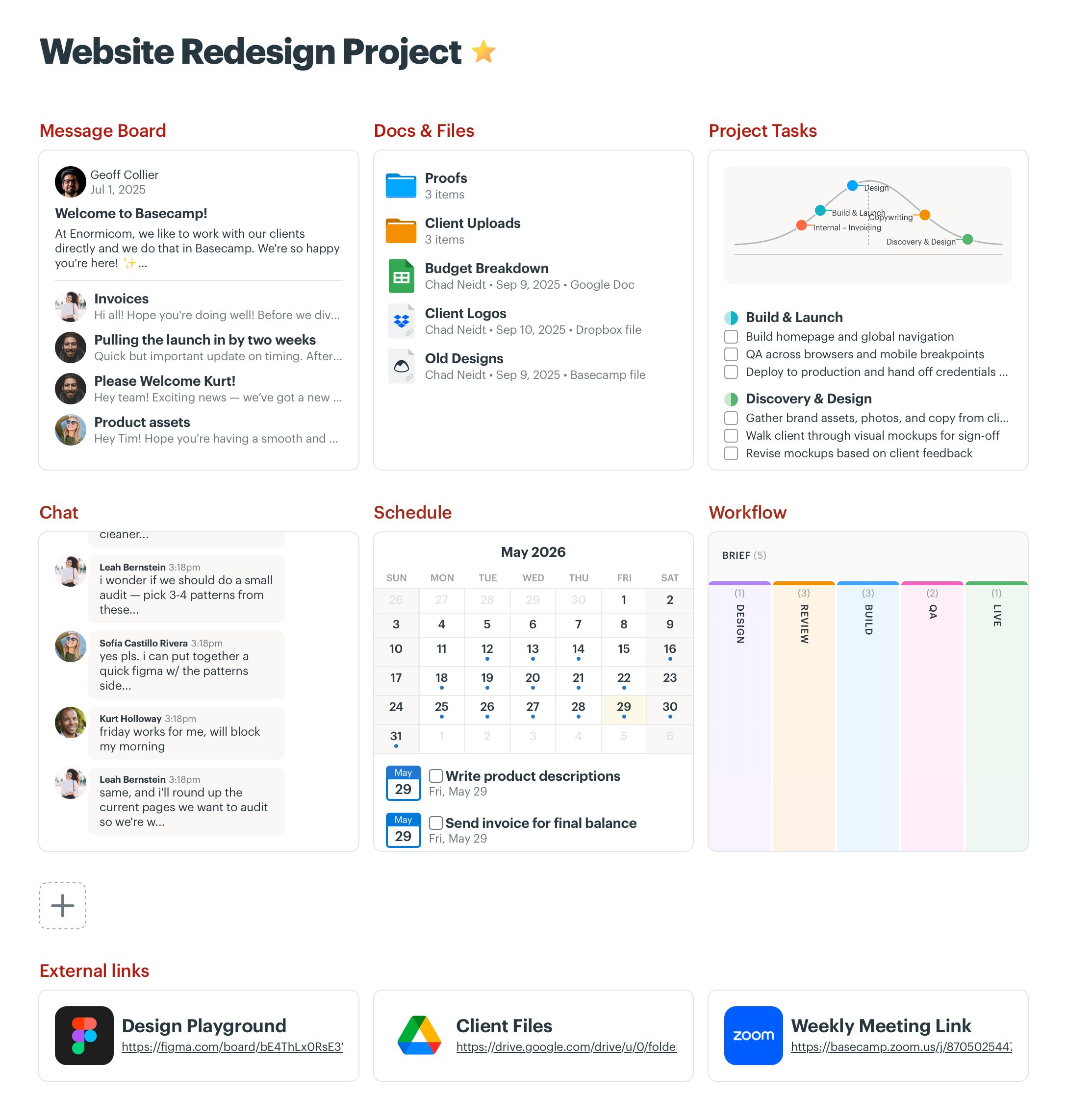
Basecamp is deliberately simple: message boards, to-dos, check-ins, file storage, and a schedule, on the philosophy that most PM tools add complexity teams do not need.
Strengths: Flat $299/month for unlimited users; built-in message boards and check-ins; limited feature set that gets teams productive on day one.
Limitations: No Kanban, no Gantt, minimal reporting. File management is basic upload-and-download with no version history or approvals. It solves communication overload, not the asset workflow.
G2 rating: 4.1 out of 5 at the time of writing.
Pricing: Free for personal use. Basecamp Pro $299/month flat for unlimited users.
7. Smartsheet: best for spreadsheet-native teams adding PM
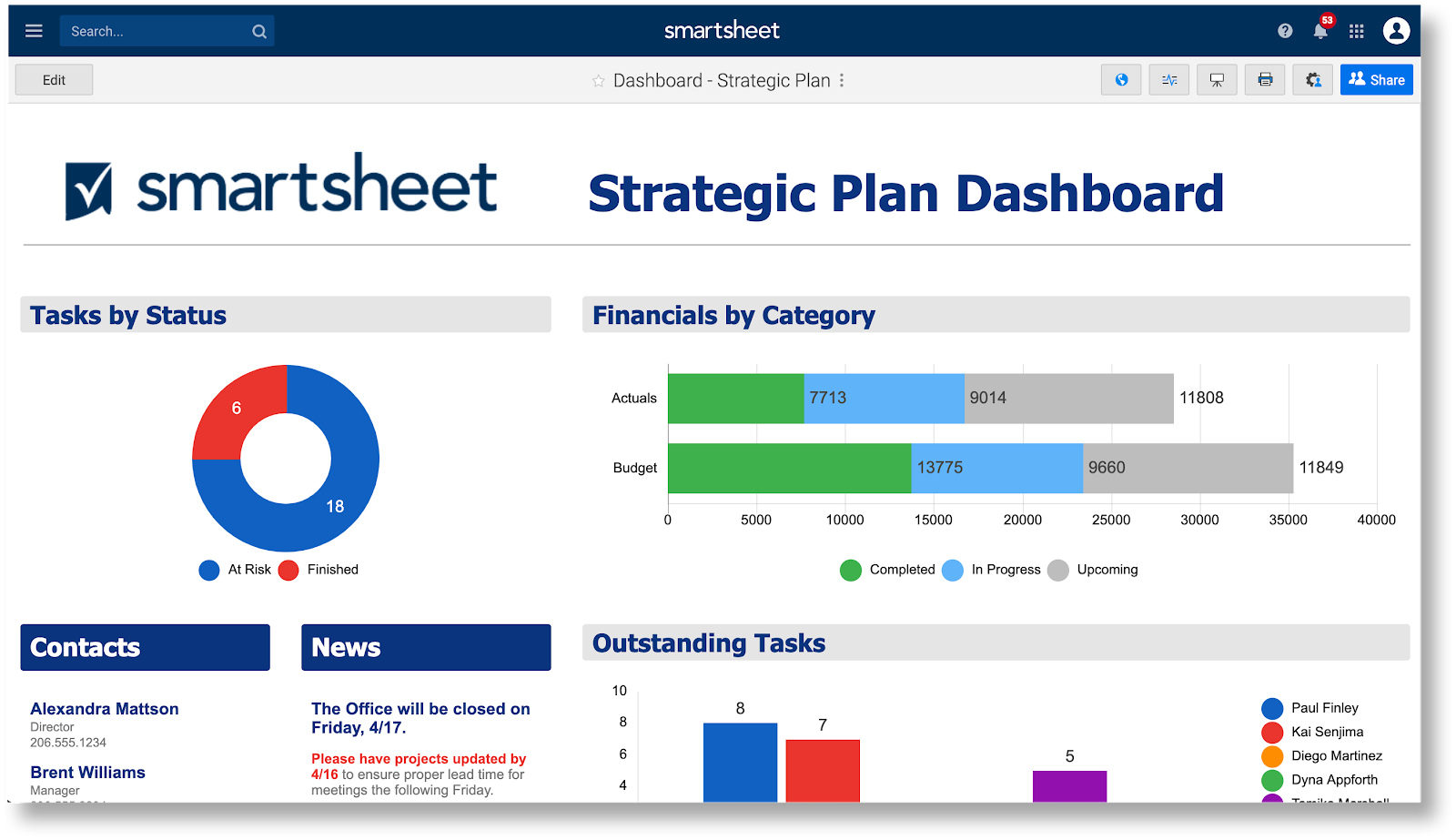
Smartsheet layers automation, dashboards, and reporting on a familiar grid, for teams migrating from Excel or Sheets that want PM without leaving the spreadsheet mental model.
Strengths: Grid interface familiar to spreadsheet users; strong reporting and dashboards; enterprise governance features.
Limitations: Visual content management is not the focus. No image previews or creative review tools, and the interface is built for data-heavy rather than visual work.
G2 rating: 4.4 out of 5 at the time of writing.
Pricing: Free for one user. Paid from $9/user/month.
The asset layer beneath your PM tool: Playbook
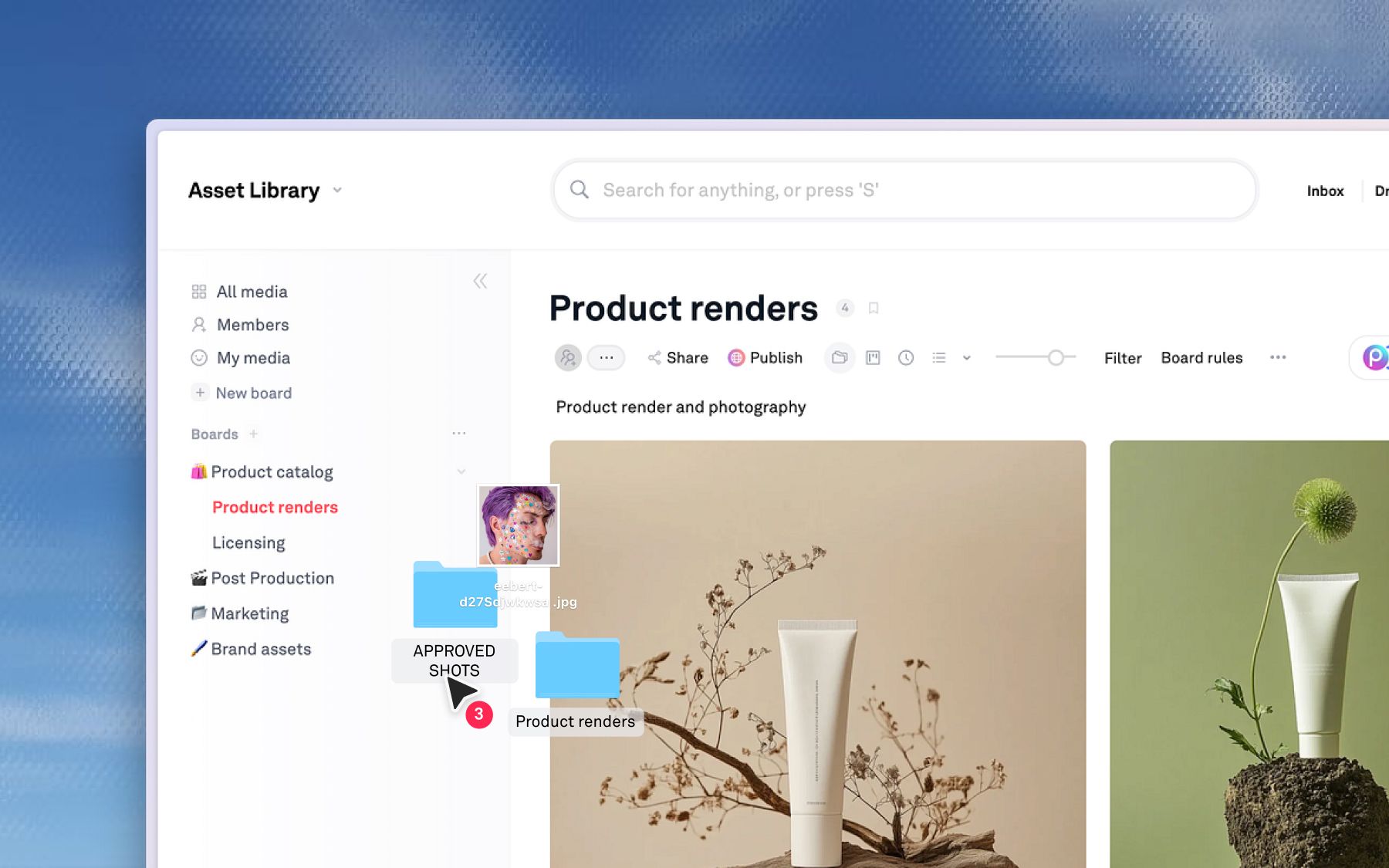
Every tool above solves the same problem Asana does: task coordination, who does what by when. For creative teams, the bottleneck often lives one layer deeper.
Closing a task in Asana says nothing about the file the task produced. That file still needs a version lineage, feedback pinned to its pixels rather than a card, an approval someone can audit later, and a route into every channel that wants it. No PM tool can supply any of that, because its unit of record is the task, and the asset is just an attachment along for the ride.
Playbook is built for that layer. It is not an Asana replacement, but the system of record for what happens to creative work after the task is done. Teams run it alongside Asana to organize, approve, and reuse assets at scale.
- Kanban views. Track assets from In Progress to Approved inside the same workspace where the files actually live, with status and priority as custom fields.
- Version stacking. Each iteration layers on the original, creating one unambiguous current version and ending file-name confusion.
- Review on the asset. Reviewers pin feedback to exact image coordinates or video timestamps, so comments stay attached to the work instead of scattering across email and task cards.
- Conversational AI search. Find assets by describing them in plain language rather than navigating folders or recalling file names.
- Publish and reuse. Turn one approved asset into branded pages and share links for every channel, with unlimited guests so stakeholders never need a paid seat.
Block Renovation, a home-renovation marketplace with a 30-plus person team and 250,000-plus assets, felt this precisely. Molly, the only creative on staff, was the go-to person every time sales, marketing, product, or engineering needed a photo, and Google Drive's nested folders made her a full-time search engine for the rest of the company. In Playbook, anyone can search "blue tile" and pull the right photos without her, so she spends her time producing instead of fielding requests. No PM tool closes that gap, because the gap is in the assets, not the tasks. Read the Block Renovation story, or see how creative agencies run asset workflows alongside their PM stack.
Limitations: Playbook is not a project manager. It has Kanban for asset status, but it does not manage tasks, deadlines, or dependencies. Keep Asana for that. Playbook connects through desktop sync and the API and SDK.
Pricing: Free (100GB, up to 300 assets), Pro $12/member, Team $25/member, Business $400/mo flat with unlimited members.
Schedule a demo to see it against your own library.
New PM tool, or a creative asset workflow?
If your frustration is Asana's interface, pricing, or integrations, the seven alternatives above give you real options.
But if the pain looks more like version confusion, approvals living on task cards rather than on the file, or marketers depending on designers to find the right asset, the problem is not your PM tool. It is the absence of a system for the creative assets your PM tool coordinates.
Run one test before migrating anything: ask three people for the current approved version of last month's hero asset and time them. Under a minute, and your problem really is project management, so shop the list above. Over ten, and you are about to churn through a seventh PM tool for a gap none of them was built to close.
Schedule a demo to see how Playbook fits alongside your PM tool.
Asana alternatives FAQs
What is the best free alternative to Asana?
Trello free covers lightweight Kanban well, and ClickUp free packs the most functionality of any no-cost PM tier. If the actual gap is asset chaos rather than task tracking, Playbook's free plan, with 100GB, 300 assets, and unlimited guests, addresses the layer the PM tools skip.
Can I use a creative asset platform alongside Asana instead of replacing it?
Yes, and it is the intended pattern. Asana owns schedules and ownership; Playbook owns the files those schedules produce, with their versions, approvals, and distribution. The two barely overlap, so nothing forces a choice.
What makes Playbook different from PM tools like Asana or Monday?
A different object model. A PM tool's database is made of tasks; Playbook's is made of assets. Every file carries its own version stack, approval trail, and AI-readable content, which is why questions like "which one is approved" get answers instead of Slack threads.
Is Playbook a project management tool?
No. Playbook is a creative operations and asset platform. It includes Kanban views for tracking asset status, but its core job is organizing, approving, and reusing creative assets, not managing tasks and deadlines.
How does Playbook handle approvals differently than a PM tool?
In a PM tool, approval happens on a task card, so the feedback, the file, and the status live in different places. In Playbook, approval happens on the asset itself: reviewers annotate directly on images and video, version history is automatic, and approval status is attached to the file. There is never ambiguity about what is current.