
The best Canva alternative depends on which job Canva is failing at, and for most teams it is not the design job. The editor is fine. What Canva never claimed to do is govern its own output: mark which export is approved, keep feedback welded to the version it describes, or stop last month's graphic from going live tonight.
So this list splits in two. Seven genuine design editors first, each sorted by what it does better than Canva. Then the governance layer, for teams whose real problem begins the moment a design leaves the editor.
Table of contents
- Seven design tools you can use instead of Canva
- The operational layer after design
- When Canva is still right
- FAQs
1. Adobe Express: best for teams in the Adobe ecosystem
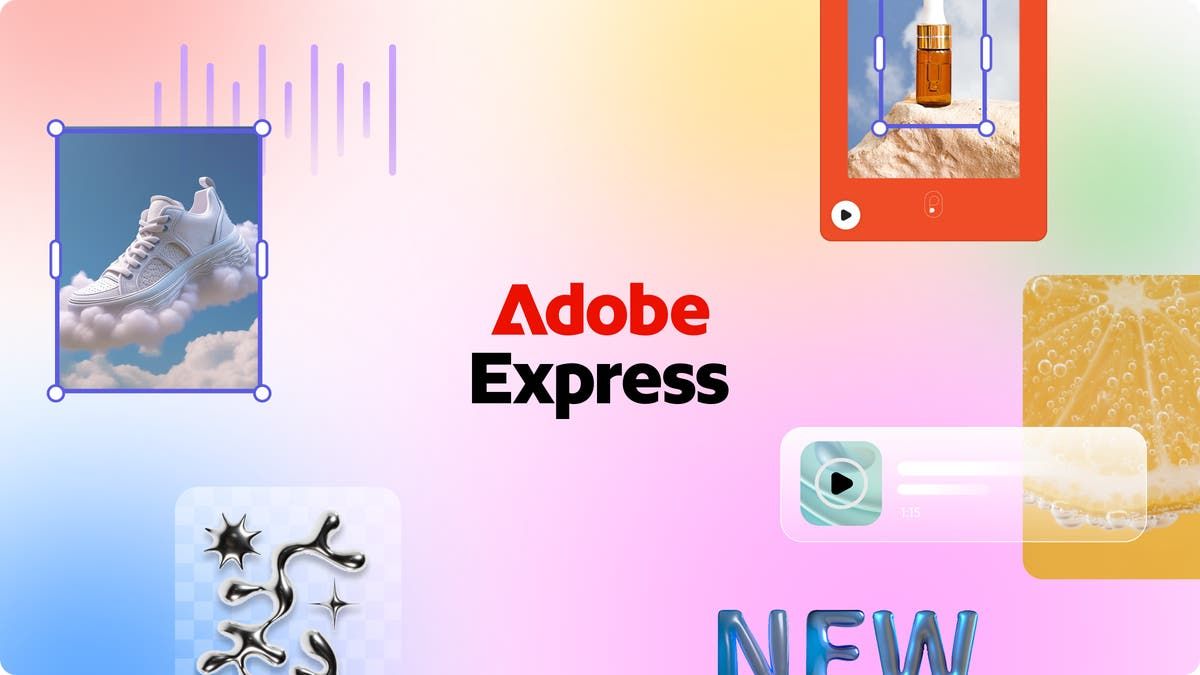
Adobe Express is Adobe's lightweight, template-driven tool, connected to Creative Cloud assets, Adobe Stock, and Adobe Fonts, with Firefly AI built in. A natural fit for teams already paying for the Adobe suite.
Strengths: Deep Creative Cloud integration; Firefly generative AI in-editor; strong template library; consistent design language across Adobe.
Limitations: Free tier more limited than Canva's; steeper for non-Adobe users; thinner collaboration out of the box.
G2 rating: 4.5 out of 5 at the time of writing.
Pricing: Free for individuals. Premium $9.99/mo, Teams $4.99/mo per seat, Enterprise on request.
2. Visme: best for data-driven visuals and presentations
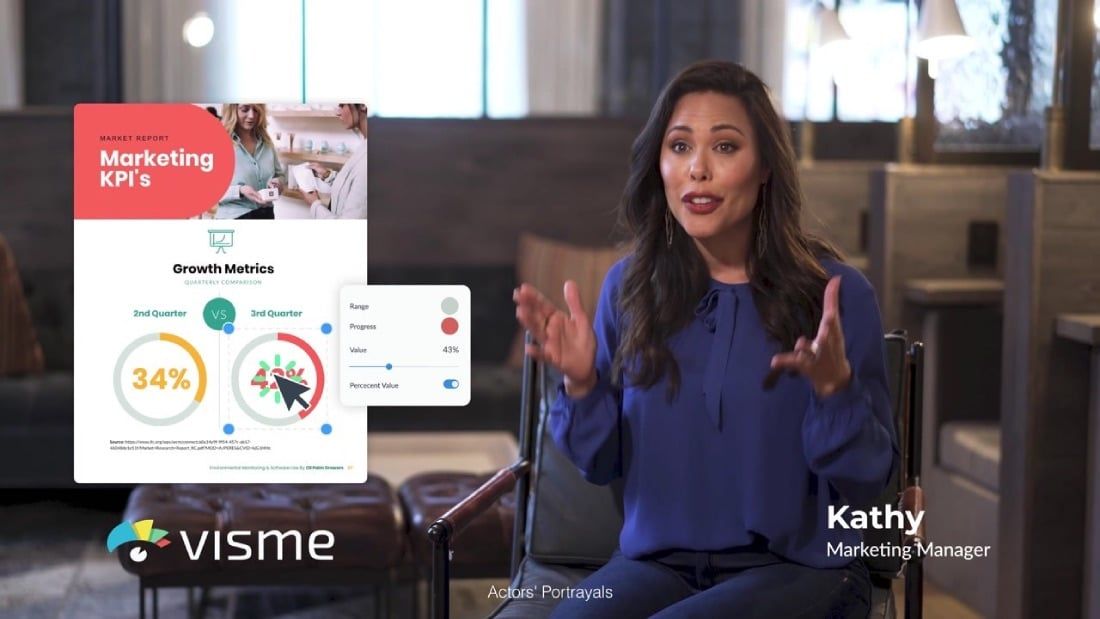
Visme focuses on presentations, infographics, reports, and interactive content, going beyond static design into data visualization. A strong option for teams that spend more time on decks than social posts.
Strengths: Strong data visualization with live charts; interactive content; presentation depth beyond static slides; brand kit for reports.
Limitations: Weaker for social and general brand collateral; smaller template library for standard marketing assets.
G2 rating: 4.5 out of 5 at the time of writing.
Pricing: Free Basic. Starter from $12.25/mo per seat, Pro $24.75/mo, Enterprise from 10 seats.
3. Figma: best for product and UI design teams
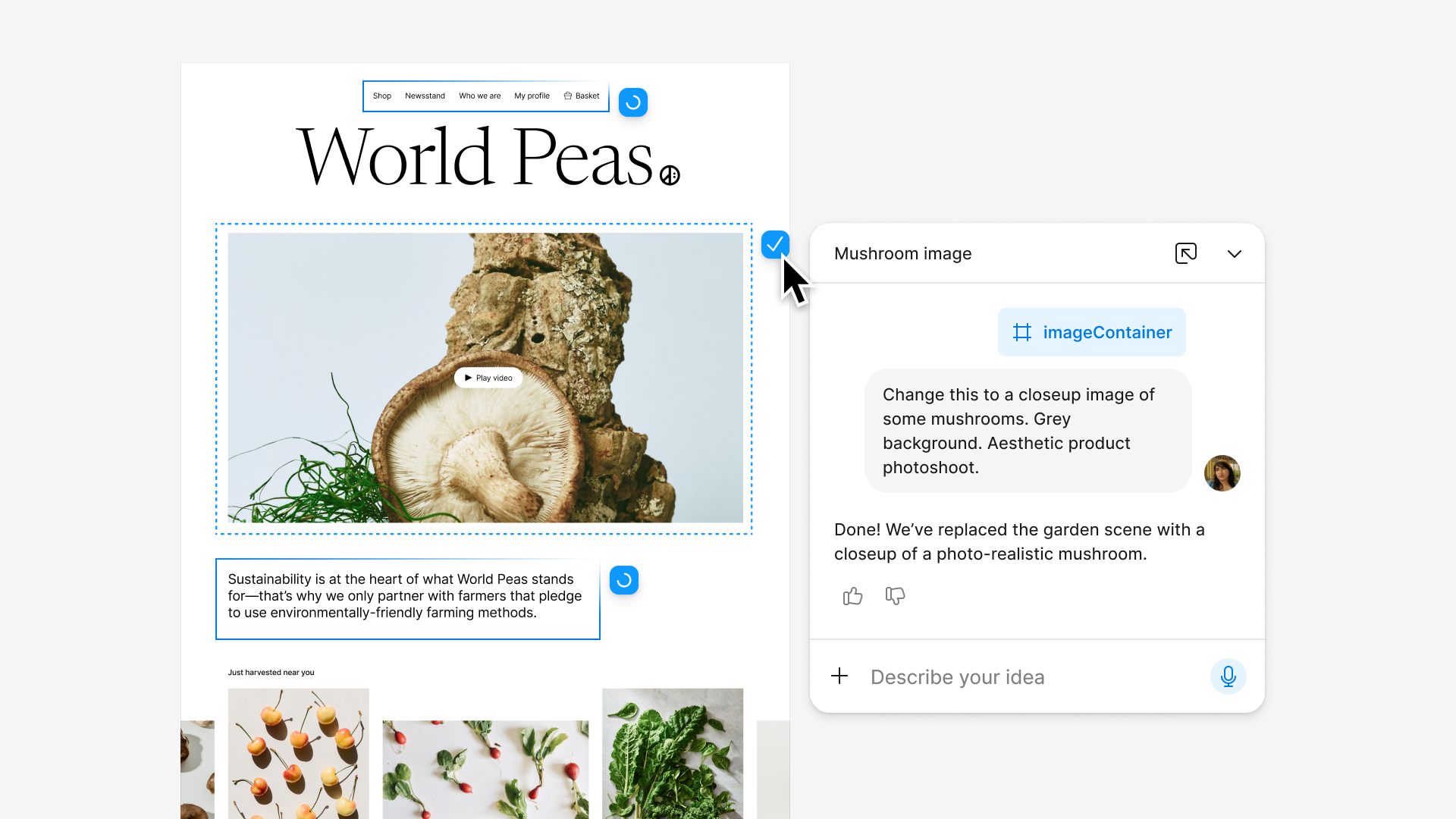
Figma is a browser-based tool built for collaborative UI and product design, with real-time multiplayer editing, component-based design systems, and prototyping. It is the clear pick for interface work, less so for marketing collateral.
Strengths: Unmatched for interface and product design; component systems with shared libraries; real-time multiplayer and prototyping; large plugin ecosystem.
Limitations: Not built for marketing or social production; limited non-UI templates; steeper learning curve for campaign graphics.
G2 rating: 4.7 out of 5 at the time of writing.
Pricing: Free Starter. Paid from $3/mo for Collab seats up to $90/mo for Enterprise.
4. Kittl: best for brand-heavy visual identity work

Kittl serves the corner of brand work that template tools flatten: type you can genuinely kern, path text, vector logo craft, and print output clean enough to send to a packaging run.
Strengths: Superior typography with detailed kerning and path text; strong logo and illustration tools; AI design generation; print-quality output.
Limitations: Narrow focus, not general-purpose; not built for social graphics at scale; can feel restrictive for rapid campaign production.
G2 rating: 4.8 out of 5 at the time of writing.
Pricing: Free plan. Pro from $12/mo per seat, Expert $26/mo, Max $48/mo.
5. Piktochart: best for internal comms and data visualization
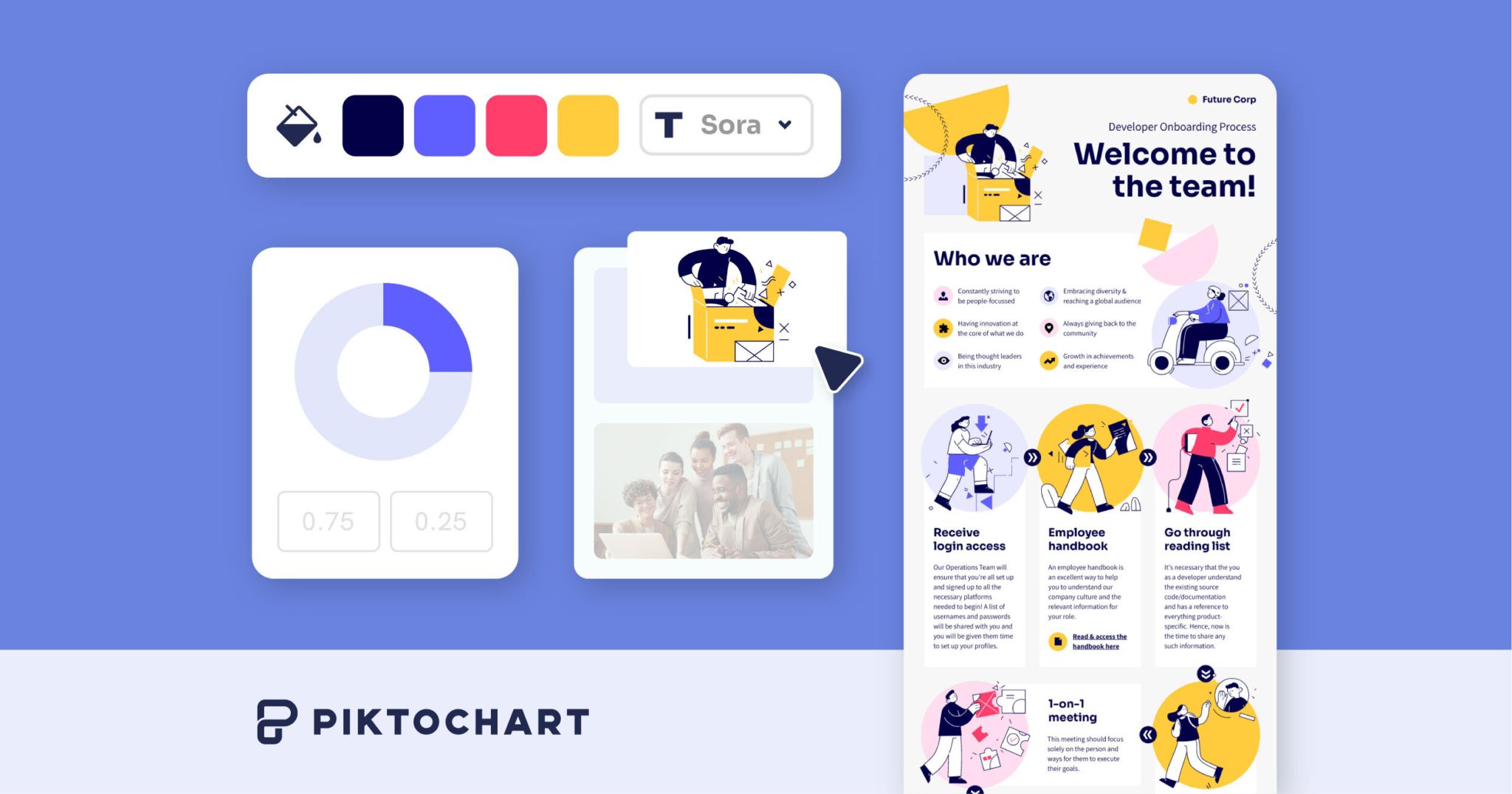
Piktochart is purpose-built for infographics and reports, turning spreadsheet data into visual stories for internal stakeholders, HR updates, and operational reporting.
Strengths: Purpose-built infographic editor with spreadsheet import; clean output for internal decks; simple drag-and-drop.
Limitations: Narrow scope; not general-purpose; limited for social or brand collateral.
G2 rating: 4.4 out of 5 at the time of writing.
Pricing: Free plan. Pro from $10/mo per seat, Business $17/mo, Enterprise custom.
6. Snappa: best for solo marketers who want speed
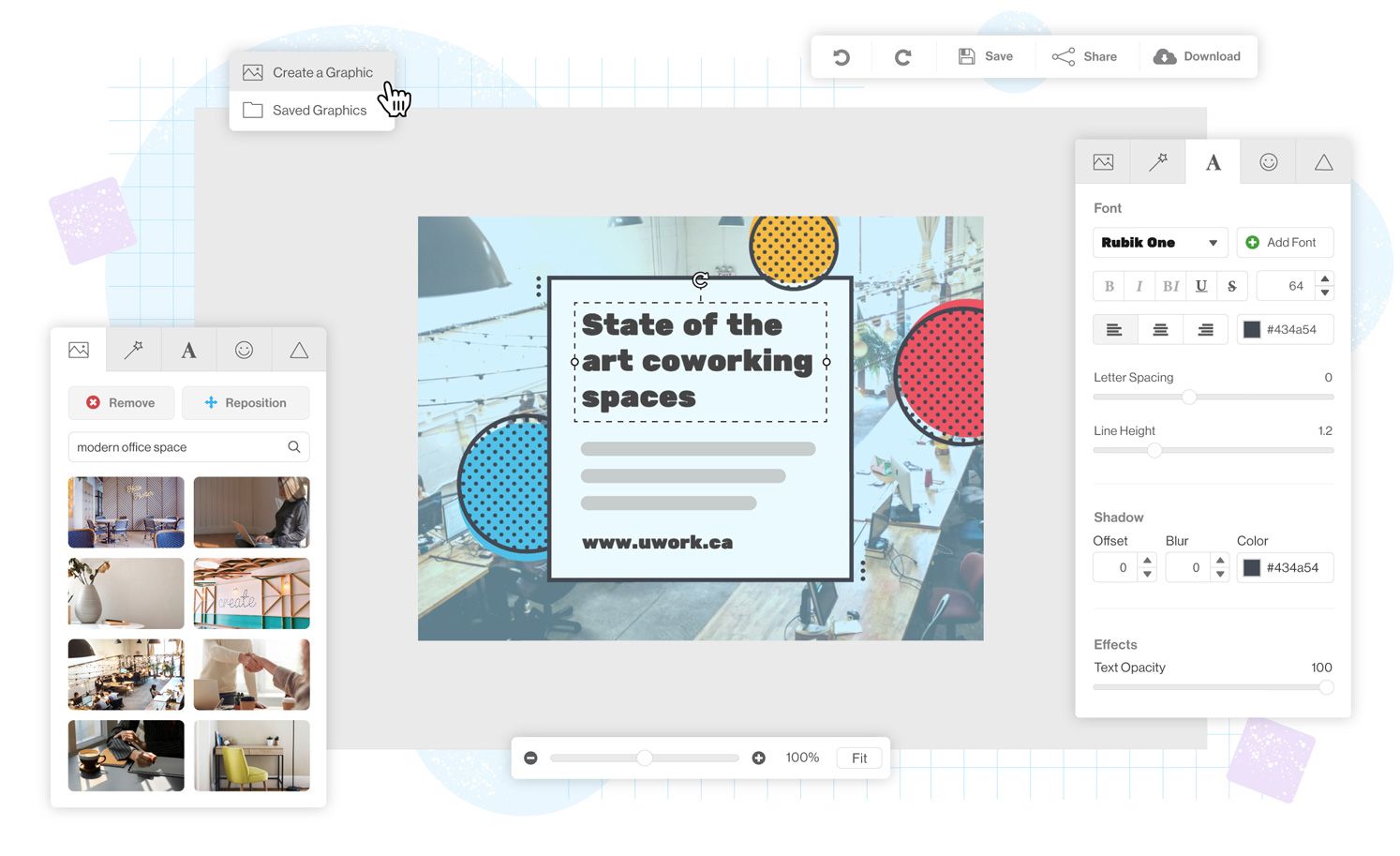
Snappa is a stripped-down tool built for speed: pre-sized templates, drag-and-drop, minimal setup. You can produce social graphics and blog headers in minutes with no design experience.
Strengths: Very fast for social graphics and headers; pre-sized templates for every platform; minimal learning curve.
Limitations: Limited customization; no collaboration or approval workflows; solo-user model bottlenecks past a person or two.
G2 rating: 4.6 out of 5 at the time of writing.
Pricing: Free Starter. Pro $10/mo (1 user), Team $20/mo (up to 5 users).
7. VistaCreate: best for social media managers on a budget
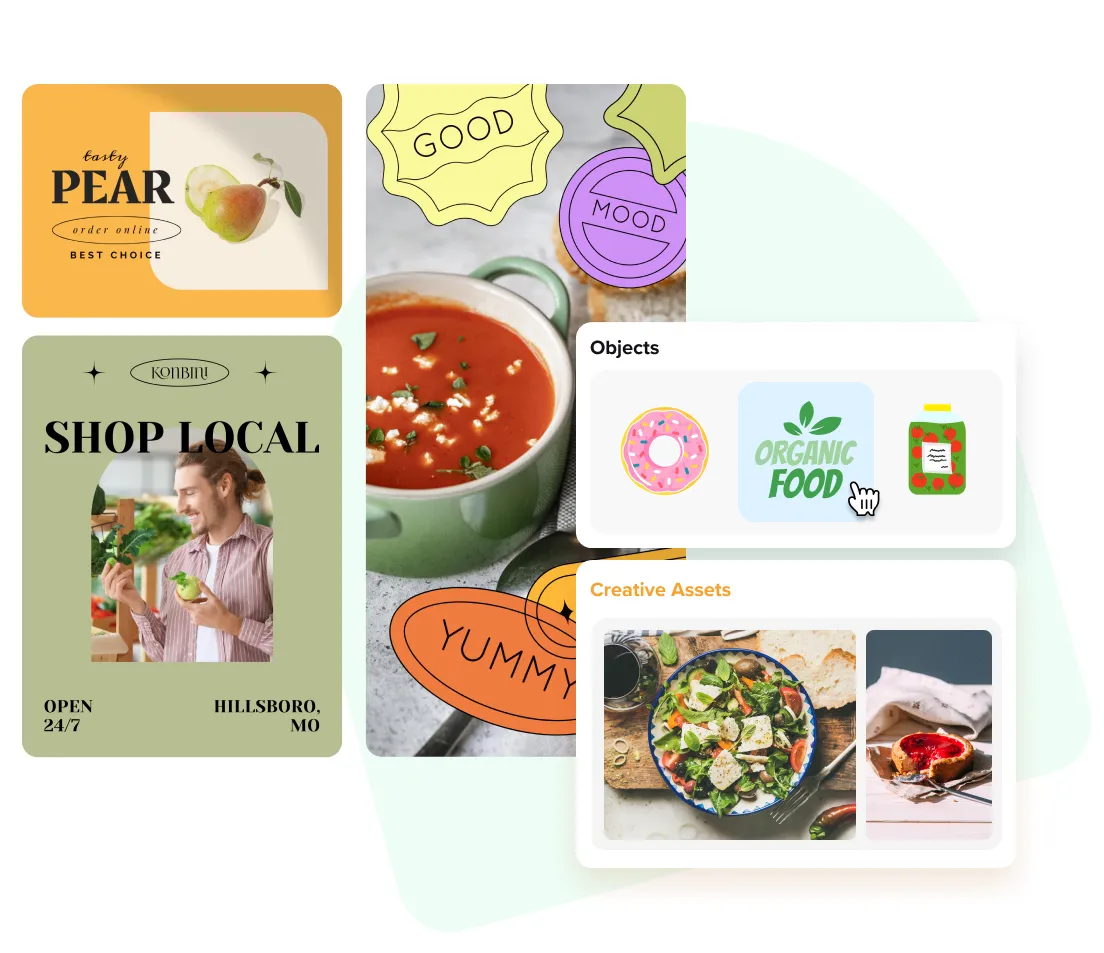
VistaCreate (formerly Crello) is template-driven with a large library of static and animated templates. Its drag-and-drop editor is immediately familiar to Canva users, and its free tier is among the most generous here.
Strengths: Generous free tier; strong animated and video templates; intuitive Canva-like editor.
Limitations: Fewer integrations than Canva; limited brand management; basic AI and collaboration.
G2 rating: 4.5 out of 5 at the time of writing.
Pricing: Free Starter. Pro $10/mo for up to 10 seats.
The operational layer after design: Playbook
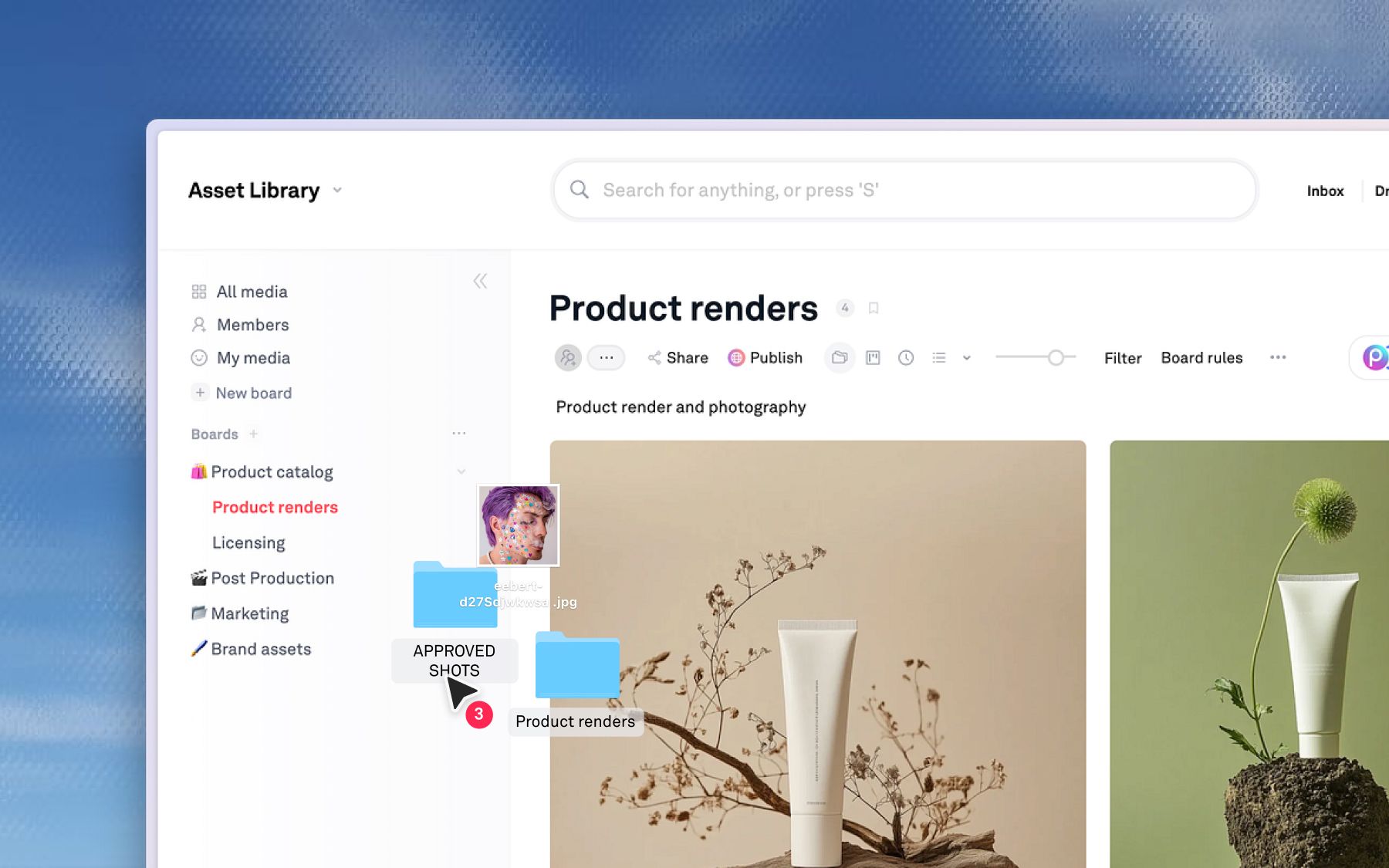
Playbook is not a design tool, and this is the section where that stops being a limitation. Making the graphic was never the expensive part. The expensive part is everything after: whether it gets approved with a record, whether anyone can find it in a quarter, and whether it gets reused or expensively remade.
That afterward is Playbook's entire job. The editors above produce version one. Playbook is what keeps version one earning: approved with an audit trail, findable by anyone who needs it, and reusable without a ticket to the design team.
- Version stacking. Every iteration stacks on the original with full history, so the team works from one clean record instead of hunting for banner_final_v3.
- Review and approval. Feedback lives on the asset. Pin comments to image coordinates or timestamp them on video, with approval status tracked explicitly rather than buried in email.
- Conversational AI search. Search by describing what you need ("product shot on blue background from the spring campaign") instead of remembering a file name. Auto-tagging makes every asset findable from upload.
- Access-controlled libraries. Partition content by brand, region, or department so each team sees only the approved assets relevant to it.
- Publish and reuse. Turn one approved design into branded pages and share links for every channel, with unlimited guests so reviewers never need a paid seat.
SuperMush, the functional-mushroom brand running 15 to 20 campaigns a month across TikTok, email, paid ads, and affiliates, learned this the hard way. When it switched packaging from tubes to resealable bags, ads with the old product were still in rotation, and with no tags, filters, or version control across 2,000-plus assets, the team had to sort through years of content by hand to find what matched the new branding. Campaigns stalled. After moving to Playbook, creative requests that used to take hours of searching became simple link shares. That packaging-refresh failure is exactly what a governance layer between creation and distribution prevents. Read the SuperMush story, or see how consumer brands keep every channel consistent.
Limitations: Playbook is not a from-scratch design tool. Canva, Adobe Express, and VistaCreate are stronger there. Playbook manages what comes after design, and connects to the rest of your stack through desktop sync and the API and SDK.
Pricing: Free (100GB, up to 300 assets), Pro $12/member, Team $25/member, Business $400/mo flat with unlimited members.
Schedule a demo to see it against your own library.
When Canva is still right (and when it is not)
Canva is a good design tool, and for many teams it is still the right one.
Stay on Canva if the team is one or two people, the output is social graphics and light collateral, nobody has ever had to ask which version is approved, and free covers the budget.
You have outgrown it when creators multiply and their exports scatter, when "final" describes several files at once, when one design has to become a dozen channel variants, and when off-brand work keeps shipping because nothing stands between the editor and the feed.
For teams producing creative at volume, a design tool alone rarely covers the full workflow. That gap is where a creative operations platform and digital asset management come in.
Schedule a demo to see the layer after design.
Canva alternatives FAQs
What is the difference between a design tool and a creative operations platform?
A design tool starts from a blank canvas and produces new work. A creative operations platform like Playbook governs work that exists: one record per asset, versions stacked on it, approvals attached to it, distribution running from it. The first makes; the second keeps and multiplies.
Do you have to stop using Canva to use Playbook?
No. Teams use Canva to create and Playbook as the system of record for organizing, approving, and scaling what gets made. Desktop sync and the API keep files moving between your tools.
What are the best free Canva alternatives?
Kittl, Snappa, VistaCreate, Visme, and Piktochart all have free plans. The best one depends on your use case: Kittl for brand identity, Snappa for speed, VistaCreate for animated content, Visme or Piktochart for data. Playbook also has a free plan with 100GB and unlimited guests for the operational layer.
Which Canva alternative is best for large teams?
For design at scale, Adobe Express and Figma have strong team features. For the operational layer large teams need to organize, approve, and multiply creative work, Playbook is built for teams of every size with unlimited guests on every plan.
How does Playbook handle version control?
Playbook uses version stacking. Every iteration stacks on the original, so the team works from one clean record with full history instead of duplicating files across folders, and side-by-side comparison makes the current approved version obvious.