
A Monday.com board can be immaculate, green statuses, named owners, locked dates, while the campaign underneath it quietly burns. Superseded exports keep circulating because nothing marks them dead. Client sign-off exists in one person's memory. Four files all claim to be final, and the board has no opinion about which one is telling the truth.
That split, tidy tasks sitting on top of untracked assets, defines what to shop for. Teams whose pain is genuinely about work management have seven strong Monday.com alternatives below. Teams whose pain lives in the files themselves need the eighth thing, which is not a PM tool at all.
Table of contents
- Seven project management tools you can use instead of Monday
- The asset layer PM tools cannot reach
- Is it your PM tool, or the layer underneath?
- FAQs
1. ClickUp: best for teams that want maximum customization
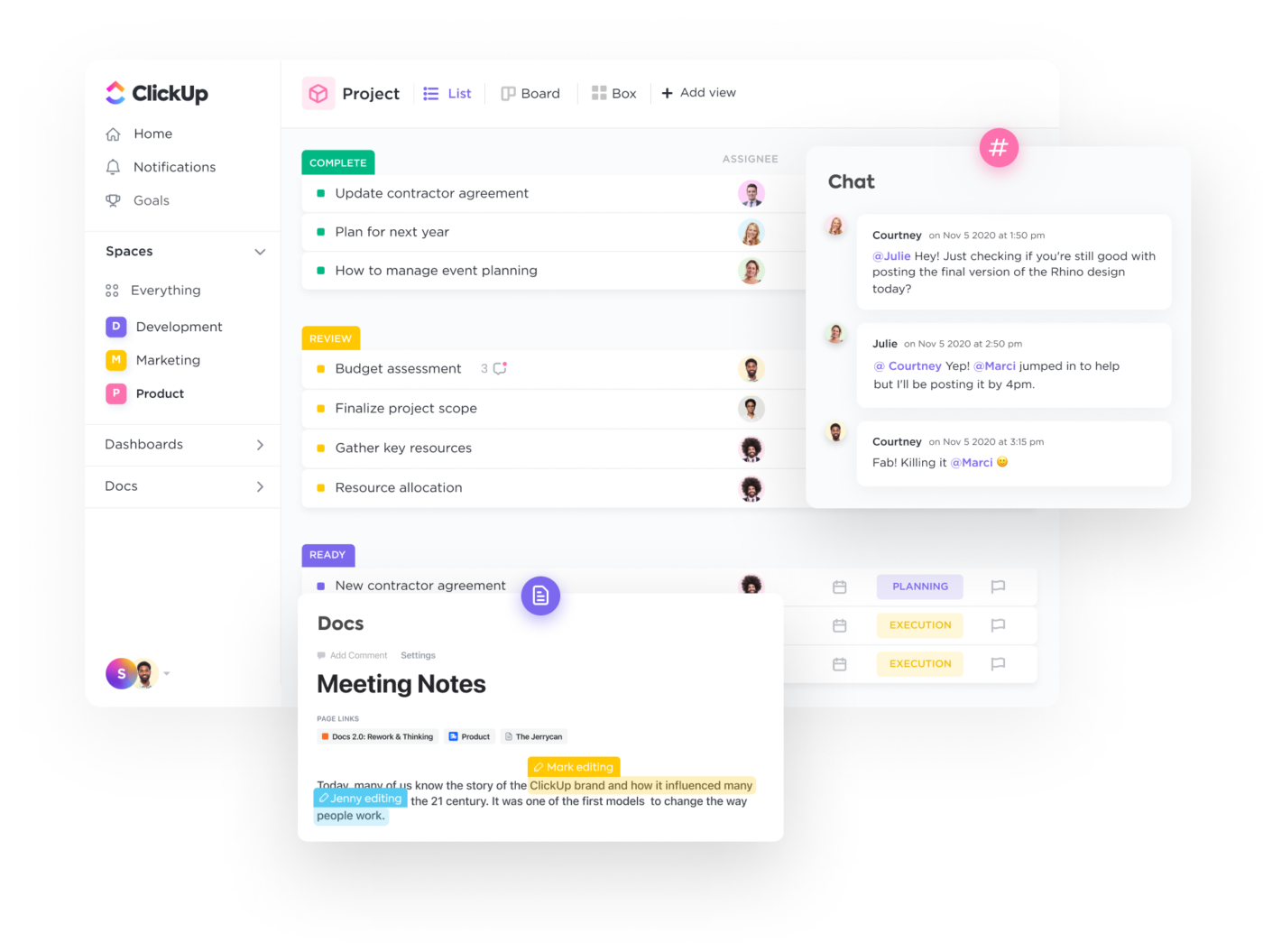
ClickUp bundles docs, whiteboards, goals, time tracking, and 15+ views into one platform, for teams that want to consolidate tools and configure everything in one place.
Strengths: 15+ view types; native docs and wikis alongside tasks; competitive free plan with most features.
Limitations: Steep learning curve and slower performance on large workspaces. Asset management is still basic file attachments with no version stacking, visual feedback, or approvals on the asset.
G2 rating: 4.7 out of 5 at the time of writing.
Pricing: Free tier. Paid from $7/user/month.
2. Wrike: best for enterprise work management
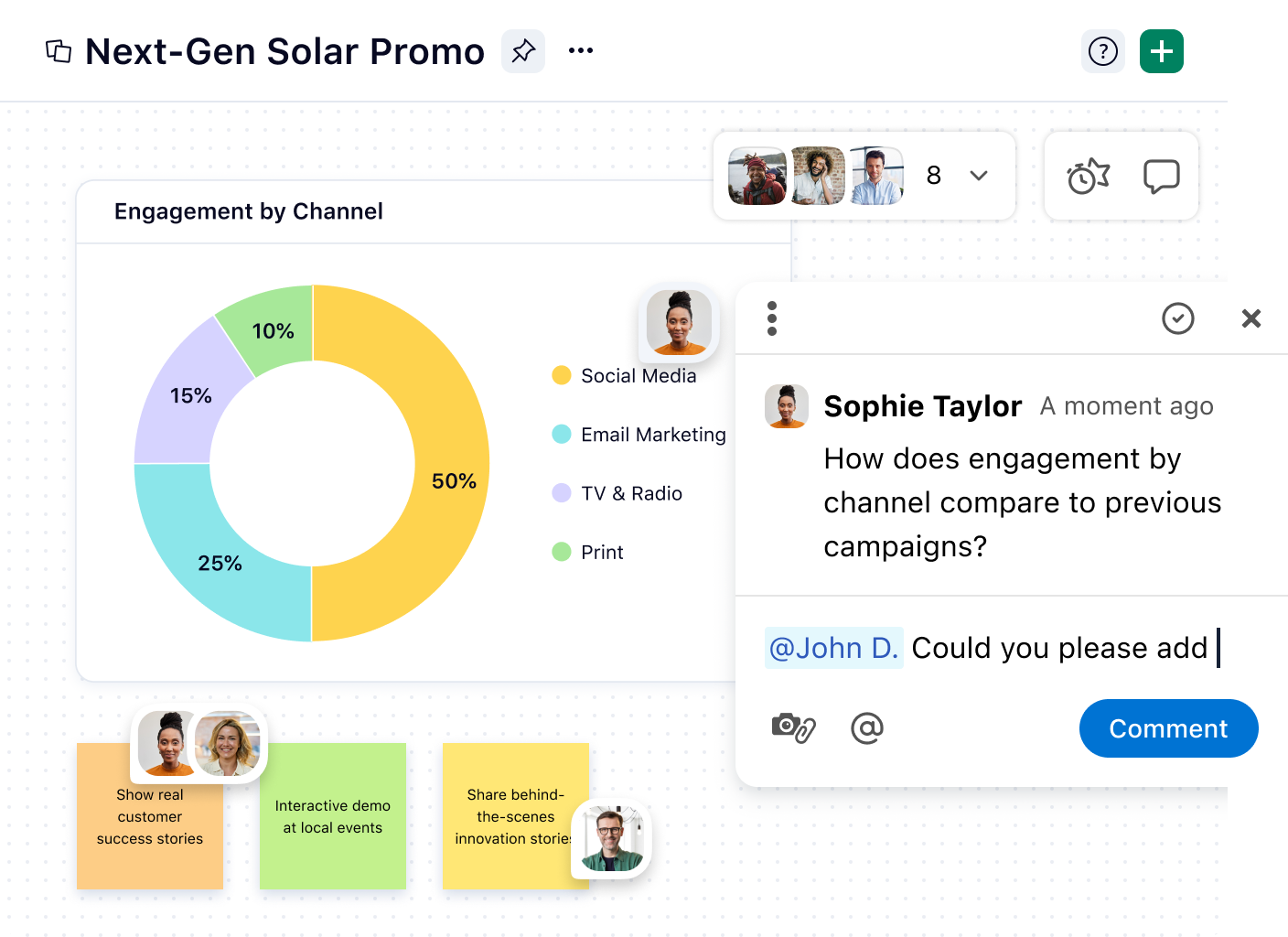
Wrike is enterprise-grade work management with built-in proofing, resource allocation, and cross-functional planning, one of the few PM tools that attempts creative review natively.
Strengths: Built-in proofing and markup inside the platform; Gantt and workload views; strong permissions for agencies with multiple clients.
Limitations: Interface can overwhelm smaller teams and pricing scales fast. Proofing addresses part of review but is not a full asset system: no version stacking, no AI search, no channel adaptation.
G2 rating: 4.2 out of 5 at the time of writing.
Pricing: Free tier. Paid from $10/user/month.
3. Asana: best for structured project management
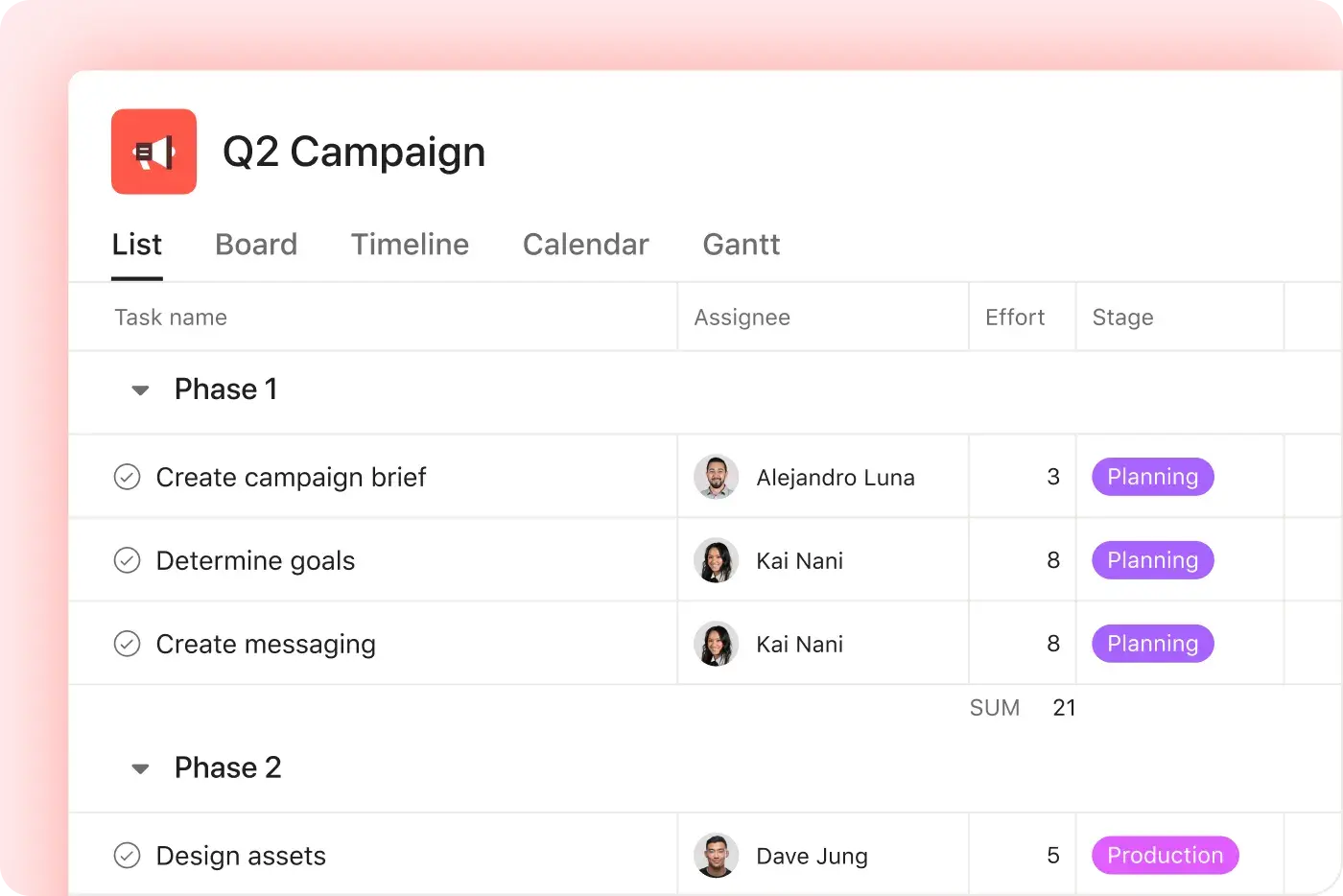
Asana is a rules-based platform built around automation and portfolio management, for teams that want structured work across departments with clear handoffs and reporting.
Strengths: Workflow builder that automates handoffs; portfolio-level reporting across projects; multiple views (list, board, timeline, calendar).
Limitations: Files are attachments on tasks with no version control and no approval tied to the asset. If your bottleneck is finding the right version rather than tracking the task, Asana solves the wrong half. Free tier caps at 10 users.
G2 rating: 4.4 out of 5 at the time of writing.
Pricing: Free tier. Paid from $10.99/user/month.
4. Teamwork: best for agencies and client services
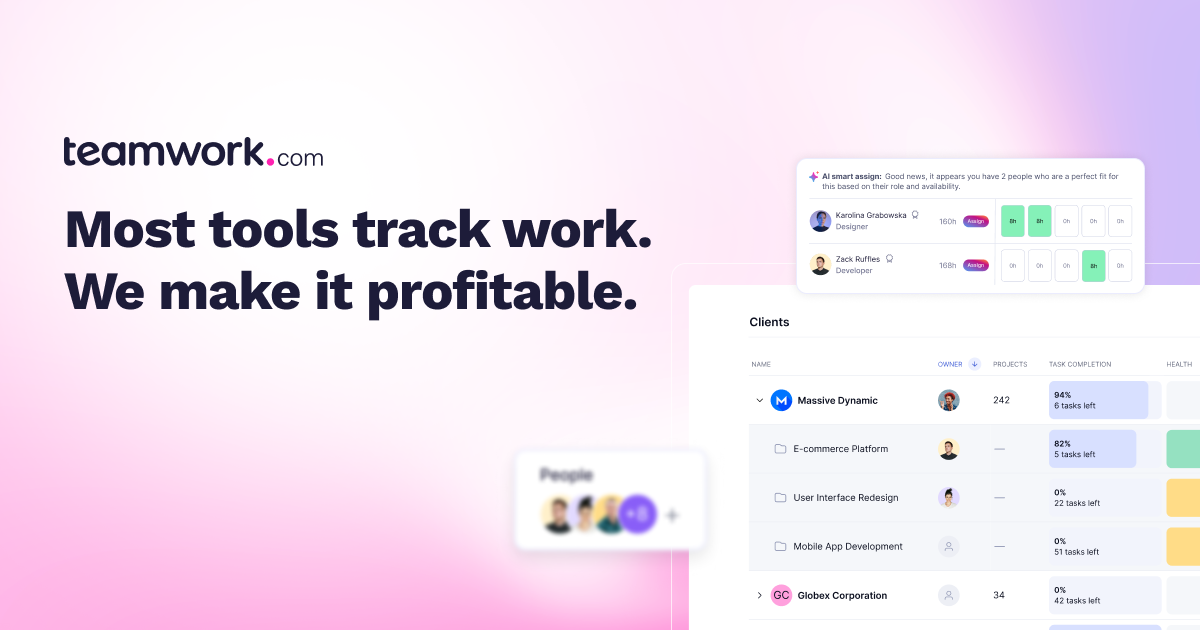
Teamwork is built for agencies with native time tracking, budgeting, and client permissions. If your model depends on tracking profitability per project and giving clients controlled access, it was designed for that.
Strengths: Per-project profitability tracking tied to budgets; client-level access controls; built-in resource scheduling.
Limitations: Less flexible outside agency use, and the interface feels less modern. Asset management is file attachments without version control, annotation, or approvals.
G2 rating: 4.4 out of 5 at the time of writing.
Pricing: Free tier. Paid from $13.99/user/month.
5. Notion: best for flexible docs-meets-PM
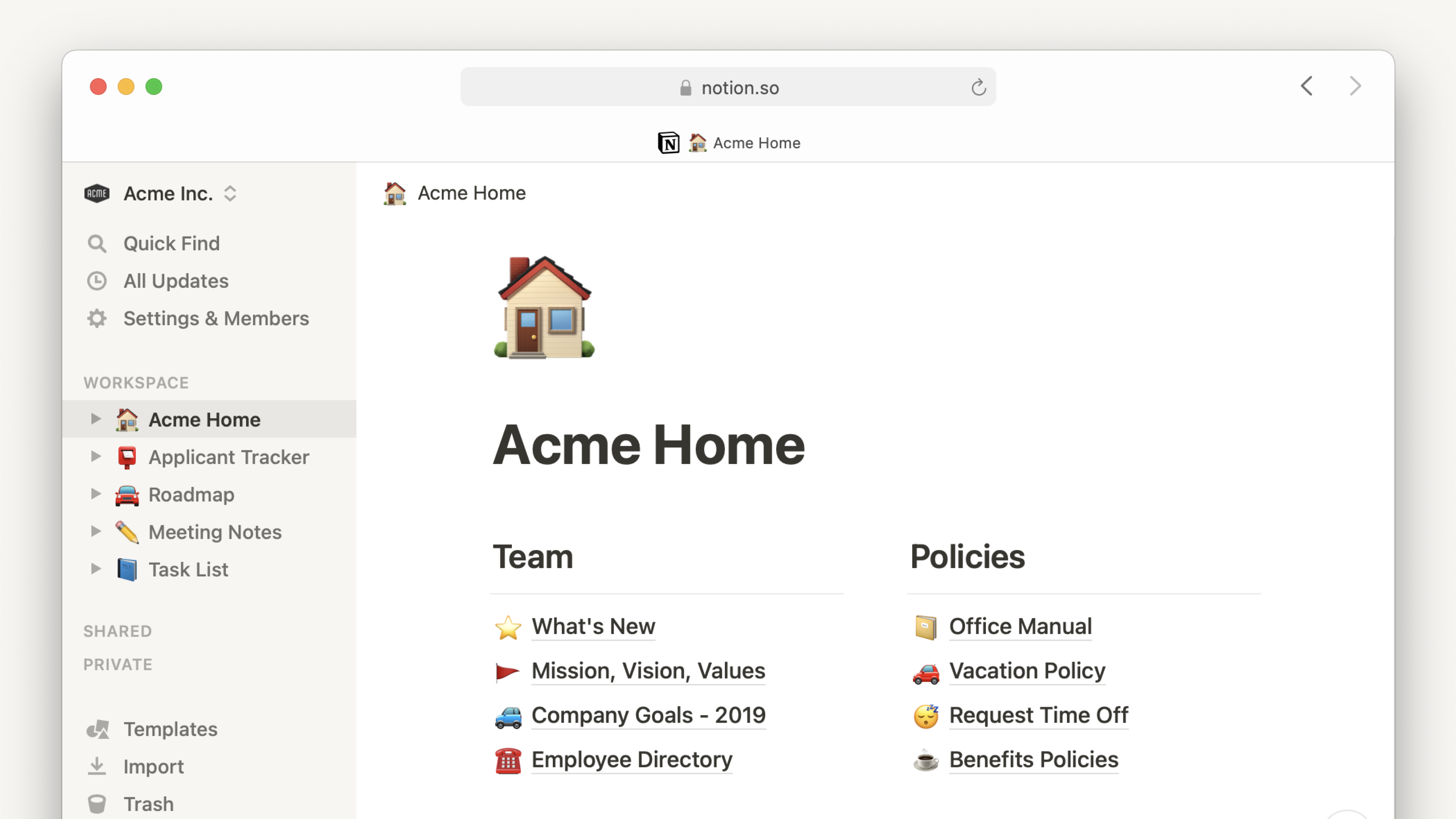
Notion blurs the line between project and knowledge management, a customizable workspace where databases, wikis, and task boards coexist.
Strengths: Flexible database and template system; strong collaborative editing for docs alongside tasks; connected databases surface one record across many views.
Limitations: PM features need custom configuration, with no out-of-the-box Gantt or resource management. Asset handling is limited to embedded files with no version control, approvals, or visual search.
G2 rating: 4.7 out of 5 at the time of writing.
Pricing: Free for individuals. Paid from $10/user/month.
6. Trello: best for lightweight visual task tracking
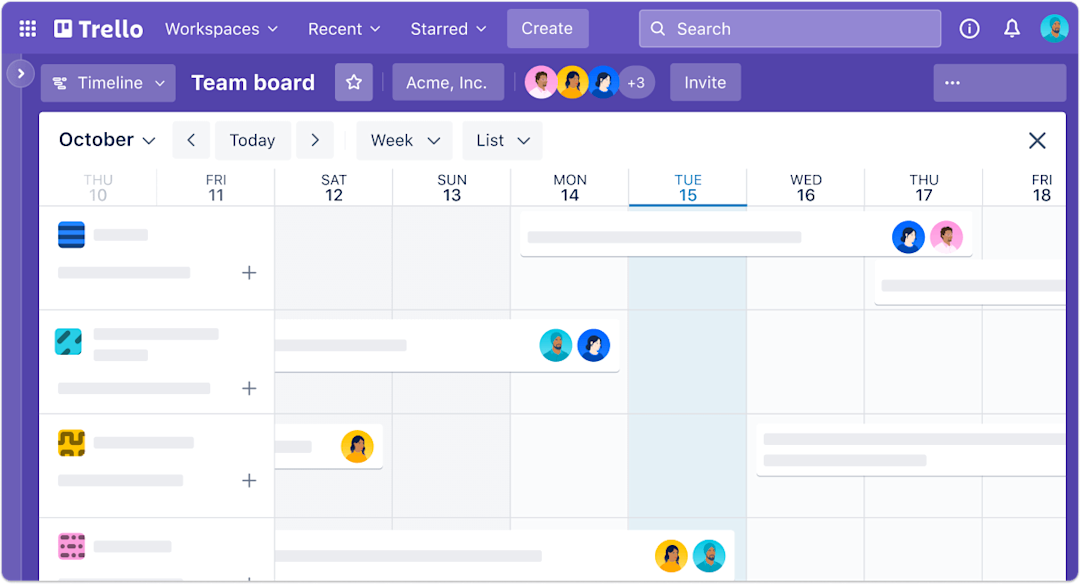
Trello is a Kanban-first tool built for simplicity. If your workflow fits on a board, it gets out of the way and lets you move cards.
Strengths: Drag-and-drop boards with zero configuration; Power-Ups for integrations and custom fields; generous free tier with unlimited boards.
Limitations: No native Gantt, timeline, or resource management. File attachments are basic with no versioning or approvals, and complex projects need stacked boards that get hard to navigate.
G2 rating: 4.4 out of 5 at the time of writing.
Pricing: Free tier. Paid from $5/user/month.
7. Basecamp: best for teams that want stripped-back clarity
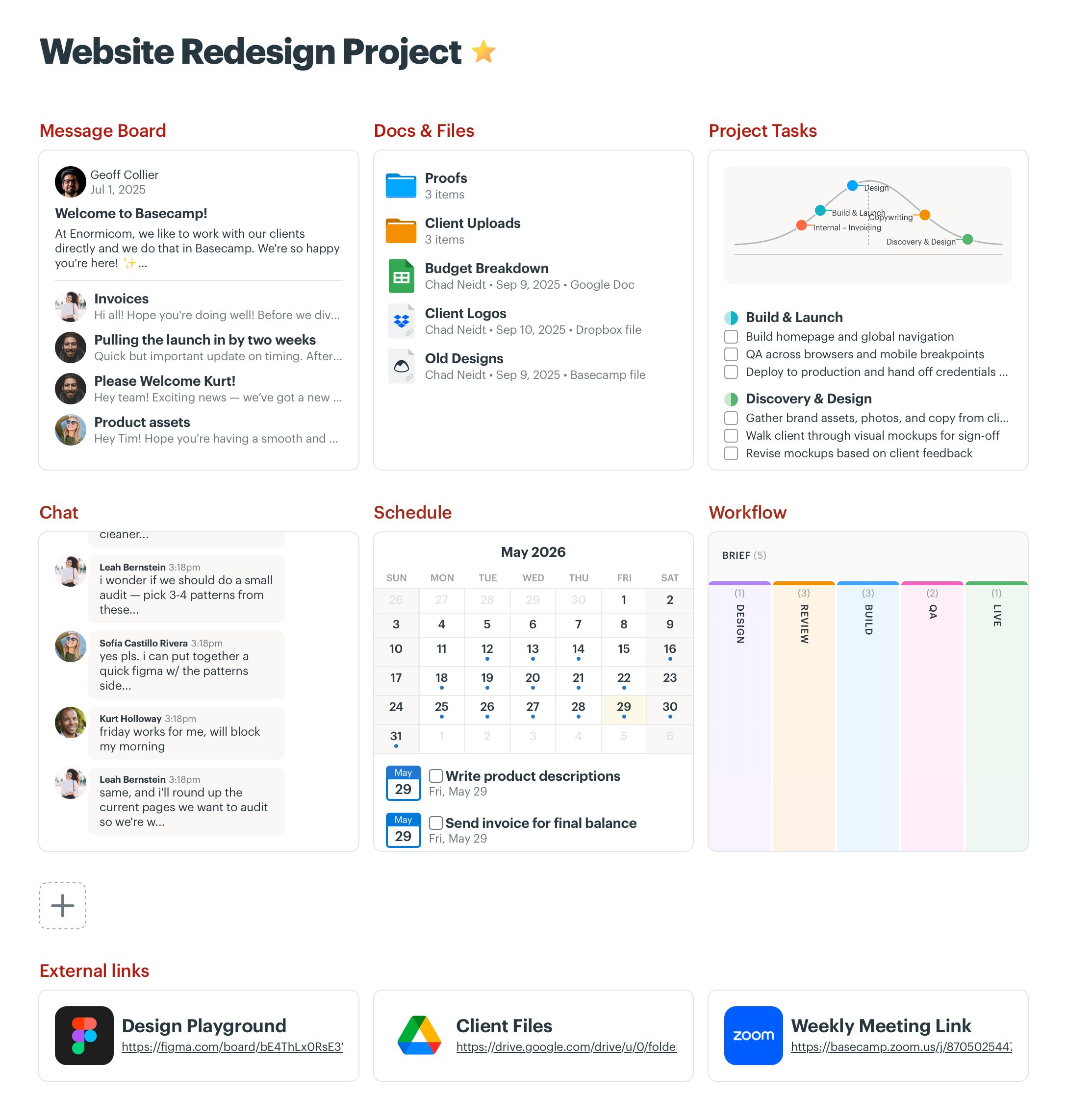
Basecamp is deliberately simple: communication, to-dos, and schedules, with no automations or Gantt charts by design.
Strengths: Flat pricing regardless of team size; message boards and automatic check-ins that cut meeting overhead; fast to learn.
Limitations: No Kanban, Gantt, or automations. File management is basic storage with no version tracking, approvals, or visual organization. Best when work is communication-driven, not asset-driven.
G2 rating: 4.1 out of 5 at the time of writing.
Pricing: Free for personal use. From $15/user/month, or $299/month flat for unlimited users.
The asset layer PM tools cannot reach: Playbook
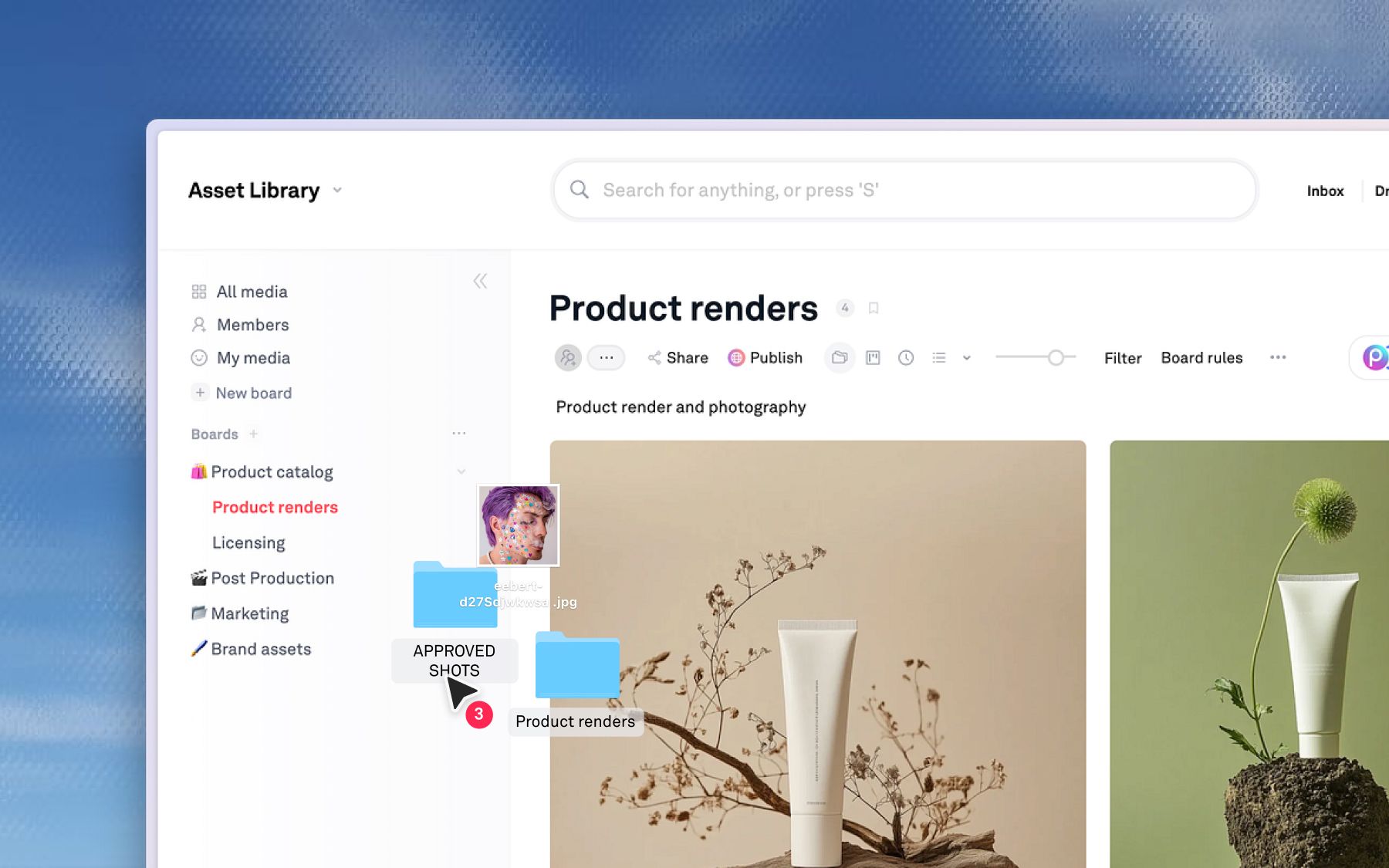
The seven tools above are all, at heart, coordination engines. Playbook is a memory.
It is a creative operations platform where the asset, not the task, is the unit of record: every file carries its versions, its feedback, and its approval state in one visual workspace. Monday's ledger records that work happened; Playbook holds the work itself, so building on last quarter's winner starts with a search instead of an archaeology dig. And when a Monday card asks for the approved campaign visual, Playbook is why that request takes seconds.
- Version stacking. Every iteration layers on the original. See the current version, compare prior ones, revert in one click. Monday tracks whether a task is done; Playbook tracks which version was approved.
- Visual annotations and approvals. Feedback pins to exact image coordinates or video timestamps, and statuses (Needs Review, Approved, Final) attach to the asset with a traceable trail, so "who approved this?" is always answerable.
- Conversational AI search. Search by describing what you need ("product shot with red background") instead of recalling file names or folder paths.
- Kanban views for assets. Track work through In Progress, In Review, Approved, and Distributed, complementing Monday's task-level boards with asset-level tracking.
- Publish and reuse. Turn one approved asset into branded pages and share links for every channel, with unlimited guests so stakeholders never need a paid seat.
The Vault Stock, a fast-growing stock-media platform serving thousands of members globally, felt the asset-layer gap acutely. On its old setup, unreliable search and inconsistent manual tagging meant a query like "flower" often returned nothing useful across a 10,000-asset library. After moving discovery into Playbook, AI tagging and color and content filters made assets findable without perfect metadata, and the team now uploads 100-plus new assets a week without the workflow breaking. Creative 2IC Anna Hamilton says Playbook ticks all the boxes for us. Read the Vault Stock story, or see how media and entertainment teams manage libraries at scale.
Limitations: Playbook is not a project manager. It has Kanban for asset status, but it does not replace Monday for task tracking, timelines, or cross-functional planning. Many teams use Monday for planning and Playbook for the creative itself, connected through desktop sync and the API and SDK.
Pricing: Free (100GB, up to 300 assets), Pro $12/member, Team $25/member, Business $400/mo flat with unlimited members.
Schedule a demo to see it against your own library.
Is it your PM tool, or the layer underneath?
When the same failures survive three different PM tools, the tools were never the variable. Four checks tell you whether the real gap sits one layer down:
- Time how long it takes to produce the current approved version of a named asset. Thirty seconds passes; three Slack messages fails.
- Trace one round of feedback. Does it live on the file version it describes, or across a task card, an email, and a screenshot?
- Watch what happens when a channel needs an adapted asset. Does approved work get extended, or remade from nothing?
- Count your systems of record. If the honest answer is Monday plus Drive plus Dropbox plus email, the number is zero.
Fail two or more of those and no board view will save you: the gap is in how the work is kept, not how it is scheduled. Coordination problems have seven good answers above. Asset problems have one, and it does not look like a PM tool.
Schedule a demo to see how Playbook fits alongside your PM tool.
Monday.com alternatives FAQs
What makes Monday.com difficult for creative asset workflows?
Because its object model is the task, not the file. An asset in Monday is a card attachment: no version lineage of its own, no approval state, no visual search. The moment work leaves the card, it is unmanaged.
What is the best free alternative to Monday.com?
ClickUp and Trello lead on free task management. For the asset layer, Playbook's free plan carries 100GB, visual boards, commenting, and unlimited guest access, so external reviewers never need a seat.
Is Playbook a replacement for Monday.com?
Not for tasks and timelines, no. Playbook takes over the layer Monday was never built to hold: asset organization, version control, approvals attached to files, and search that reads visual content. Most teams that adopt it keep their PM tool.
Can creative teams use a PM tool and Playbook together?
Yes, and the pairing is natural because the tools never collide: Monday, Asana, or ClickUp owns schedules and assignments, while Playbook owns the files those schedules produce, with their versions, approvals, and reuse. Each covers exactly what the other cannot see.
How does Playbook handle approvals differently than Monday?
In Monday, approval happens on a task card, so the feedback, the file, and the status live in different places. In Playbook, approval happens on the asset itself: reviewers annotate directly on images and video, version history is automatic, and the status is attached to the file. There is never ambiguity about what is current.