
TL;DR: AI digital asset management is a system for storing creative files that understands what is inside them, so you find assets by describing what they look like instead of remembering where you filed them. It reads every image and video on upload, tags them across dimensions like visual style, color, product, and talent, then makes the whole library searchable in plain language. This guide covers what AI digital asset management is, why the category is emerging in 2026, how it differs from folder-based tools, and what to look for in the best AI DAM. Playbook is one AI-native example, and its AI suite, Playbook Intelligence, is currently in private beta.
For a decade, "digital asset management" meant a nicer place to put files. You still did the filing. The shift in 2026 is that the library now does the understanding, and that changes what the whole category is for.
What is AI digital asset management?
AI digital asset management is digital asset management in which artificial intelligence reads, labels, and retrieves your files, so the library understands its own contents instead of relying on people to describe every asset by hand. A traditional DAM is a filing cabinet with a search bar: it can only find what someone remembered to name and tag. An AI DAM looks at the pixels, writes the metadata itself, and answers a query like "minimalist product shots on a beige background" by analyzing what the image actually shows.
Three capabilities separate an AI DAM from an ordinary one:
- It tags on ingest. The moment a file lands, AI describes it. On Playbook this runs across 16+ dimensions, including visual style, color palette, campaign, product, talent, and usage rights, as documented on the enterprise page.
- It searches by meaning, not filename. You describe what you want and get results ranked by visual and semantic similarity, not by whether a keyword happened to be in the title.
- It acts on what it finds. The better systems let you tag, move, group, or share results directly from a search, so retrieval is the start of the work rather than the end.
The distinction matters because the cost of a DAM was never storage. It was the human hours spent labeling files so they could be found again, and the assets that stayed invisible because nobody had time to label them.
Want to see this on your own library? Schedule a demo.
Why is AI DAM emerging now in 2026?
AI DAM is emerging now because creative output has outrun manual organization, and vision models finally got good enough to close the gap. Two curves crossed. Teams are producing more assets than ever, and the technology to understand those assets automatically became reliable and affordable at the same moment.
The volume problem is not abstract. A single CPG brand can sit on tens of thousands of files. Dyla Brands, the beverage and nutrition company behind Stur and Happy Viking, keeps 15,000+ assets across a 60+ person team. SuperMush, a seven-person functional mushroom brand, ships 15 to 20 campaigns a month with 4 to 5 ads each and holds 8,000+ assets. At that pace, no one has hours to spend renaming files.
Three forces make 2026 the tipping point:
- Content volume. Social, retail, and paid channels each want their own crops and cuts, so one shoot becomes dozens of derivatives.
- Model maturity. Open embedding models and large language models now describe an image accurately enough to power search. Playbook's own search stack uses OpenCLIP embeddings and GPT query processing, and its broader AI suite is marketed as powered by advanced AI (via Anthropic).
- Expectation. Once you can talk to a chatbot, filing an image into a folder tree feels like doing the computer's job for it.
How is an AI DAM different from smart folders?
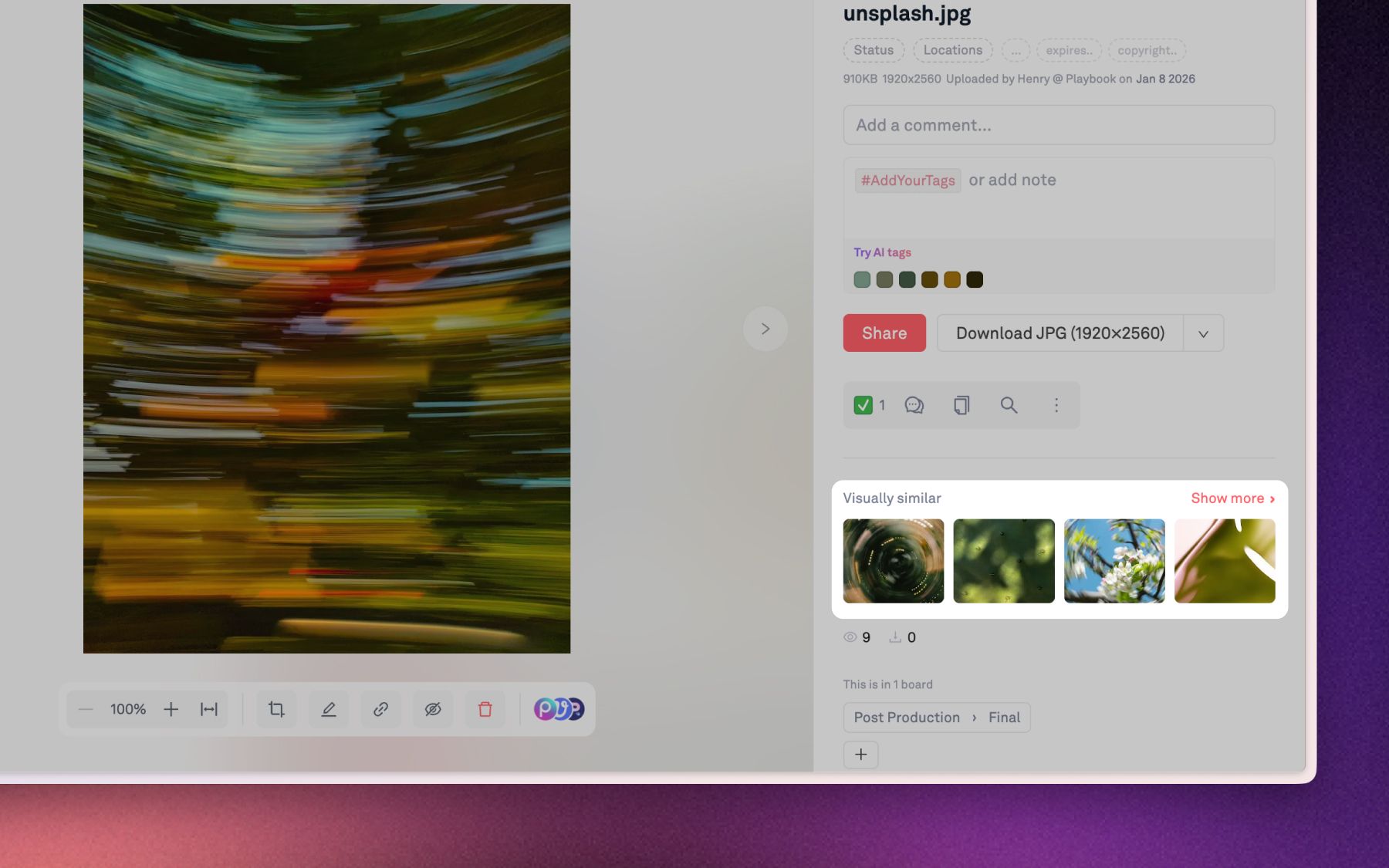
An AI DAM differs from smart folders because a folder only knows the path you assigned, while an AI library knows what the asset actually contains. "Smart folders" and saved filters were the last generation's answer to organization. They automate sorting based on rules you write, but they still depend on metadata a human entered first. If nobody tagged the file, the smart folder never sees it.
This is the quiet failure mode of legacy DAM. Untagged files are invisible files. As SuperMush's growth lead put it before switching, the team was scattered across iCloud, Google Drive, PowerPoint decks, and direct messages with no unified system. The assets existed. Finding them did not.
Here is what changes when the library understands its own contents. Use this as your reference for evaluating any tool that calls itself an AI DAM:
What AI adds to digital asset management
| Capability | Traditional DAM (smart folders) | AI-native DAM |
|---|---|---|
| How assets get labeled | A person tags each file by hand | The system reads the pixels and tags on upload |
| How you find things | Remember the folder path or filename | Describe what it looks like in plain language |
| What the system understands | The folder you assigned it to | Subject, visual style, color, product, talent, mood |
| Video | One opaque file you scrub through | Split into individually searchable, tagged shots |
| New uploads | Sit untagged until someone files them | Tagged and placed automatically |
| Your own SKUs and campaigns | Manual tagging across the whole archive | Teach a tag once, the system fans it out |
The right-hand column is the category. Everything on the left is a storage bucket with good intentions.
What should an AI DAM actually do?
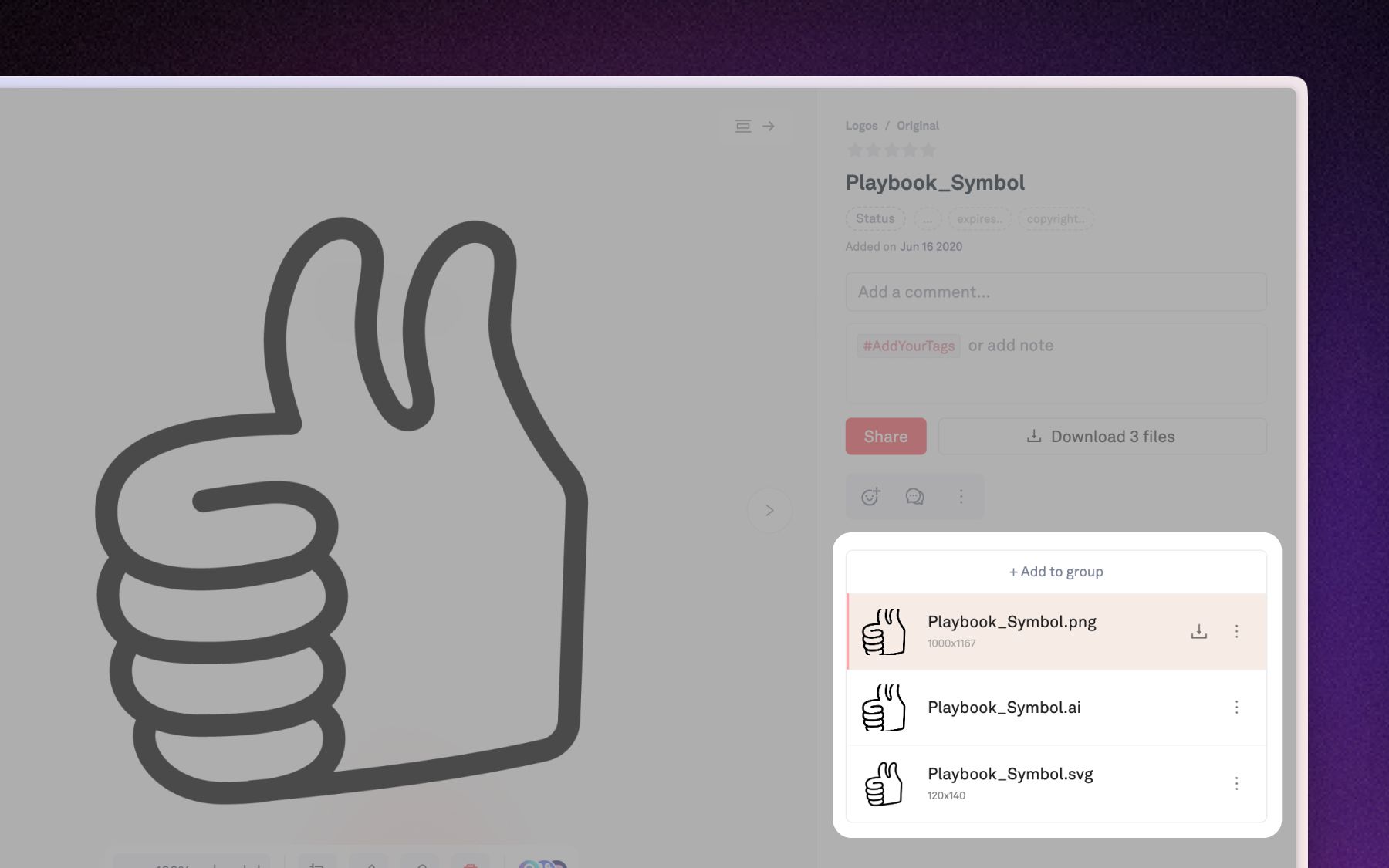
A real AI DAM should do four things: understand every asset, let you search by describing it, learn your specific vocabulary, and let you act on results without leaving the search. These are the principles to hold any vendor to, whatever the marketing says.
- Understand every asset automatically. Tagging should happen on upload, cover images and video, and describe the content, not just the file type. If you still tag by hand, it is auto-tagging software in name only.
- Search the way you remember. Creatives remember what an image looks like, not what it was named. Natural-language and visual search should treat "golden hour, beach, drone" as a valid query and return ranked matches.
- Learn your language. Generic AI knows "beach" and "smiling." It does not know your SKU numbers or campaign codes. Good AI asset organization lets you teach a tag once and have the system apply it across the archive.
- Turn finding into doing. Retrieval is rarely the goal. The follow-up is always "now share these, tag these, send these to the client." The system should do that in the same place you searched.
A note on honesty: the strongest AI features are new, and most are still maturing across the market. Treat any claim of fully autonomous, zero-review organization with healthy skepticism, and prefer tools that keep a human in the approval loop.
How does Playbook approach AI digital asset management?
Playbook is a digital asset management and creative workflow platform built AI-native, where organizing, searching, and editing all run through the same intelligence rather than bolted on as a feature. Its AI suite, Playbook Intelligence, launched in Q2 2026 and is currently in private beta, described on the site as powered by advanced AI. Here is how it maps to the four principles above.
AI auto-tagging that reads what it sees
The moment an asset lands, Playbook tags every image, video, and file across 16+ dimensions: visual style, color palette, campaign, product, talent, usage rights, and more. Those tags flow straight into search, so a file becomes findable the second it finishes processing. For a brand like Dyla Brands, exporting the same product shot into Walmart's exact listing dimensions is faster when the library already knows which asset shows which product. Auto-tagging for videos and images runs on the Team plan and up.
"Everyone had their own file sorting systems. It was a huge headache." (Emma Madia, Senior Design Manager, Dyla Brands)
Custom trained tags and SKU detection
Generic AI image tagging software stops at description. Playbook's custom trained tags close the gap: pin a tag for a product, SKU, or campaign in the Tag Manager, and a similar-assets finder surfaces every untagged file that matches, each with a confidence score you approve or reject. You teach the label once, the library fans it out across thousands of assets. This is the Product SKU Detection and Auto Subject Tagging capability named on Playbook's homepage, and it is exactly the drudgery a SKU-heavy CPG portfolio wants gone.
AI search for images, in plain language
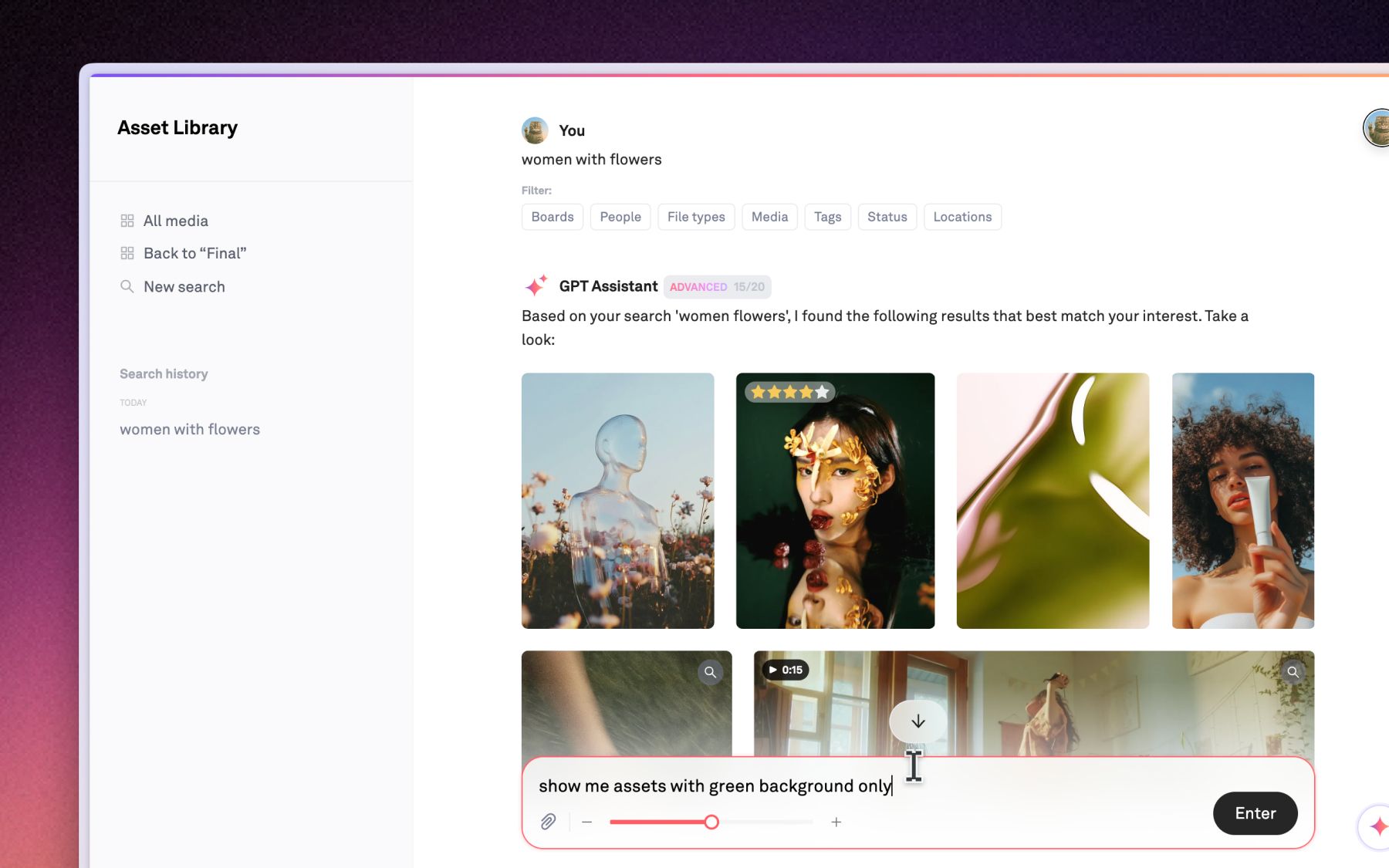
Playbook search is hybrid: semantic search on what images and video actually look like, plus full-text matching on titles, tags, comments, and document contents, merged into one result list. You can search "moody lighting" or "all assets featuring models" and get ranked matches, then act on them. A conversational assistant, marketed under Playbook Intelligence and in private beta, can chain commands like "find all sunset beach shots and create a client share link." You can read more on the GPT-powered search page and the Playbook Intelligence launch post.
Video shot search and scene detection
Traditional DAMs treat a video as one indivisible file. Playbook automatically splits each video into individual shots, then AI-tags and vectorizes each one so it behaves like a standalone searchable asset. A search for "golden hour drone shot" can surface the exact moment from inside a longer clip, shown next to image results. For SuperMush, running 15 to 20 campaigns a month, finding a reusable second of footage beats reshooting it. Shot search runs on Team and up.
"We were absolutely a creative-first kind of brand." (Silas Bush, fractional VP of Growth, SuperMush)
AI image generation in the library
Generative work usually means leaving your DAM for a separate tool, then re-uploading the result. Playbook folds text-to-image and image-to-image generation into the same conversational agent that organizes and edits files, so a prompt produces a finished asset already in the right board. Files to finals with a single prompt, without the round trip.
Playbook keeps a genuinely usable free tier (100GB and up to 300 assets, no credit card), with unlimited guests on Pro and up so reviewers and clients never cost a seat. AI tagging starts on Team, and the flat Business plan includes 15TB. All pricing is accurate at the time of writing; confirm current numbers on the pricing page, and see how brands use it on the consumer brands page.
What to look for in the best AI DAM in 2026
Choosing the best AI DAM in 2026 comes down to five checks, ordered by how often teams regret skipping them:
- Does it tag on upload, across images and video? If tagging is manual or images-only, it is a storage tool with an AI label.
- Can it search by meaning? Type a description, not a filename, and judge the top results. This is the whole point of AI search for images.
- Does it learn your vocabulary? Ask whether you can train tags on your SKUs and campaigns. Generic tags alone will not run a product catalog.
- What happens after you find an asset? The best systems let you act on results in place. The rest send you back to a file browser.
- Who does the filing? If the honest answer is still "a person on your team," you have not left the last generation of DAM behind.
Playbook is built to answer yes to all five. The fastest way to know if it fits your library is to see it run on your own files. Schedule a demo.
FAQ
What is AI digital asset management?
AI digital asset management is a DAM that uses artificial intelligence to read, tag, and retrieve your creative files automatically. Instead of relying on manual metadata, it analyzes the content of each image and video, then lets you search in plain language by describing what an asset looks like.
How is an AI DAM different from a traditional DAM?
A traditional DAM only finds what a person remembered to tag. An AI DAM reads the pixels itself, writing descriptive metadata on upload across dimensions like style, color, product, and talent. The result is a library that stays searchable as it grows, without anyone stopping to file.
Does AI DAM software auto-tag images and video?
Yes. Auto-tagging is the defining feature. Playbook tags every image, video, and file across 16+ dimensions the moment it lands, and tags video at the shot level rather than by the first frame. Auto-tagging for videos and images is available on the Team plan and above.
Can an AI DAM recognize my specific products or SKUs?
Yes, with custom trained tags. Generic AI describes what it sees but does not know your SKU numbers. Playbook lets you pin a tag, then surfaces matching untagged assets with confidence scores you approve, so a house label spreads across thousands of files after you define it once.
How does AI search for images actually work?
It converts images into embeddings that capture visual meaning, then matches your text query against them. Playbook uses OpenCLIP embeddings with GPT query processing in a hybrid setup that also searches titles, tags, and comments, so a description like "moody product shot" returns ranked visual matches.
Is Playbook's AI available today?
Playbook's AI tagging, search, custom trained tags, video shot search, and image generation are shipped. The conversational assistant and the broader Playbook Intelligence suite launched in Q2 2026 and are currently in private beta, so pair any expectation with that status.
See your library understand itself
Your creative work is a living, breathing beast. Your system should reflect that. Bring your files to a DAM that reads them, tags them, and answers when you ask. Schedule a demo and search your own library in plain language.