
The best Figma alternative depends on which problem you are hiring it to solve. If the canvas itself is the issue, the market now offers a credible editor at every price point, from open source to one-time licenses. If the chaos begins the moment a design is exported, no editor on this list will fix it, because that problem lives in the layer after design.
This guide 34 both. Seven design editors first, then the operational layer for teams whose finished work keeps vanishing into renamed files and unfindable approvals.
1. Penpot: best open-source Figma alternative
Penpot settles the lock-in question before it gets asked. Open source under the Mozilla Public License, browser-based, and fully self-hostable, it is the default pick for organizations that must own their infrastructure outright.
Strengths: Fully open-source under the Mozilla Public License; self-hostable for strict data residency; SVG-native format; active development community.
Limitations: Smaller plugin ecosystem; fewer polish features; prototyping is functional but less mature than Figma's.
G2 rating: 4.5 out of 5 at the time of writing.
Pricing: Free and open-source. Managed cloud from $7/month/user.
2. Sketch: best for Mac-native design teams
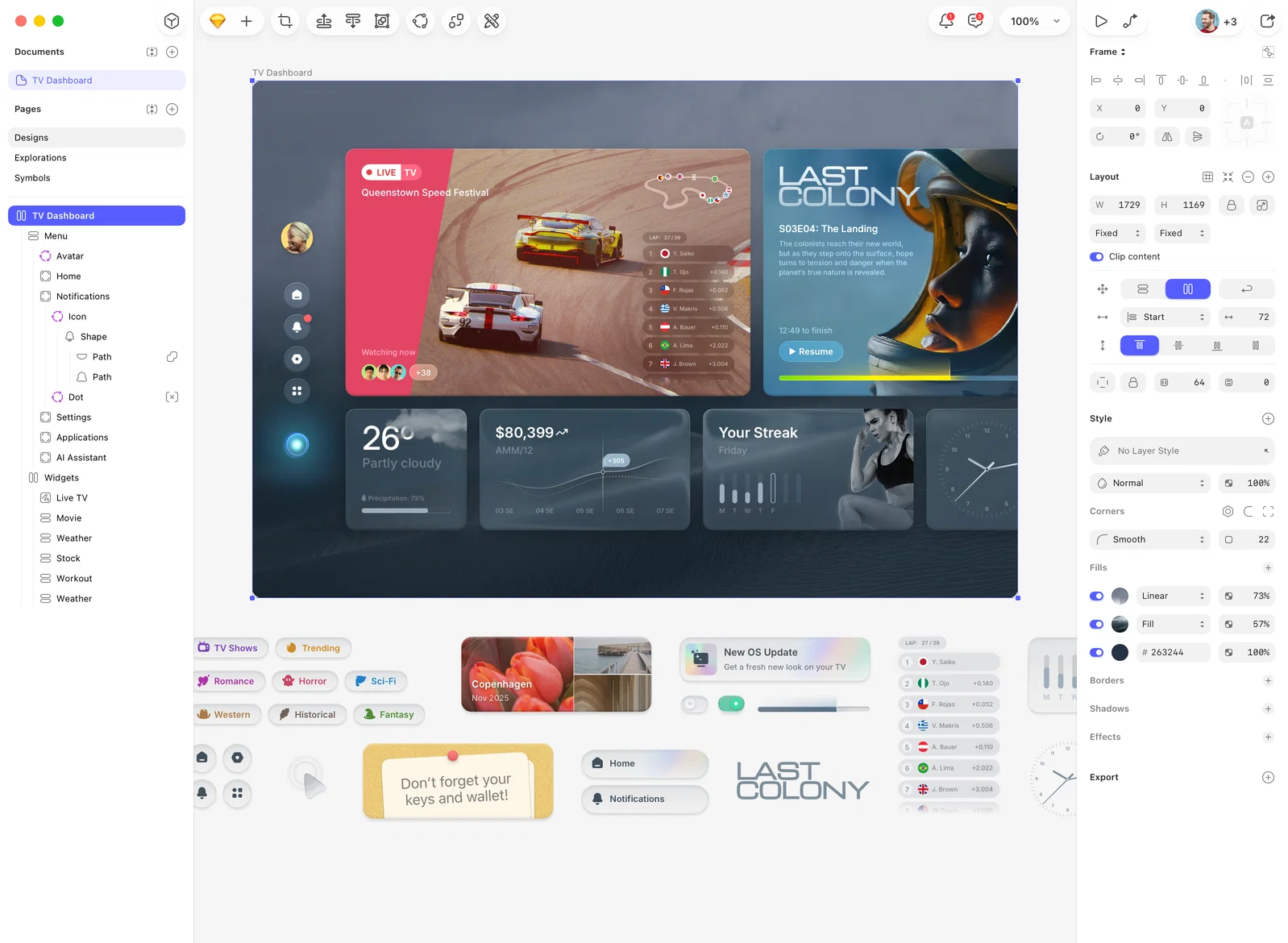
Sketch predates Figma and still defines what Mac-native design feels like. Because it runs as a true macOS application rather than in a browser, heavy files stay fast, and its component system carries a decade of refinement.
Strengths: Native Mac performance; offline editing; mature symbol and component system; one-time pricing option.
Limitations: Mac-only, no Windows or browser access; real-time collaboration trails Figma's multiplayer; contracting market share.
G2 rating: 4.5 out of 5 at the time of writing.
Pricing: Free trial. Paid from $12/month/user, or a one-time $120/user.
3. Affinity Designer: best for teams that reject subscriptions
Affinity Designer is the anti-subscription pick: professional vector and raster editing in a single application, now free to use, covering illustration, iconography, and brand asset work without a recurring line item.
Strengths: Free to use; combined vector and raster editing; strong on large complex files; available on Mac, Windows, and iPad.
Limitations: No real-time collaboration; no browser access; no built-in prototyping.
G2 rating: 4.6 out of 5 at the time of writing.
Pricing: Free. Premium AI editing and brand-kit features come through a Canva account.
4. Canva: best for non-designers and marketing teams
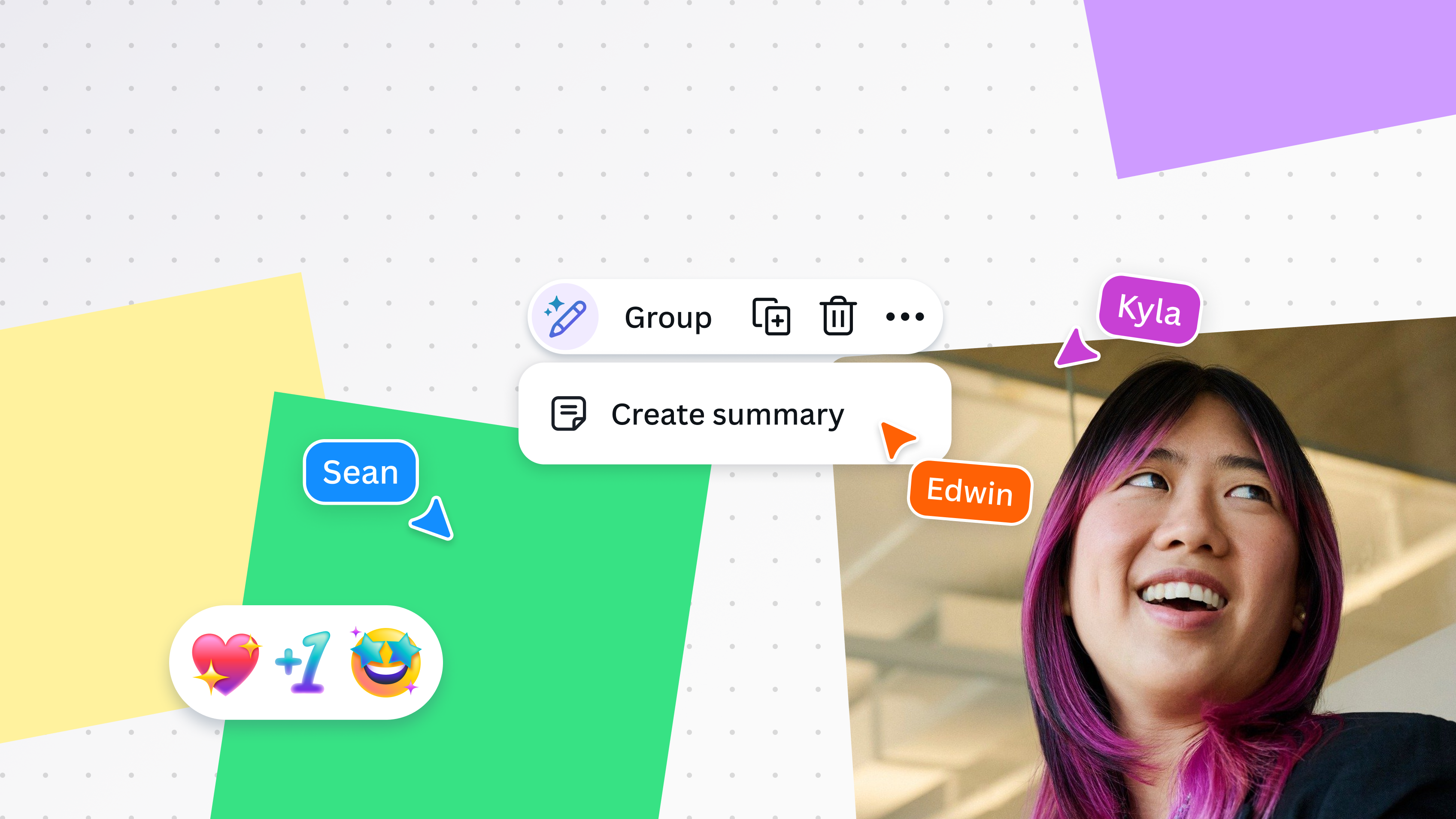
Canva trades precision for speed. Templates carry the design burden, so a marketer with zero training ships an on-brand social post, deck, or flyer in the time a Figma file takes to open.
Strengths: Low learning curve; thousands of templates; built-in stock library; brand kit for consistency.
Limitations: Not a professional vector editor, so it will not replace Figma for UI/UX; limited prototyping; template output can feel generic at scale.
G2 rating: 4.7 out of 5 at the time of writing.
Pricing: Free tier. Paid from $15/month/user or $120/year/user.
5. Lunacy: best free option for solo designers
Lunacy is Icons8's free desktop editor with the company's icon, illustration, and photo libraries wired directly in, which quietly deletes a stock subscription from a freelancer's budget.
Strengths: Fully free with no feature gates; built-in Icons8 asset libraries; Figma file import; AI-assisted layout.
Limitations: Smaller community; fewer integrations; collaboration less developed for large teams.
G2 rating: 4.3 out of 5 at the time of writing.
Pricing: Free.
6. InVision Freehand: best for whiteboarding and early ideation

InVision Freehand is a whiteboarding tool for brainstorming and early-stage ideation. Worth noting that InVision's core prototyping product has been sunset, so Freehand is what remains of the platform.
Strengths: Visual whiteboarding for planning; quick stakeholder presentations; simple sharing and commenting.
Limitations: Core prototyping product sunset; shrinking user base; limited feature investment.
G2 rating: 4.4 out of 5 at the time of writing.
Pricing: Free in the Microsoft app marketplace.
7. Adobe XD: best for teams still in the Adobe ecosystem
Adobe XD was Adobe's answer to Figma, with tight Creative Cloud integration. Note upfront that Adobe deprioritized XD after the failed Figma acquisition in 2022, and it is now in maintenance mode rather than sold standalone.
Strengths: Deep Creative Cloud integration; solid prototyping with auto-animate; familiar to Adobe designers.
Limitations: In maintenance mode with a slowed roadmap; uncertain future; shrinking community.
G2 rating: 4.3 out of 5 at the time of writing.
Pricing: No longer standalone. Requires Creative Cloud All Apps, from $69.99/month.
8. Playbook: the layer that fixes what breaks after export
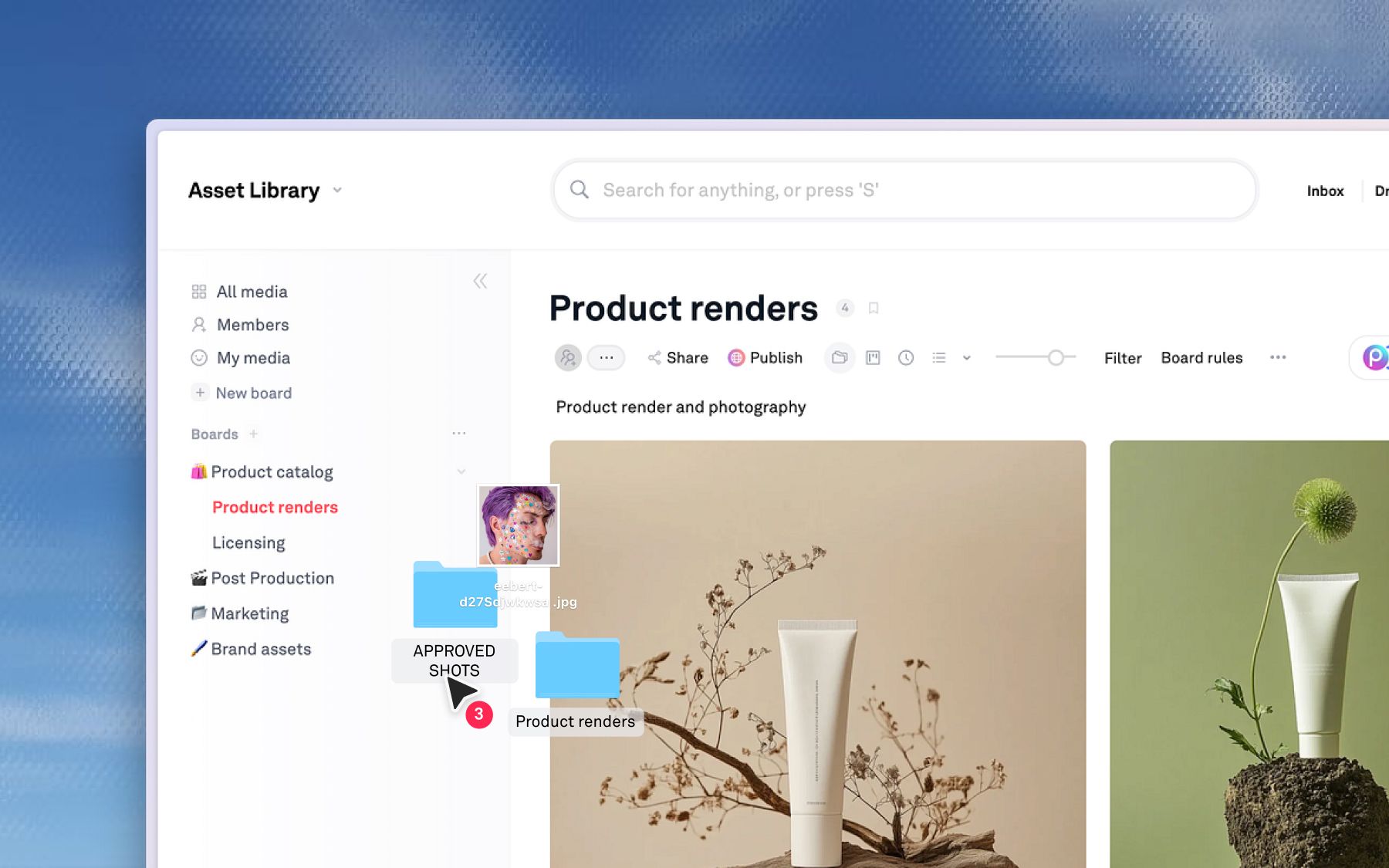
A design editor's responsibility ends at Export. The file's life is just beginning: renamed for Drive, re-uploaded to Slack, flattened into an email, until six weeks later nobody can say which copy the client actually approved.
Playbook is not a Figma replacement and does not compete with Figma on design. There is no canvas here for vector editing, prototyping, or wireframing. What Playbook does is give finished work a system of record, so the whole team can find, approve, and reuse what has already been made. Designers keep creating in Figma; the output finally has a home.
Once design is done, Playbook handles the next layer:
- Version stacking. Each new iteration stacks on the original, so the team always sees the current approved version plus full history. No more version control by file name.
- Centralized feedback and approvals. Reviewers pin comments to exact spots on images or exact moments in video. Approval context stays on the asset instead of scattering across Slack and email.
- Guest review without a design seat. Secure share links let marketers, executives, freelancers, and agency partners review and approve without a paid seat in any design tool. Unlimited guests on every Playbook plan.
- AI-powered search. Find any asset by describing it ("the blue packaging mockup from the spring campaign") instead of navigating folder trees. Playbook tags every asset by what it contains, not what someone named it.
- Custom approval stages. Statuses like Needs Approval, Changes Requested, and Approved, with saved filters, separate finished work from work in progress across the team.
Dyla Brands, the 60-person beverage company behind Stur and Happy Viking, lives in this layer. Design files, product photography, and campaign assets that once sat across OneDrive, Google Drive, and individual laptops now live in one searchable library, so sales teams pull production-ready assets to a retailer's exact spec without pinging a designer. Onboarding a new agency went from manually gathering brand files to granting access to three folders. Read the Dyla Brands story, or see how consumer brands keep every channel on-brand.
Limitations: Playbook is not a zero-to-one design tool. Teams still need a dedicated design application for creation. Playbook is built to organize, approve, and scale everything those tools produce, and it connects to the rest of your stack through desktop sync and the API and SDK.
Pricing: Free (100GB, up to 300 assets), Pro $12/member, Team $25/member, Business $400/mo flat with unlimited members.
Schedule a demo to see it against your own library.
Replace Figma, or fix the system around it?
The right move depends on the problem you are actually solving.
If you need a different design canvas, match the tool to your priority: Mac-native performance (Sketch), open-source control (Penpot), accessible templates (Canva), subscription-free licensing (Affinity Designer), or a free desktop editor (Lunacy).
If the bottleneck starts after Export, a different design tool will not fix it. Version chaos, scattered approvals, findability, and channel adaptation are operational problems that need an operational layer. That is where Playbook fits, working alongside whatever design tool your team already loves.
These are not mutually exclusive. Many teams pair a design editor with Playbook to cover both creation and everything after. Schedule a demo to see the second half.
Figma alternatives FAQs
What is the best free Figma alternative?
For design work, Penpot (open-source), Lunacy, and Affinity Designer are all free. Canva has a capable free tier for marketing content. For the operational layer that organizes and approves finished work, Playbook's free plan includes 100GB and unlimited guests.
What is the difference between a design tool and a creative operations platform?
A design tool turns a blank canvas into new work. A creative operations platform governs work that already exists: Playbook gives each asset one record, stacks its versions, attaches its approvals, and makes it searchable by what it contains, so finished work stays in circulation instead of being remade.
Do I need to replace Figma to fix my team's workflow?
Usually not. Scattered exports, version confusion, and slow approvals are operational failures that will follow you into any editor you switch to. The durable fix is pairing Figma with a system of record, and Playbook plays that role without touching the design workflow itself.
Which Figma alternative is best for marketing teams?
For template-driven content, Canva is the most accessible. For the layer that organizes, approves, and scales creative after design, Playbook gives marketing teams self-serve access to approved assets without a design-tool seat.
Can I keep using Figma and still fix the after-design chaos?
Yes, and for most teams that is the right answer. Keep designing in Figma, and add Playbook as the system of record for finished work. Desktop sync and the API keep files moving between your tools without manual re-uploading.