
TL;DR: DAM bring your own storage (BYOS) lets you connect an existing Amazon S3 or Google Cloud Storage bucket and have Playbook index it in place. Your files never move. You get search, review, permissions, and an exportable governance trail over the library you already own, with no migration project, no proprietary lock-in, and no multi-quarter rollout. Point us at your bucket. Nothing moves.
Here is the belief underneath this entire post. The license was never the expensive part of a digital asset management platform. The migration was. Most teams evaluating a DAM quietly assume the two are the same purchase. They are not. One is a line item. The other is a quarter of your team's time, a window where nothing is trustworthy, and the small, permanent fear that something got lost on the way over.
Bring your own storage removes that second cost entirely. Instead of copying terabytes into a vendor's store, you connect the S3 or GCS bucket you already run, and Playbook layers search, organization, review, and sharing on top. This is the rare piece of genuine whitespace in the category: most tools either copy your files in or lock them inside a proprietary store. Playbook does neither.
Ready to see it against your own bucket? Schedule a demo.
Why does adopting a DAM feel so expensive?
Ask any team that has switched digital asset management platforms and the sticker price is not the story they tell. The story is the cutover. Porting a large library from one server to another takes weeks to months, runs alongside real deadlines, and ends with a period where nobody is quite sure which system is the source of truth.
That cost is real, and it is worth granting plainly. Industry onboarding timelines bear it out: at the time of writing, a Bynder rollout is commonly described as roughly three months, and Canto onboarding runs about six to ten weeks. Those are not knocks on either tool. They are the honest arithmetic of moving files at scale. When the true cost of adoption is a multi-month transfer, "which DAM has the best feature list" becomes the wrong first question. The first question is how much of your library has to move at all.
The DAM was never the expensive part. The migration was.
So change the axis. The interesting question is not whose feature grid is longest. It is whether you can get a modern DAM over the files you already have without moving them.
You can. A DAM without migration is not a compromise or a lite tier. It is a different architecture. Your object storage stays your source of truth, and the DAM sits above it. Amazon S3 and Google Cloud Storage were already built to hold your assets durably and securely. The job of the DAM is not to become a second copy of all of it. The job is to make what is already there searchable, reviewable, and shareable. When you connect S3 to a DAM this way, adoption stops being a transfer project and becomes a connection.
This is why Playbook migrations take days rather than quarters. Nothing is queued behind a terabyte counter, because nothing is being copied.
Bring your own storage, in four claims
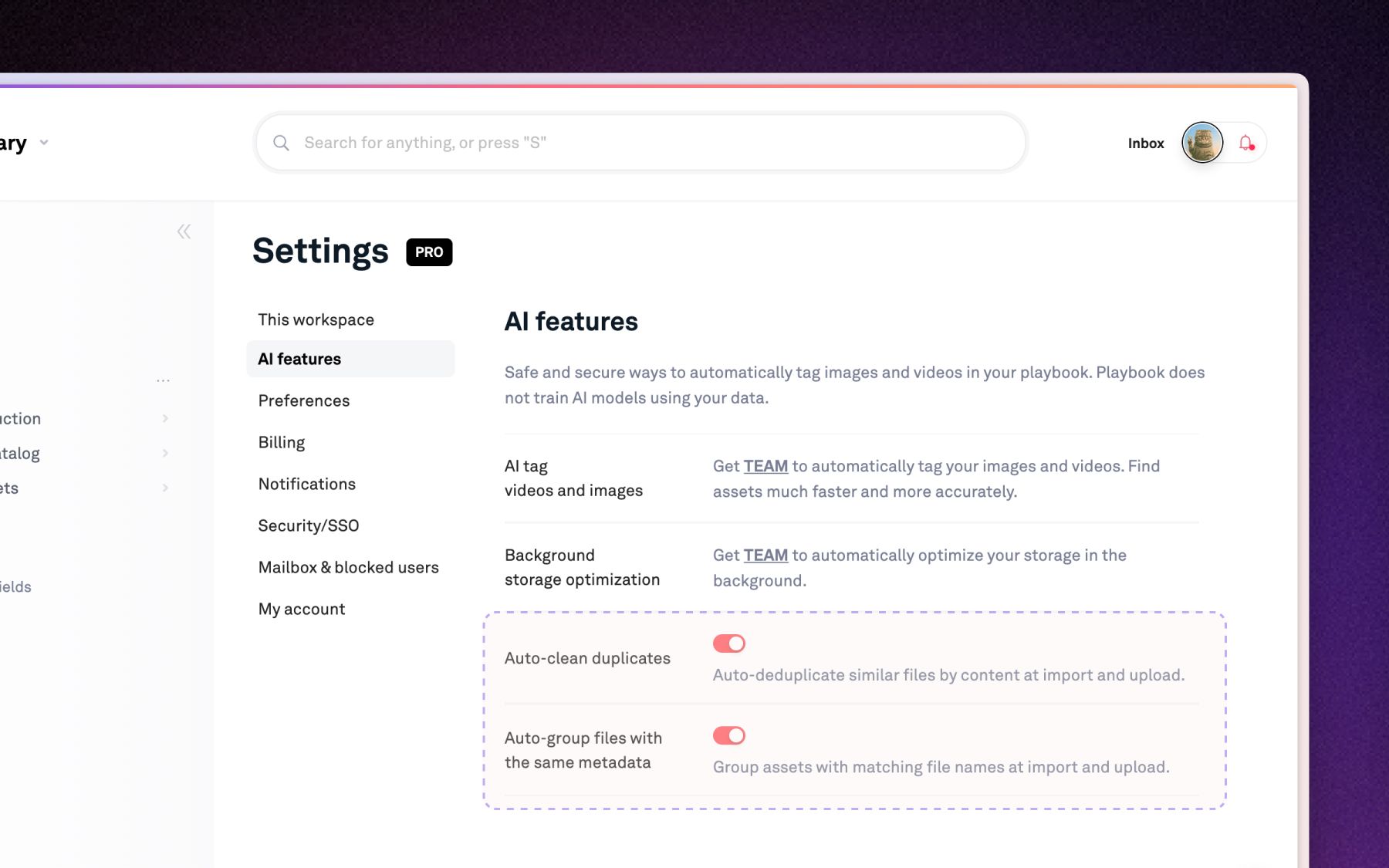
- Point us at your bucket. Nothing moves. Connect your existing S3 or GCS bucket and Playbook indexes the contents in place. Your files stay exactly where they are, under your control, in your account.
- You get the DAM, not a second copy of your library. Search, AI tagging across 16+ dimensions, review, permissions, and an exportable audit trail land on top of storage you already own, so you index existing storage instead of duplicating it.
- One source of truth, without one prison. Playbook can sit above the systems you already run and make all of it searchable and actionable in one library, without ripping anything out.
- Enterprise-grade governance, no multi-quarter rollout. SSO, granular roles, and a full access audit log come without the change-management program and the quarter-long implementation that usually accompany them.
A closer look at each point
What does "nothing moves" actually mean?
It means there is no bulk transfer and no migration window. On Playbook's enterprise plan, you provision a bucket, grant access during onboarding, and Playbook indexes what is already inside it. Because the files never leave your bucket, there is no queue to wait out and no assets in transit to lose. A bring your own storage DAM turns the riskiest step of adoption, the copy, into a step that does not happen.
Do you still get the full DAM?
Yes, and that is the point. Indexing in place is not a read-only mirror. Once your bucket is connected, every asset becomes searchable by subject, mood, color, campaign, and more, because Playbook tags each image and video across 16+ dimensions on ingest. You review, comment, approve, version, and share from the same library. The visual storage layer is the experience; your bucket is the foundation.
How is this different from an import?
Imports copy files in. Playbook supports those too, from Google Drive, Dropbox, and OneDrive, with per-import ceilings that rise by tier (100GB per import on Pro, 500GB on Team, effectively unlimited on Business and Enterprise). That path is right for a lot of teams. BYOS is different in kind: it connects and indexes storage you keep, rather than pulling a copy into Playbook. The distinction is copy-in versus connect-in-place.
What about governance and lock-in?
Because your files stay in your bucket, leaving is not a second migration. Meanwhile you still get the controls an enterprise requires: SSO and SAML, granular org and board roles, read-only locked boards, and a full access audit log with export, available at the time of writing on Business and Enterprise plans. Governance nobody can adopt is not governance. This is governance you can turn on the same week.
The real cost of a DAM, reframed
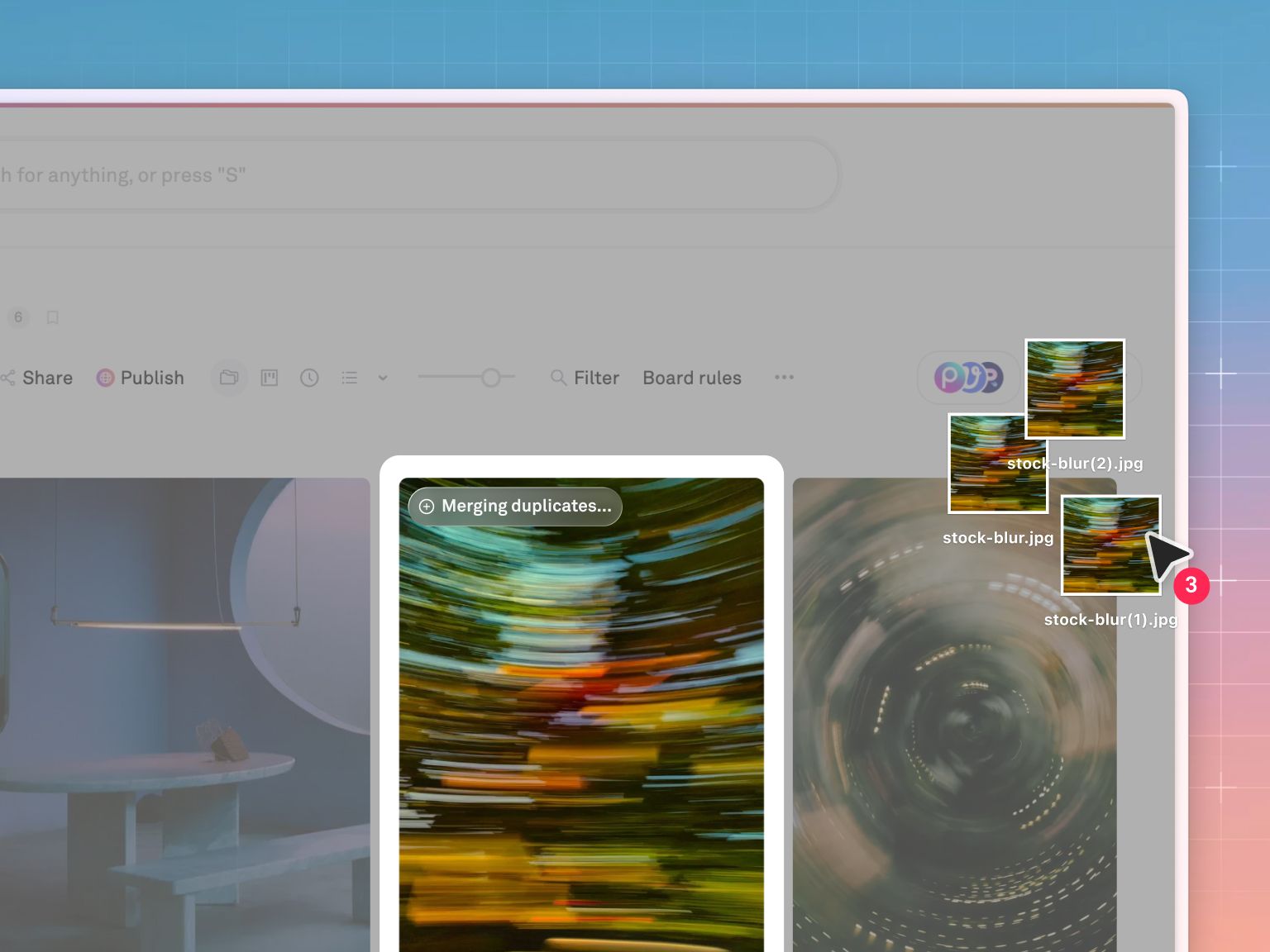
Here is the comparison that matters when you evaluate a DAM over Google Cloud Storage or S3. Not the feature grid. The adoption cost.
| Copy-in migration (the category norm) | Bring your own storage (index in place) | |
|---|---|---|
| Where your files live | Copied into the vendor's store | Stay in your own S3 or GCS bucket |
| What actually moves | Every terabyte, over the wire | Nothing. Playbook indexes in place |
| Time to first real search | Weeks to months of transfer and mapping | Days |
| Risk of loss in transit | Real, and often discovered late | None, because nothing is in transit |
| Source of truth after cutover | The new vendor | Your bucket, still |
| Cost of leaving later | Export and migrate all over again | Your files were never captured |
The left column is what most of the market sells as "gentle" migration. It is still migration. The right column is the whole reason bring your own storage exists.
How did Warner Bros. and Moët Hennessy adopt without a migration?
The strongest evidence that adoption does not require a rollout is how the largest teams arrived. Warner Bros. and Moët Hennessy both discovered Playbook as individuals and went on to onboard their entire organizations. Nobody signed a multi-quarter implementation contract to get started. Someone found the tool, used it, and the org followed.
That bottom-up pattern only works when there is no migration tax at the door. It is the same reason Playbook now supports more than 5,000 teams with 10+ members and over 500 teams with 50+ members: growth that starts with one person and spreads cannot survive a mandatory transfer project. For a global studio, connecting existing media and entertainment libraries in place, rather than shipping them to a new vendor, is the difference between adopting this quarter and adopting next year.
What will the next five years ask of your storage?
Creative workflows will change more in the next five years than in the last twenty, because AI is changing what a creative team does day to day. The safe assumption is that your requirements list will look different in eighteen months. A DAM that took a quarter to load is a DAM that resists being changed, because every change reopens the migration question.
A system that indexes your bucket in place stays flexible by design. Your storage remains yours. The intelligence layer on top can evolve, expand, and be swapped without another terabyte ever moving. That is what "enterprise-ready" should mean in 2026: not a longer implementation, but a shorter one that keeps pace with you.
When is a full migration the right path?
Sometimes copying in is simply the better call, and that is worth saying plainly. If your assets are scattered across personal Google Drives and Dropbox folders with no single bucket to point at, a one-time import consolidates the mess and is the right move. If you are leaving a legacy DAM and want to leave its storage behind entirely, a clean copy-in migration, with whiteglove setup on Business and Enterprise, does exactly that. BYOS is for teams who already run their own S3 or GCS and want a modern DAM over it. Pick the path that fits where your files live today.
Frequently asked questions
What is DAM bring your own storage?
It is connecting your own cloud object storage, an Amazon S3 or Google Cloud Storage bucket, to a digital asset management platform that indexes the contents in place. Your files stay in your bucket. The DAM adds search, review, permissions, and sharing on top, with no bulk transfer.
Can I connect S3 to a DAM without moving my files?
Yes. With Playbook's bring your own storage, you point the platform at your existing S3 bucket and it indexes what is already there. Files are made searchable, taggable, and shareable without being copied out. Nothing moves, which is why setup takes days rather than a migration cycle.
Does BYOS work with Google Cloud Storage too?
Yes. Bring your own storage supports both Amazon S3 and Google Cloud Storage buckets. Running a DAM over Google Cloud Storage works the same way as S3: connect the bucket, Playbook indexes it in place, and your GCS bucket stays your source of truth.
Which plan includes bring your own storage?
Bring your own storage is an Enterprise capability, delivered with onboarding support, at the time of writing. Governance features that pair with it, such as SSO and audit log with export, are available on Business and Enterprise plans. Confirm current details on the pricing page.
Is indexing in place the same as an import?
No. An import copies files into the DAM. Indexing in place leaves your files in your own bucket and layers the DAM on top. Playbook supports both, but they solve different problems: imports consolidate scattered files, while BYOS adopts a DAM over storage you keep.
See it against your own storage. Bring your own S3 or GCS bucket and watch a modern DAM stand up over it in days, not quarters. Schedule a demo.