
TL;DR: Migrating from Air to Playbook is quick and low-effort. You connect your Air workspace with an API key, and Playbook brings your assets across with their board and folder structure and tags intact, so you are not rebuilding your library by hand. Most migrations move fast. At the time of writing, Playbook offers white-glove migration for teams on annual Business plans, where the team handles the move for you. If you have questions about your specific library, reach out and Playbook will map it out with you.
Teams come to Playbook for the AI search, the branded sharing, the free guests, and the transparent pricing. Whatever brings you, the migration is usually the part people worry about most, and it is the part Playbook makes easy. Your library does not need to be rebuilt, renamed, or re-tagged from scratch. This guide covers how the move works, how long it takes, what comes across, and where to get help.
Want a hand planning your move? Reach out with your migration questions.
How does migrating from Air to Playbook work?
Migration runs through a dedicated Air connection, so you are not exporting and re-uploading files by hand. The move comes down to three things:
- Connect Air. Generate an API key in your Air workspace and connect it to Playbook.
- Playbook brings your library across. Your assets come over with their boards and folder structure, and tags travel with them on eligible plans, so the organization you already built carries into Playbook.
- Desktop sync. Users who want speed but control on their migration can also migrate via the Playbook Desktop app, which syncs your uploads directly with your local assets.
- Review and go live. The transfer runs in the background and is tracked, so you can watch it progress, then invite your team and start working.
The result is a library in Playbook that looks like the one you left, not a flat pile of files you have to sort again.
How long does the migration take?
Most migrations take very little time. If you have access to Air API, a typical library comes across quickly, often within about a week, though the exact timing depends on how much you are moving. At the time of writing, Playbook offers white-glove migration for teams on annual Business plans, where the team handles the move end to end. If you are on another plan or simply want a second set of eyes, reach out with your migration questions and Playbook will walk through your library and the best way to bring it over.
What comes across from Air?
Your assets, your structure, and your metadata come across together. That means the files themselves, the boards and folders you organized them into, and the tags attached to them on eligible plans. Once your library lands, Playbook's AI auto-tagging on paid plans can enrich it further, describing your images and video by their actual content so search works from day one. You keep what you built and gain a layer on top of it.
What happens after you land in Playbook?
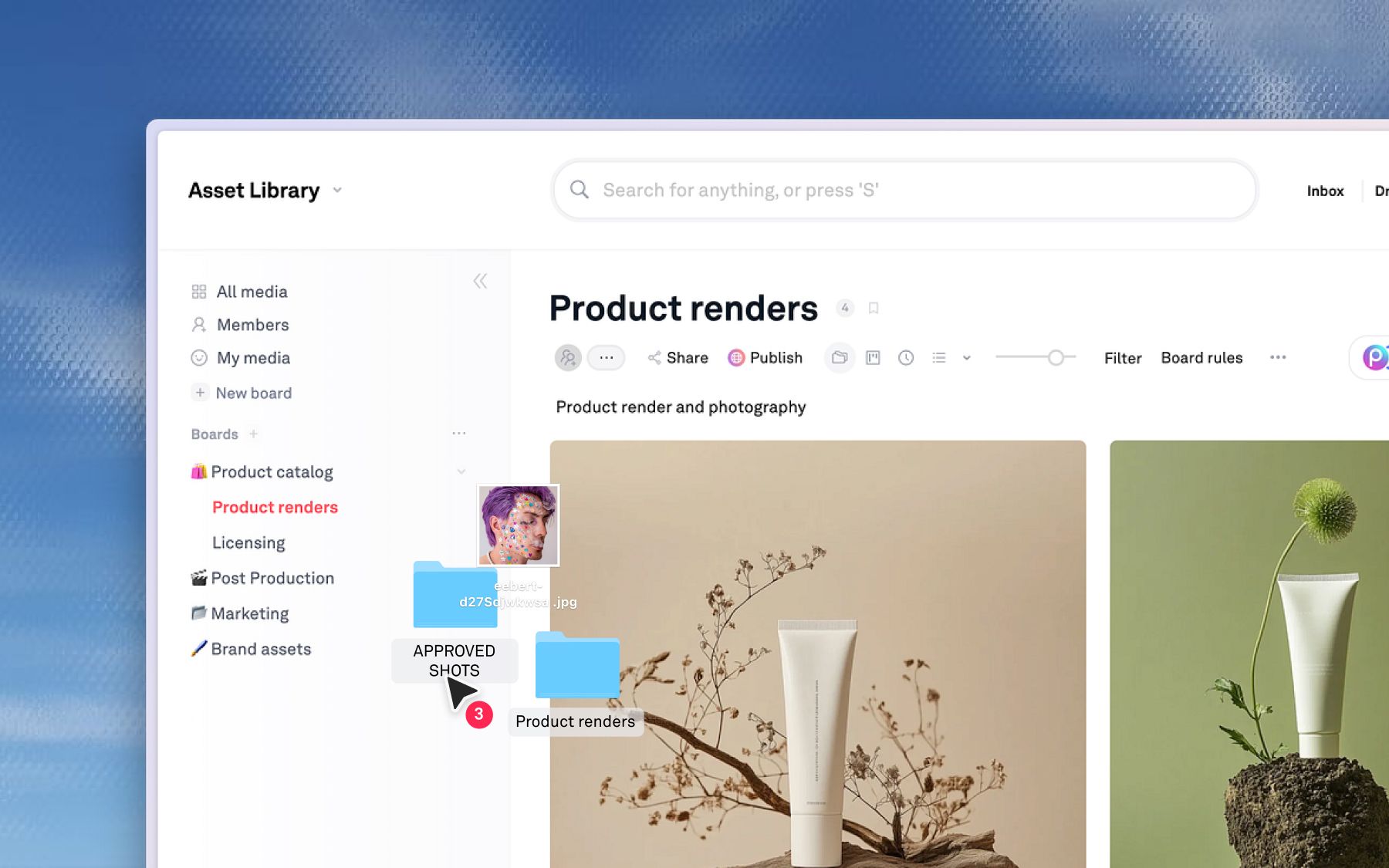
Once your library is in, Playbook is a full workspace around it, not just storage. You can search your assets by describing them, share branded galleries and boards with clients, and invite your whole team. Guests stay free on paid plans, so reviewers and clients can comment and download without taking a seat. Consumer brands, agencies, and studios run their entire creative libraries this way.
Pricing and getting started
Playbook's pricing is published, not quote-gated, so you can see exactly where you will land before you move. There is a free plan to test the waters, and paid plans scale with your team rather than your file count. Check the current tiers on the pricing page. When you are ready, the fastest path is to reach out so the team can scope your migration with you.
Frequently asked questions
How long does it take to migrate from Air to Playbook?
Most migrations move quickly, often within about a week depending on library size. At the time of writing, teams on annual Business plans get white-glove migration handled for them.
Do I keep my tags and folder structure when I move from Air?
Yes. Your board and folder structure map into Playbook, and tags come across with your assets on eligible plans, so you are not reorganizing from scratch. The library you open in Playbook mirrors the one you had.
Do I have to do the migration myself?
No. Playbook offers white-glove migration on annual Business plans and can guide any move. Users who want to handle migrations themselves is also made easy with the Playbook Desktop app. If you have questions about your library, reach out and the team will map the migration with you.
Can I try Playbook before migrating?
Yes. Playbook has a free plan, so you can create a workspace and see how it fits before moving your library over.
Ready to bring your library to Playbook? Reach out and the team will scope your migration and handle the heavy lifting. Schedule a demo.