
Find and action on results
Learn how to use Playbook Intelligence to quickly gather related assets and action on them.
Within sidebar actions chat, you can also prompt to do something to a set of related assets. Behind the scenes, Playbook will filter and browse your content by file type, color, or context to locate the right assets to action on.
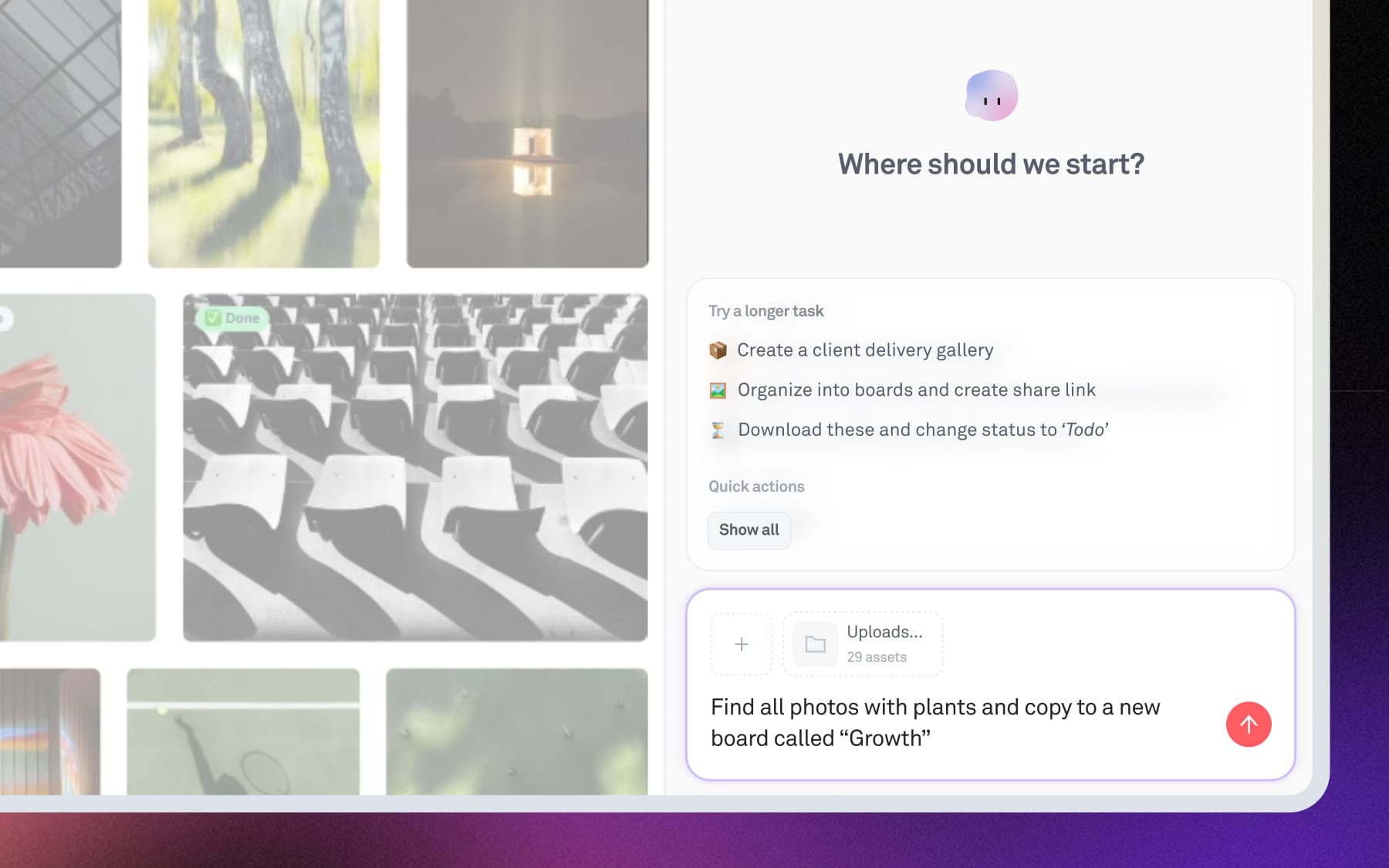
For example, try these prompts:
- “Find all sunset beach shots and create a client share link”
- “Find all GIFs and copy them into a new board”
- “Find assets with ‘final’ in the name and group them”
How does this differ from “Search” tab?
When you search from the top search bar, the Search tab shows you results that match your query across your entire workspace. This is best when you’re looking for an asset or board in particular or when you need to continue refining your search prompt.
On the other hand, you can do simple filters and search within Actions tab as well if you need to immediately action on all of the results. Additionally, by default Actions Intelligence uses the given collection context — so it’ll search specifically within the collection or set of assets you’ve provided.