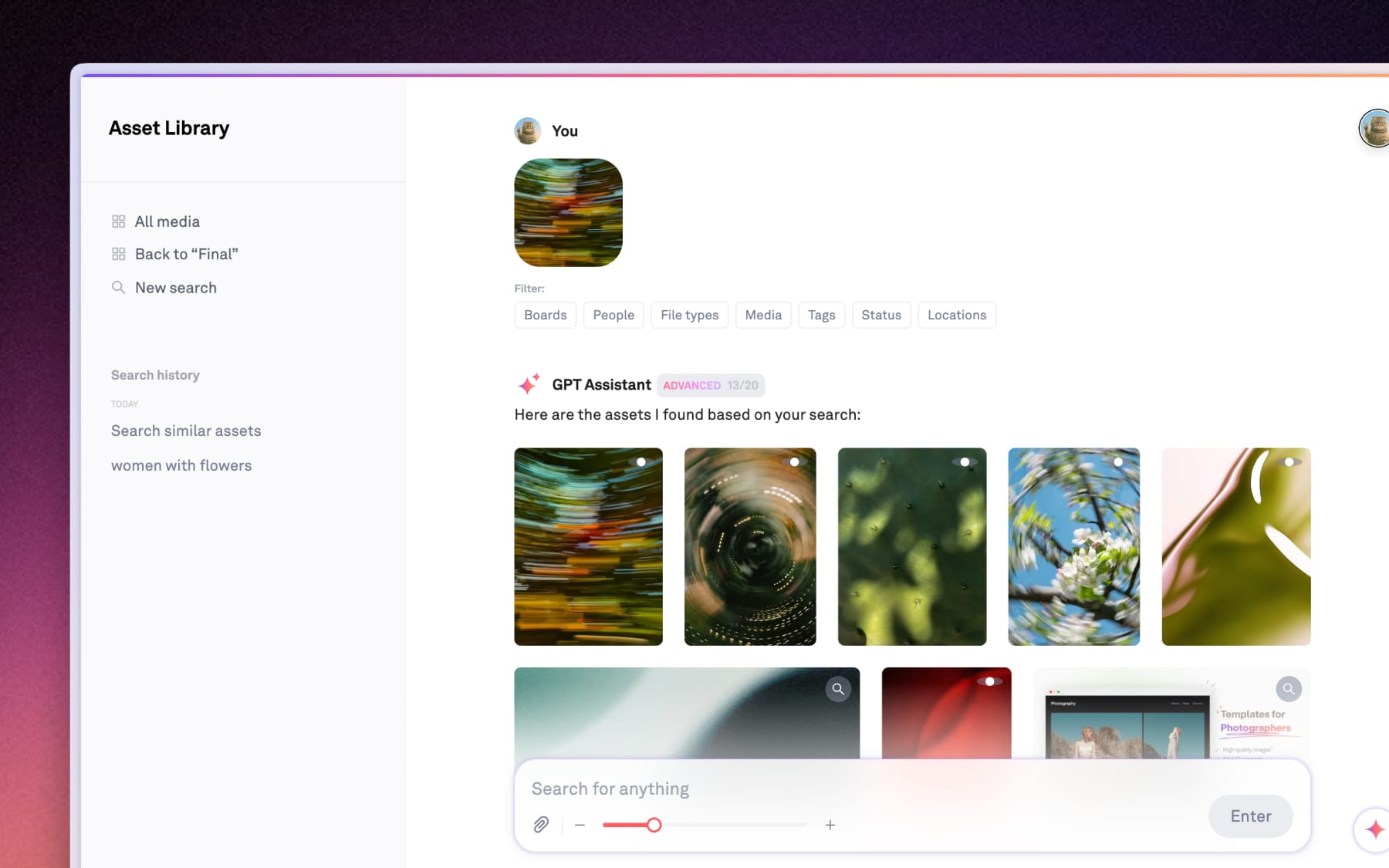
Finding similar assets
Learn how to use visual similarity to find related assets directly from your info panel or through an instant image search.
Whether you're looking for more shots from the same session or similar compositions, you can find them with Visually similar in Playbook.
From the Info panel
When you open any assets to view it in details view. On the right-hand Info panel, Playbook automatically suggests similar files based on their visual content, featuring a row of related assets
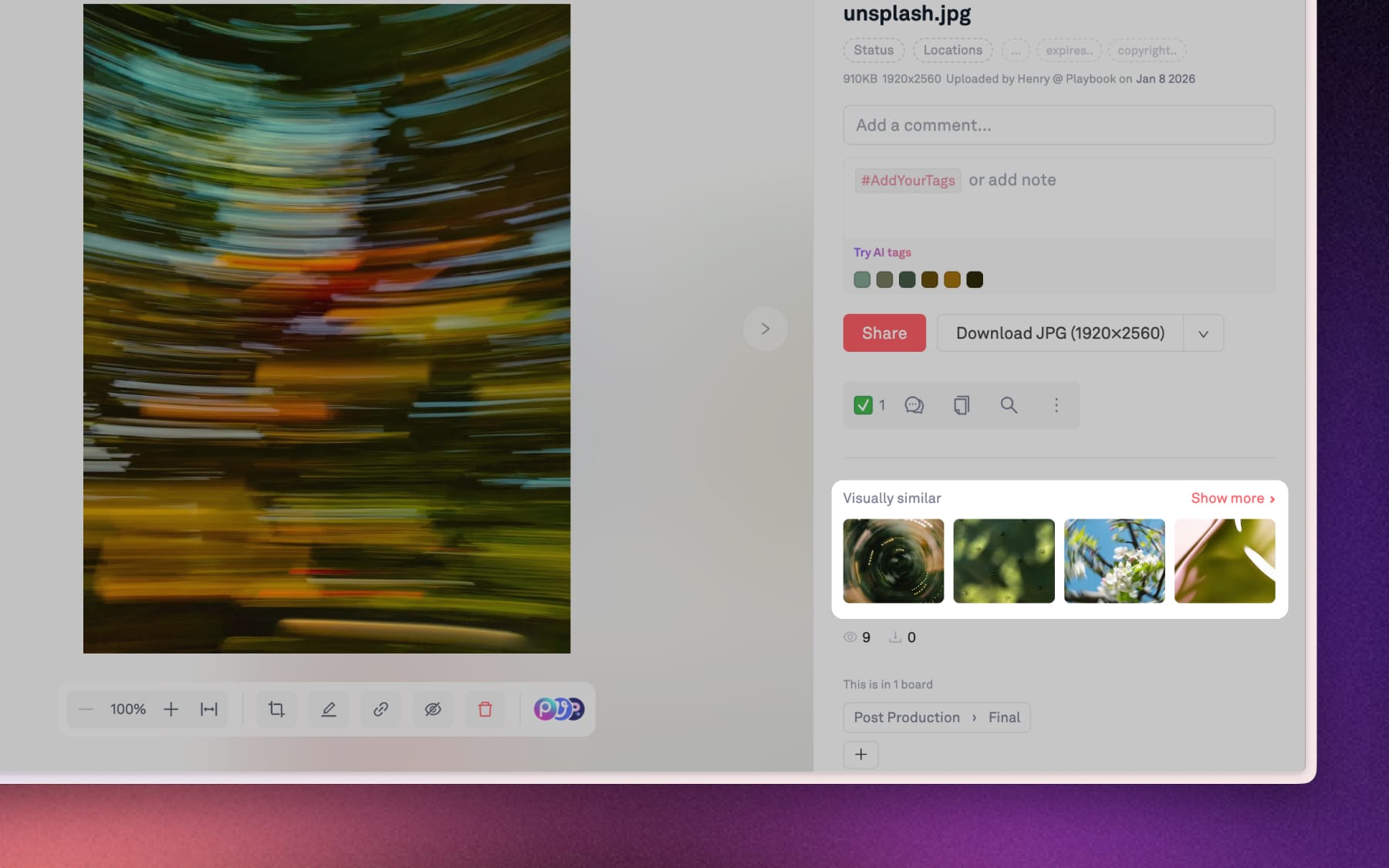
Click "Show more" for instant visual search
If you need to find more related assets, you can click the Show more under the Visually similar section. This instantly takes you to the Search page, using your original asset as the main reference.
In this view, you can see a much larger gallery of matches across your entire workspace.