
A brand manager needs one specific slide's worth of messaging, buried somewhere inside four different PDFs. A marketing lead needs a ten-second clip from a shoot last spring, sitting inside 300 generically named video files. In both cases, the content they need exists. It just isn't visible to search, because traditional storage indexes filenames and manual tags, not what's actually inside the file.
AI summaries change that by generating a transcript, a set of tags, and a plain-language summary for every video and document at the moment it's uploaded, then wiring all of it into one search bar. This guide covers what that looks like in practice, why most libraries never get there on their own, and what changes once an entire library, not just one file, becomes genuinely searchable.
Why video and document libraries stay unsearchable
Most video and document libraries stay unsearchable because storage tools index the label on a file, not the content inside it. A shared drive is really just a hard drive wrapped in folders. It can tell you a file's name and when it was uploaded. It has no idea what's said in the first two minutes of a video, or which paragraph of a forty-page brand guide covers messaging for a specific campaign.
That gap grows with the library, not away from it. A team with 500 videos can get by on memory and folder names. A team with 50,000 can't, and the manual tagging that might have covered the gap early on never scales, because nobody keeps it up once real deadlines hit. The result is a library that gets bigger every quarter and less useful at the same rate, since more files just means more haystack around the same needle. It's the same dynamic Atlassian's State of Teams 2025 report found at the company level: difficulty finding information, at 25% of the workweek, is the single biggest barrier teams report to moving fast, and unindexed video and document content is one of the largest blind spots inside that number.
What an AI summary actually generates
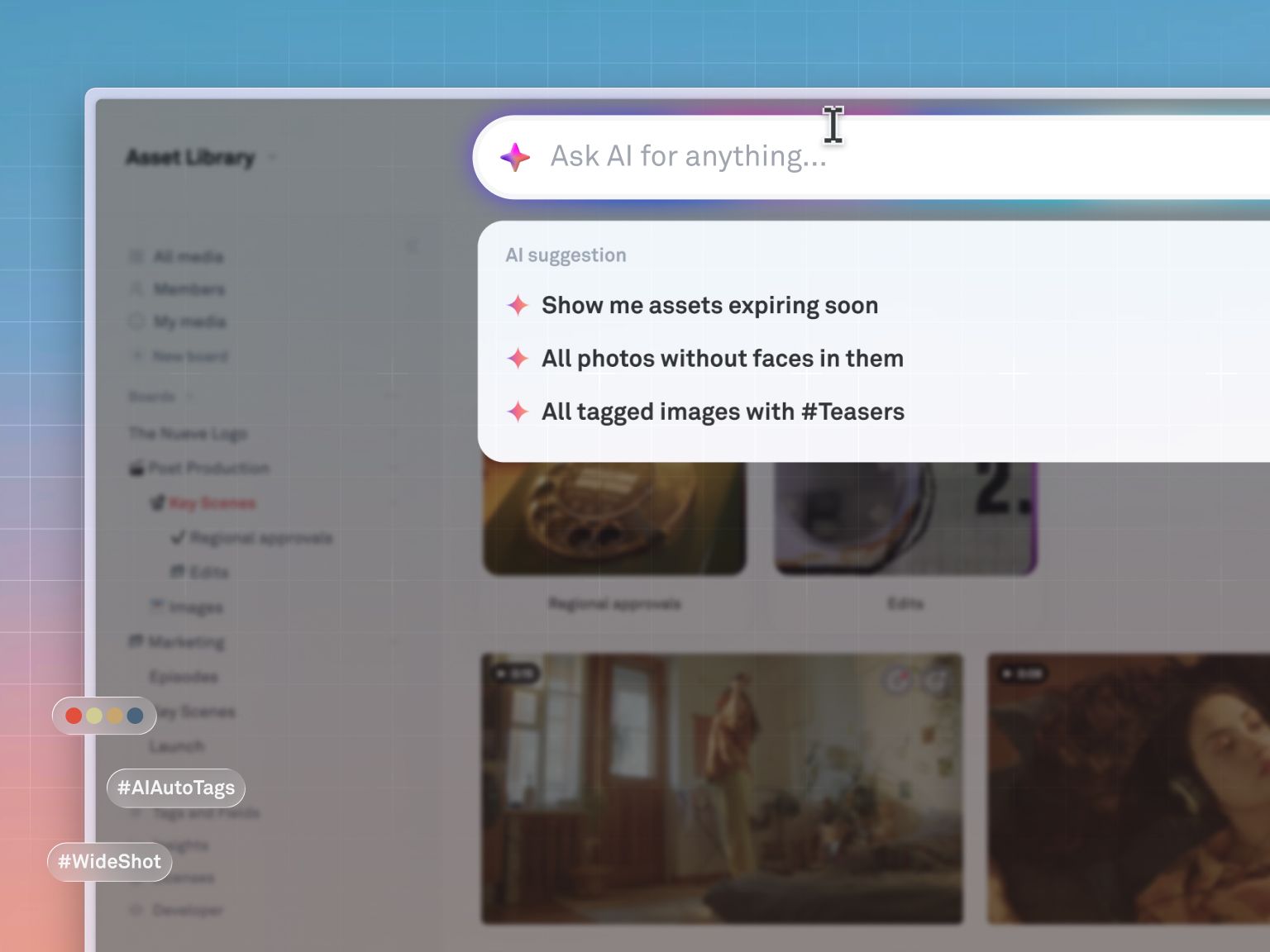
An AI summary turns raw video and document content into structured, searchable text, without anyone watching, reading, or tagging anything by hand. Four capabilities do the work.
Transcription that makes spoken words searchable
Every word spoken in a video becomes time-synced, queryable text the moment the file is processed, with speaker differentiation so a reviewer can find not just what was said but who said it. Speech recognition has gotten good enough to make this practical at scale: industry research on enterprise video points to automatic transcription models now reaching up to 98% accuracy under normal recording conditions. In practice, that means an editor looking for the take where a creative director said "let's go with the warmer color grade" can type the phrase and land on the exact timestamp, instead of scrubbing through forty-five minutes of footage.
Visual tagging for what's on screen
Object, scene, and concept detection runs on video frames at upload and applies tags automatically, the same way across a library of 500 videos or 50,000. A beach shoot gets tagged "ocean," "surfboard," and "talent outdoors" without anyone lifting a finger, and that consistency is what keeps a library searchable as it scales rather than degrading as it grows.
Chapters and summaries for fast review
Long videos get broken into topic-based chapters with descriptive titles, alongside a paragraph or bullet-point summary of the whole file. A reviewer can skim the summary, jump straight into the relevant chapter, and give targeted feedback instead of watching start to finish. That's the difference between a review cycle measured in hours and one measured in days.
Full-text indexing for documents
PDFs, Word docs, PowerPoints, and Keynotes get indexed in full, including OCR for scanned pages and image-heavy slide decks, so every concept in a document becomes searchable from the same bar used for video and images. A forty-page brand guide stops being something a new hire has to read cover to cover just to understand tone.
What changes once a whole library is searchable
Once every video and document in a library is indexed by content, the payoff shows up well beyond faster search.
- Review gets faster. A creative director comparing three candidate cuts can read the summaries and jump to the strongest chapter of each, instead of watching every version end to end.
- Existing work gets reused. A marketing lead planning a summer campaign can search by visual content, spoken phrase, or document concept, and pull relevant footage and briefs from past campaigns instead of commissioning new work from scratch.
- Teams stop waiting on the file hunt. A marketer who can search "product launch keynote deck" and get the actual file doesn't need to message the design team and wait for a reply.
- Onboarding gets faster. New hires can search "brand voice," read the AI summary of the style guide, and understand tone in minutes instead of sitting through three separate onboarding calls.
How Playbook makes video and documents searchable
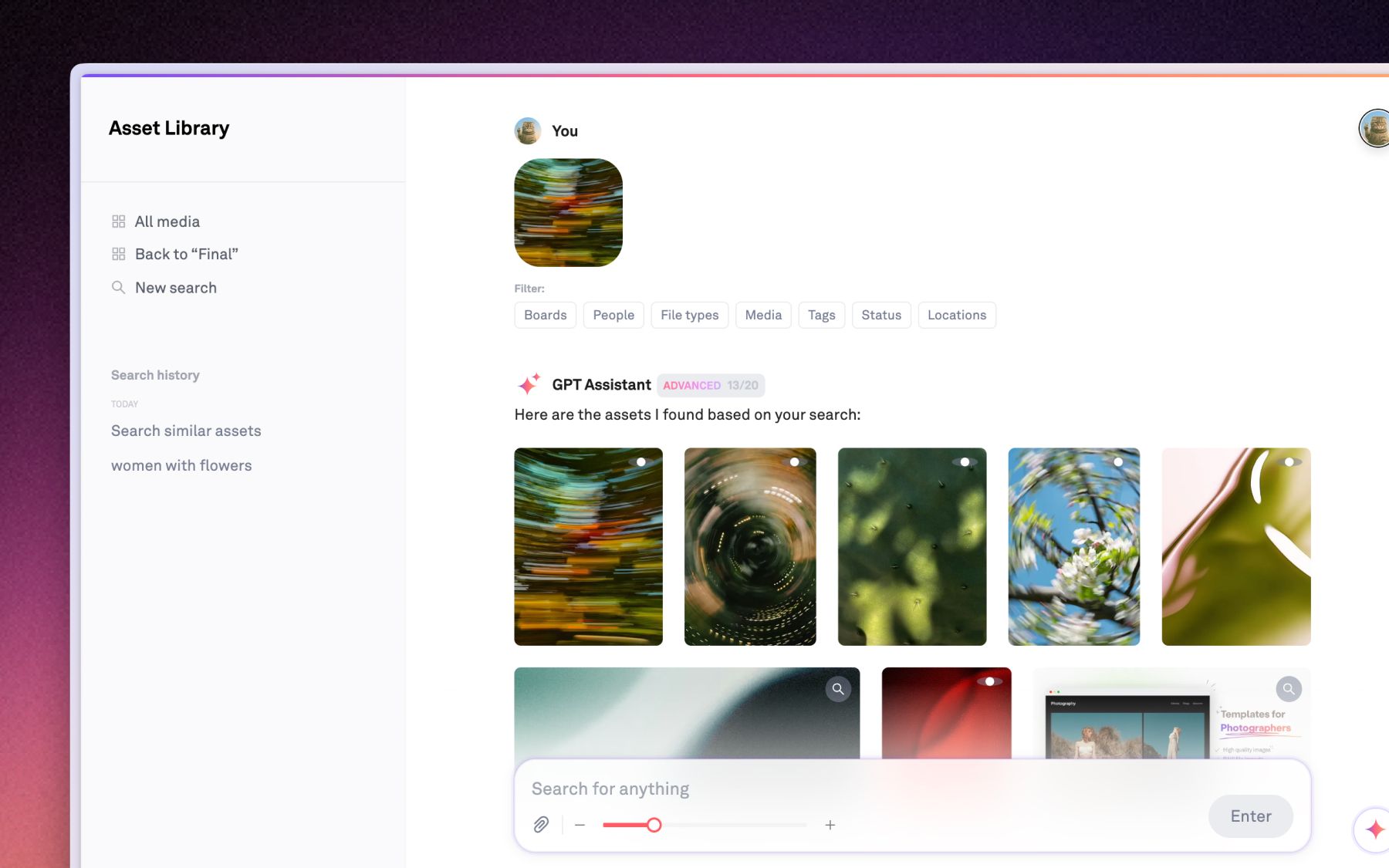
Playbook builds AI summaries, transcription, tagging, and search directly into the asset library, so every insight the system generates feeds one search bar rather than living in a separate tool. That's a meaningfully different experience from a standalone summarization tool, where the output stays wherever you pasted it rather than becoming part of a searchable system.
Uploaded video gets auto-transcribed with speaker differentiation, tagged for the objects and scenes it contains, and broken into a paragraph or bullet-point summary automatically. Uploaded documents, including PDFs, Word files, PowerPoints, and Keynotes, get fully indexed with OCR so even scanned or image-heavy pages become searchable. Version stacking layers every new iteration onto the original asset automatically, so a team is never confused about which version is the one that was actually approved.
The practical flow looks like this: someone searches a phrase from a shoot, previews the result with a scrubbable thumbnail, confirms it's the right file from the summary, and jumps straight to the relevant moment, all without leaving the workspace or downloading a single file.
Invictus Media, a video-first production house in Des Moines that handles roughly 90% of its work in video, moved off folder-based storage specifically because clients couldn't find what they needed without asking. CEO JenniferKathryn King put it this way: "Playbook is one of the three tabs I have open all the time." Clients now get a board they can search directly, instead of a chain of "do you know where this is" messages.
The Vault Stock runs a library that spans photography, AI-generated collections, video, and design templates for a global membership base, and had the opposite problem before switching: manually tagged search that failed on basic queries. Creative 2IC Anna Hamilton described the result after AI-powered tagging and search replaced the manual process: "Playbook really ticks all the boxes for us." The library now supports thousands of monthly members with search that actually returns what people are looking for.
Video Intelligence in Playbook supports files up to 10GB, four hours long, and 8K resolution, so the largest production footage gets the same automatic transcription, tagging, and summarization as a ten-second social clip. Document Intelligence covers PDFs, Word docs, PowerPoints, and Keynotes with the same full-text indexing.
Playbook Intelligence, including AI Organize and Sidebar search, is included starting on the Team plan at $20 a month per member (billed annually), reflecting the real compute cost of processing every file in a library at that depth. Pro starts at $10 a month per member for smaller libraries that don't need AI search yet, and Business runs a flat $400 a month for unlimited members. Confirm current pricing on the pricing page, since it's subject to change.
For teams managing high-volume video specifically, Playbook's media and entertainment workflows and smart search tools are built around exactly this kind of library.
Schedule a demo and search your own footage live to see what surfaces.
FAQ
What are AI summaries for a video or document library?
They're automatically generated transcripts, tags, chapters, and plain-language summaries created at the moment a file is uploaded, which turn what's inside a video or document into text a search bar can actually query.
How does AI search inside video content work?
The system transcribes spoken audio into time-synced text, analyzes video frames to tag objects and scenes, and breaks long footage into topic-based chapters, so a search can return the exact moment a word was spoken or a visual element appears.
Can AI summarize documents automatically?
Yes. Full-text indexing with OCR covers PDFs, Word docs, PowerPoints, and Keynotes, including scanned or image-heavy pages, and generates a summary of the document's key themes without anyone having to read the whole thing first.
How do AI summaries speed up creative review?
Chapters and summaries let a reviewer skim a two-paragraph overview and jump directly to the section that needs attention, rather than watching an entire video start to finish. That typically shortens review cycles from days to hours.
Ready to search your own library? Schedule a demo with Playbook.