
"I've used Box, Dropbox and Air, and I think Playbook is the easiest out of them all."
Chris Garcia, Content Producer, Canopy

The Challenge: dozens of SKUs, labeled one file at a time
Since launching in 2020, Canopy has grown into five product categories and hundreds of active SKUs, most of them shipping in a handful of finishes and sizes, sold direct and stocked across more than 100 Sephora doors plus Nordstrom, Target, and The Container Store.
Which is where the creative problem starts. A showerhead in brushed nickel vs. matte black photograph identically, and the only way to quickly surface the right asset is through meticulous labelling and tagging.
For years, this was done one asset at a time, by hand. By the time they hit 50k assets, Canopy's library of product shots, UGC content, and social media layouts was unmanageable and unsearchable and maintenance every week was hours of overhead.
"Every image and video used to be tagged, manually."
Chris, Content Producer, Canopy
Why they switched: Canopy runs on automations
As a team that operates on the cutting edge, Canopy automates everything. The team wanted to create a continuous content pipeline as well: a concept gets briefed, the creative comes back, someone marks it ready, and it goes straight to social channels without anyone manually uploading and downloading files between systems.
Canopy needed a system that could be the source of truth for all visual assets but was also malleable and extendable to connect into the rest of their workflow. They needed Playbook API.
The Migration: moving from Air.inc in a single week
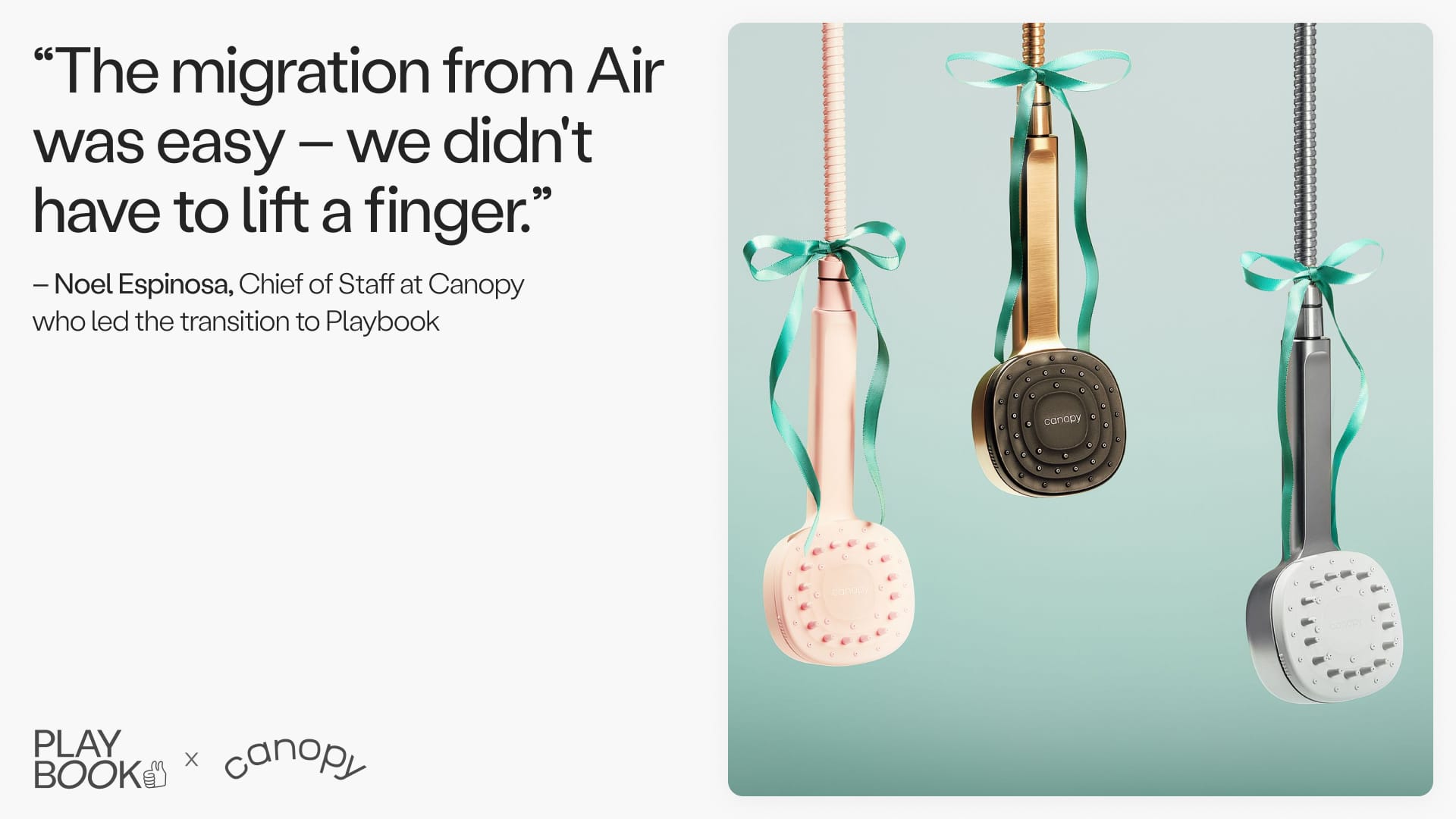
"The migration from Air was easy, we didn't have to lift a finger."
Noel Espinosa, Chief of Staff, Canopy
Canopy handed over access and went back to work.
The Playbook team mapped Canopy's existing boards and asset structure straight into Playbook, bringing along all tags and metadata. Nobody had to pause a project, re-upload a shoot, or relearn where anything lived.
"We didn't jump into Playbook until everything was in. It was easy, since everything followed the same structure."
Katy Spore, Graphic Designer, Canopy
Curious what your own library would take? Schedule a demo with Playbook and we will walk through it with you.
The solution: a content pipeline that runs itself.
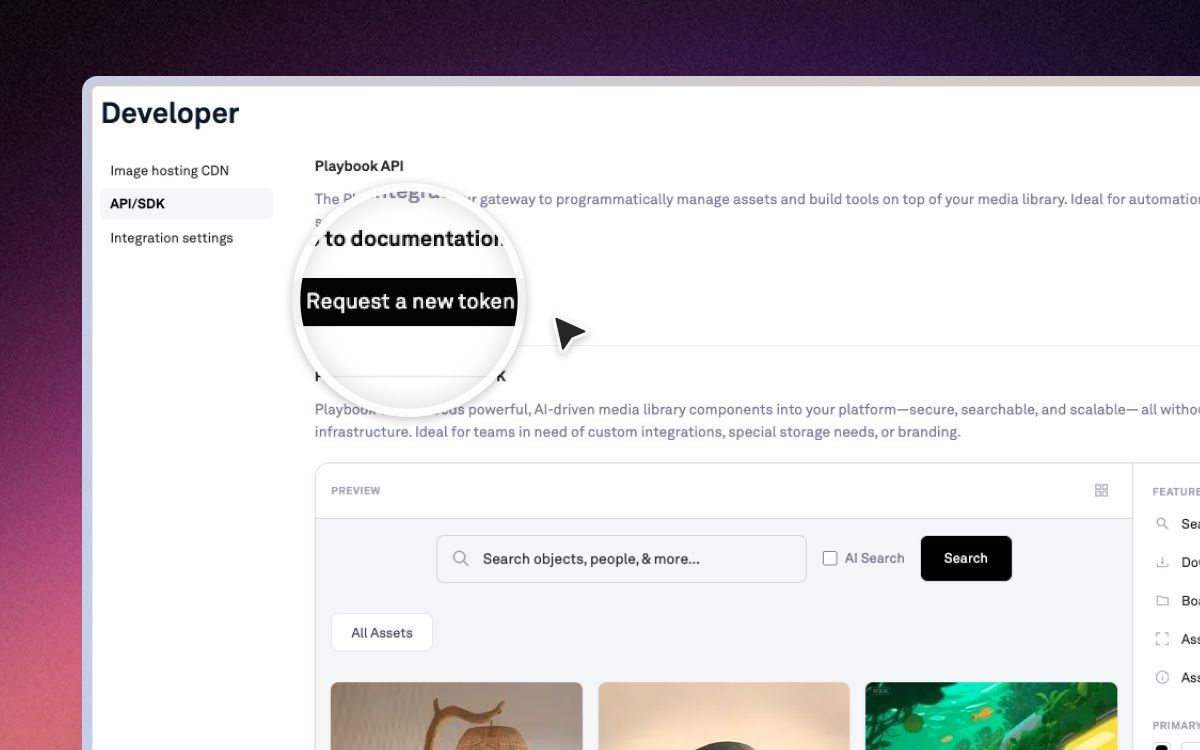
That pipeline now runs on the Playbook API. When a concept is marked ready for production, an automation calls the API and spins up the board that will hold its assets. The creative lands there. Another automation reads that board and opens a production task per asset, each pointed at the file's permanent address. The last step sends approved ads straight to their social channels.
No copies, no exports, nobody moving files between systems. Every tool in the chain is pointed at the same asset in Playbook.
Board rules: tagging at the door
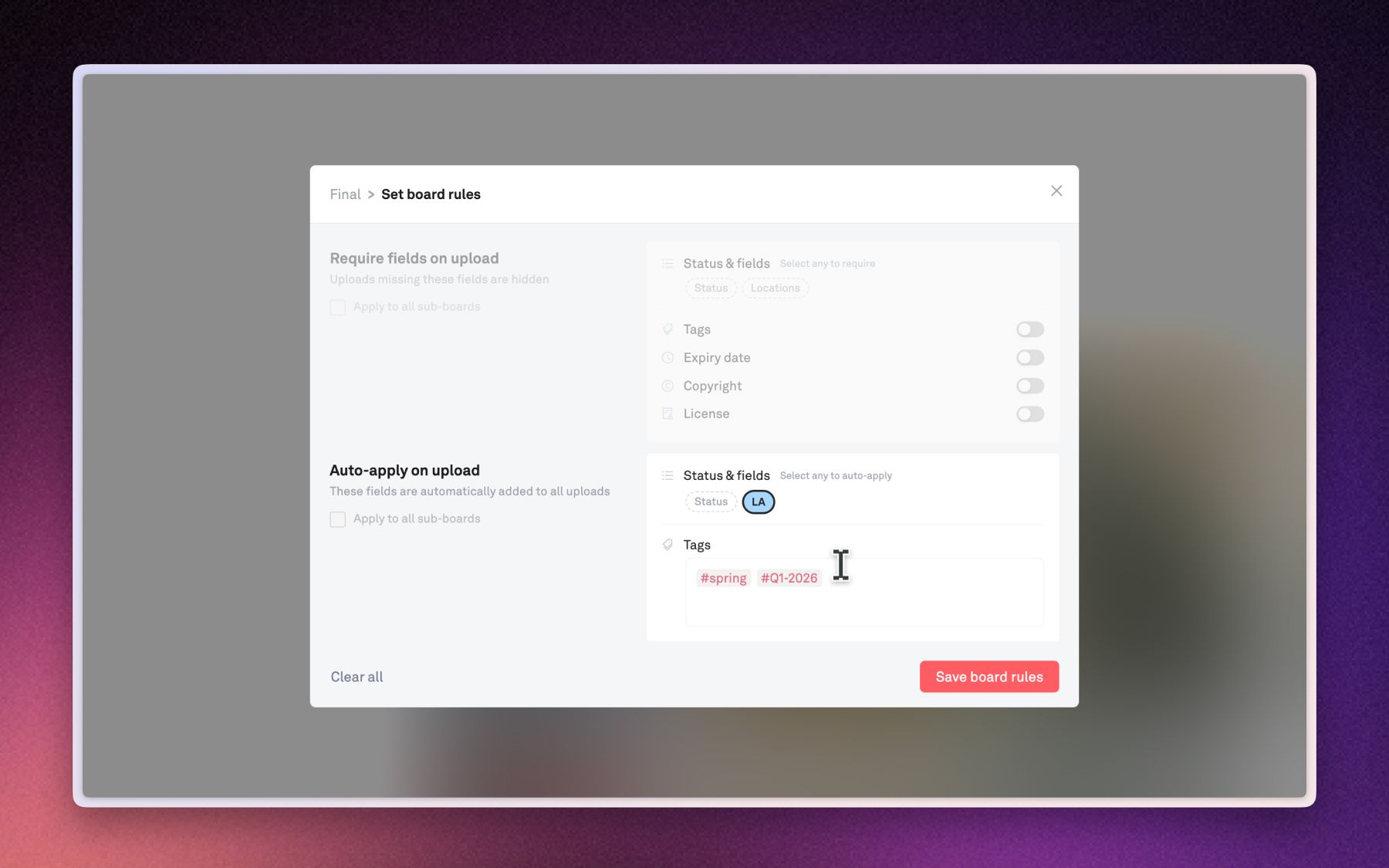
A pipeline is only as good as the library feeding it, so hand-tagging had to go. Board rules let you decide once what every file dropped into a board should carry, whether that is a set of tags, a status, or specific fields, and Playbook applies it the moment the file lands. You can make fields mandatory too. A file missing its usage rights does not vanish into the library, but instead sits in an "Edit missing info" bar until somebody deals with it.
"Setting board rules has been super helpful...everything automatically gets tagged when you enter it. That's such a lifesaver."
Chris Garcia, Content Producer, Canopy
A few more favorite features from the Canopy team:
- Similar assets. "Opening one image and then finding other similar versions of that has been helpful when looking for a high-res version of something."
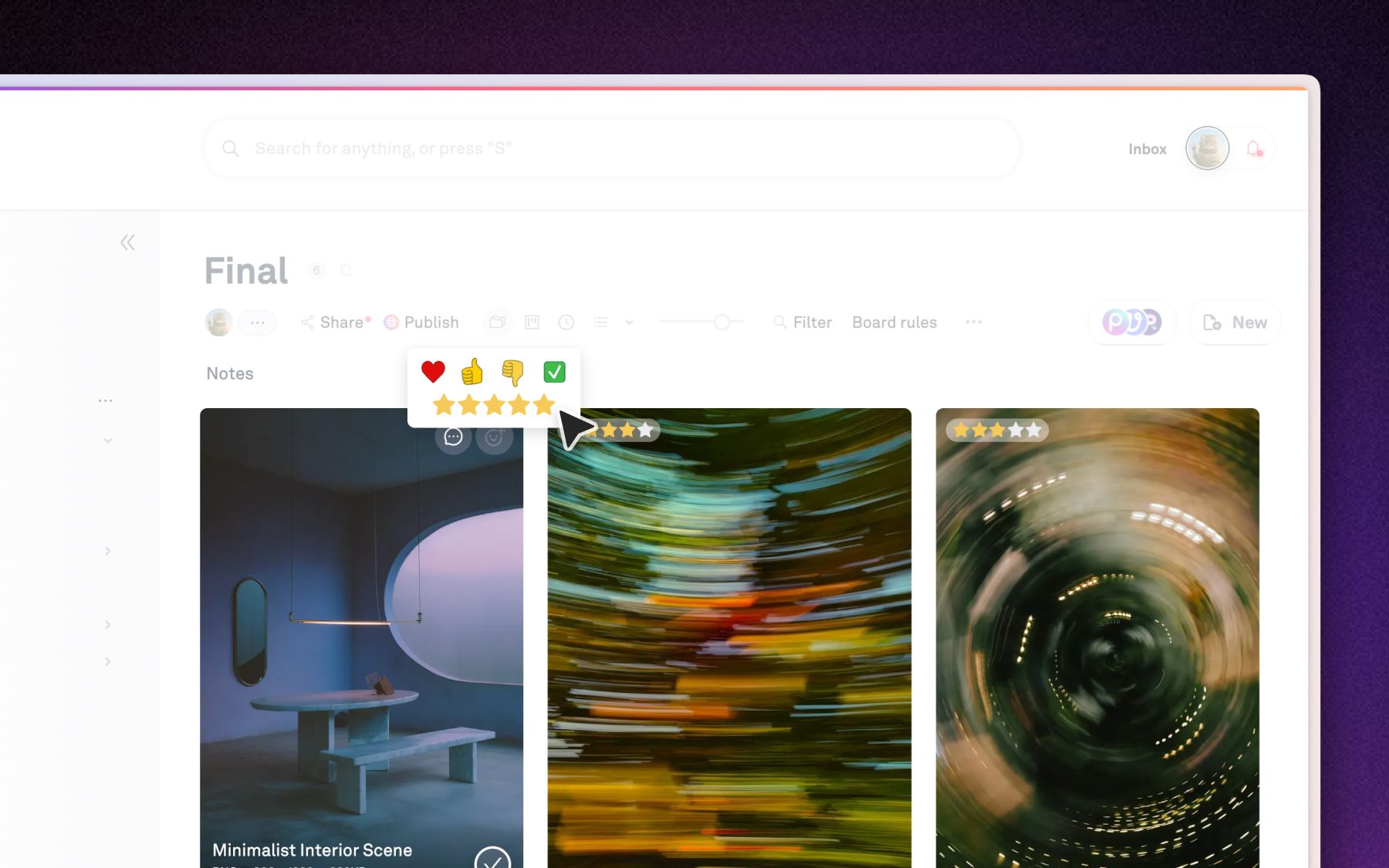
- Reactions and star ratings. "Making the selects just one button that you can click, even from the preview, has been so helpful for everyone."
- Easier UI. "Right before we left our last platform they did a big UI refresh that I was not a big fan of; Playbook feels much cleaner."
Canopy launches new products every year, and each one brings its own shoot, its own finishes, its own round of creative. For a consumer brand moving at that pace, the win isn't the storage. It's a library that tags itself, feeding a pipeline that keeps running as the catalog grows.
👉 Want the same for your brand? Schedule a demo with Playbook today.