
Creative work stalls in predictable places: feedback scattered across a chat app nobody scrolls back through, three people each convinced they're working from the "final" file, or an approval that's been sitting in someone's inbox for four days. Creative workflow management software exists to close those gaps, moving a request from brief to approved deliverable while keeping the finished work easy to find and reuse later, rather than filed away and forgotten.
This guide compares six platforms on the criteria that actually determine whether creative work moves faster: how approvals route, whether version control is automatic or manual, how well the tool centralizes assets, and how it fits into the tools your team already uses. We'll close with a framework for matching your team's specific bottleneck to the right tool, but here's the quick view first.
At a glance: 6 creative workflow tools compared
Ratings and prices are current at the time of writing and worth reconfirming against each vendor's pricing page before you budget.
1. Playbook: best for asset-centered creative workflows
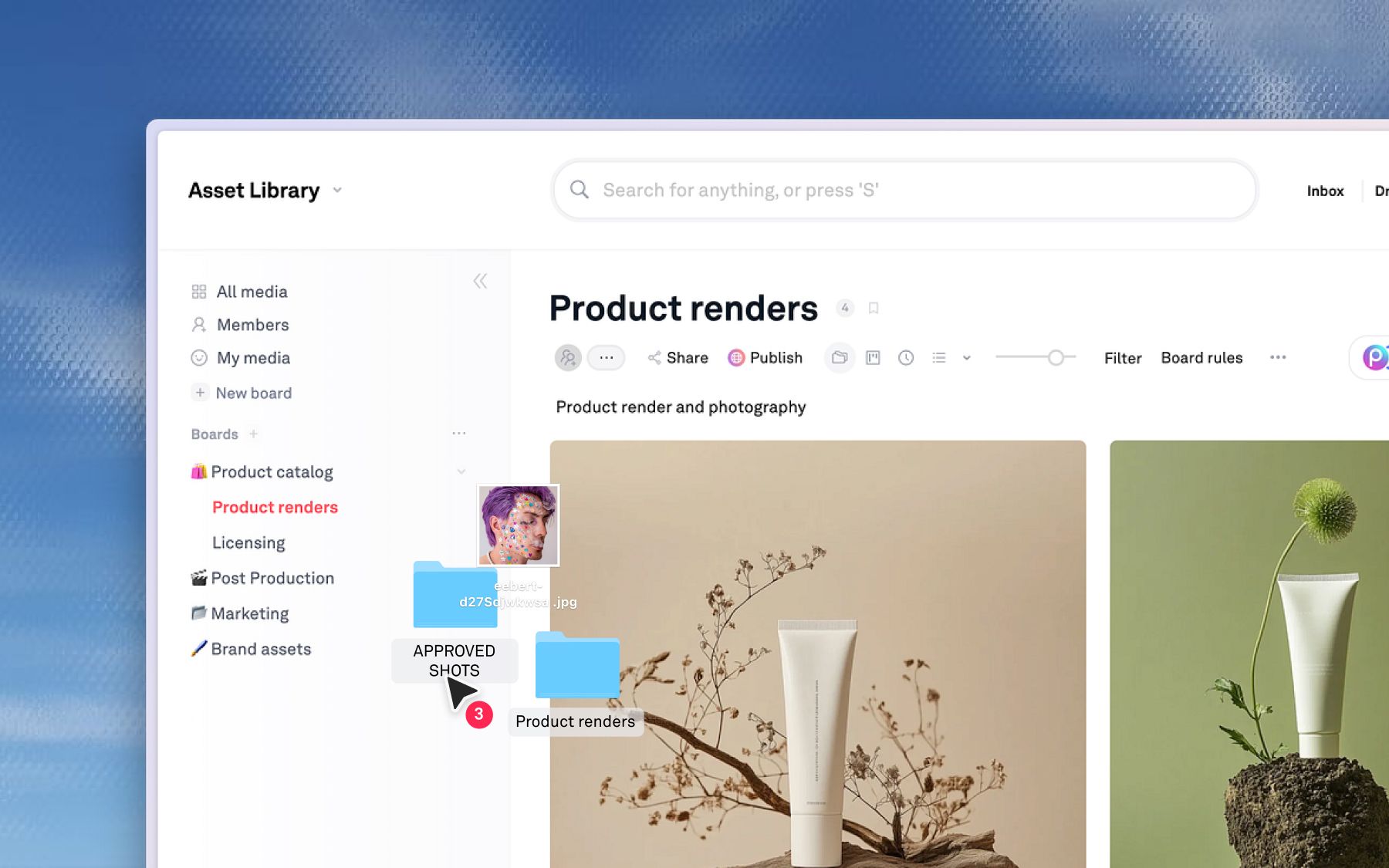
Playbook is a visual workspace where workflow status lives on the asset itself, so a team moves from intake to approval without switching between a project tracker, a shared drive, and a review tool. Instead of a task card that references a file somewhere else, the file is the unit of work, and every version, comment, and approval decision stays attached to it.
Standout features
- Version stacking that groups every iteration into one evolving asset, so there's never a "final_v3" to argue about
- Comments and approvals attached directly to the asset and its specific version, with Kanban-style tracking through custom fields
- Playbook Intelligence, including AI Organize for automatic tagging and sorting, and Sidebar search for finding and acting on an asset in the same motion
- Granular permissions and secure, expiring share links for client and agency collaboration
- Native integrations including Slack, Zapier, Midjourney, and major creative tools
Strengths
- Status and history stay with the file, so nothing evaporates in the handoff between tools
- Feedback attached to the exact version eliminates the "which draft is this about" back-and-forth
- Automatic tagging keeps a library searchable even when nobody has time to file things by hand
Limitations
- Not a full project management platform. Teams that need Gantt charts, cross-project resourcing, or complex task dependencies will want to pair Playbook with a dedicated PM tool for that layer of planning.
Best for: Creative and marketing teams whose bottleneck is version confusion, scattered feedback, or assets that get recreated because nobody can confirm what's already approved.
Rating: Playbook does not currently maintain an active, product-specific G2 profile, so rather than publish a number that isn't representative, here's what real customers say instead. Dorst & Lesser, a 75-person social agency producing about 400 assets a week, moved to Playbook when their previous tool couldn't keep pace with client and influencer feedback. Co-Founder Robert Withagen: "Speed is very important because we are in the social business." Shakti Mat used Playbook to run a rebrand across three markets after files split across Dropbox, Google Drive, and internal storage made version control an afterthought. As Glynn Ryland put it, "It's a system that underpins our brand."
Pricing: Free covers 100GB and 300 assets with no card required. Pro starts at $10 a month per member (billed annually) for solo freelancers and small studios. Team, at $20 a month per member, is where Playbook Intelligence, AI tagging, and conversational search switch on. Business runs a flat $400 a month for unlimited members, with Enterprise adding bring-your-own-storage and custom onboarding above that. Confirm current numbers on the pricing page.
Schedule a demo to see how asset-centered workflow compares against a task-based one for your team.
2. Ziflow: best for approval-heavy workflows
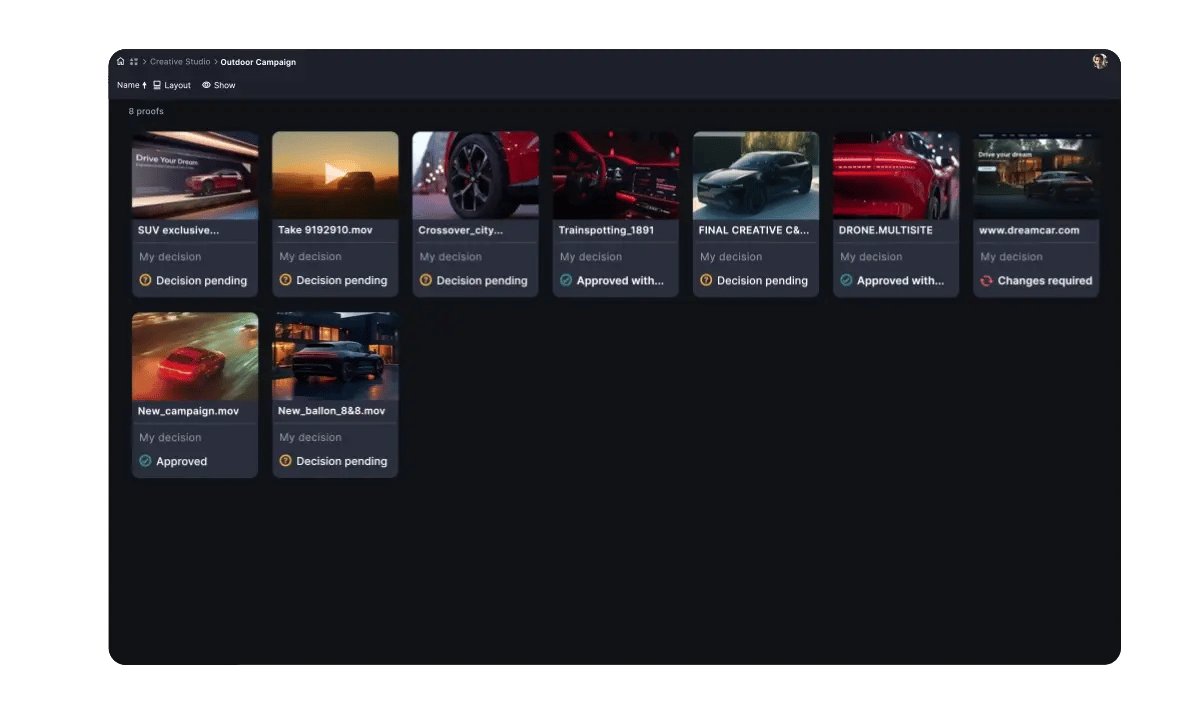
Ziflow is a dedicated online proofing platform that focuses entirely on the part of a creative workflow most likely to stall: routing reviews, consolidating markup, and keeping a clear record of who signed off on what. It doesn't try to be a project planner. It tries to be the fastest possible path from draft to sign-off.
Standout features
- Multi-stage approval routing, sequential or parallel, with granular control over reviewer order and deadlines
- Side-by-side and pixel-level version comparison for spotting exactly what changed
- Precise markup tools across images, video, PDFs, and live websites
- Full audit trails for every comment, decision, and approval
Strengths
- Purpose-built approval routing beats general-purpose commenting for multi-stakeholder sign-off
- Automated reviewer notifications cut down on manual chasing
- Strong fit for regulated or brand-compliance-heavy review processes
Limitations
- Proofing and approval only. Ziflow needs to be paired with a separate tool for intake, production, and where approved assets live afterward.
Best for: Teams in regulated industries or brand-heavy organizations where getting several stakeholders to sign off on one asset is the primary bottleneck.
G2 rating: 4.5/5, at the time of writing.
Pricing: Ziflow offers a free tier with a single workflow stage, unlimited reviewers, and 2GB of storage. Paid plans start at $199 a month for the Standard tier, with Pro at $329 a month and Enterprise available on request.
3. Wrike: best for enterprise creative orchestration
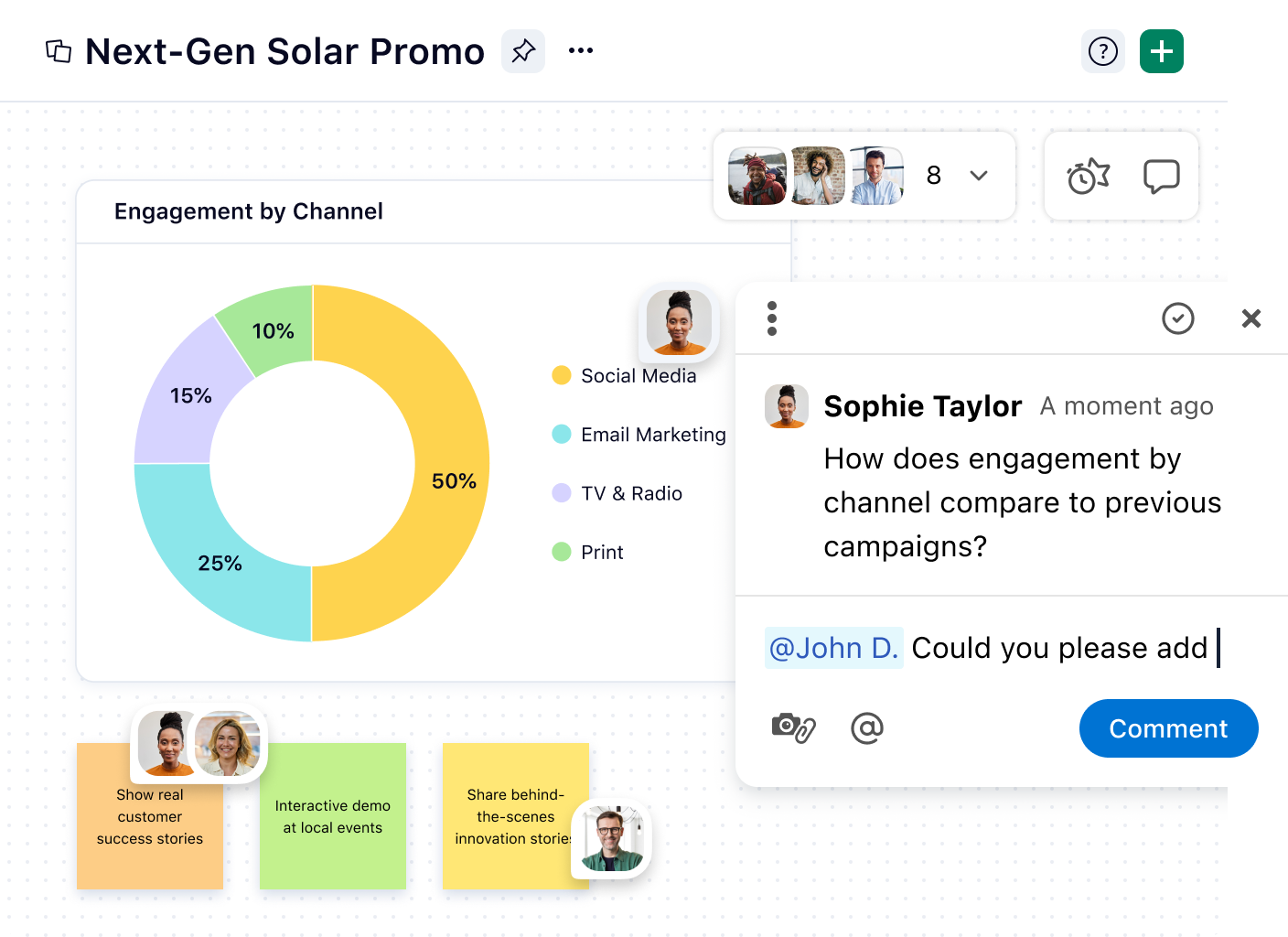
Wrike is a work management platform built for large creative teams and agencies that need intake standardization, resource planning, and proofing under one roof. It's the tool larger organizations reach for when creative production spans multiple departments and needs a shared system rather than a patchwork of point tools.
Standout features
- Dynamic request forms with conditional logic that route briefs automatically
- Built-in proofing and approvals with side-by-side file comparison
- Gantt charts paired with resource and workload management
- Branded, reusable templates for repeatable campaign types
Strengths
- Resource management and workload balancing live in the same platform as creative review
- Dynamic intake forms cut down on incomplete, drive-by requests
- Handles complex, cross-functional projects better than lighter task tools
Limitations
- A genuinely steep learning curve. Wrike rewards teams with complex needs and can feel like overkill for a small, simple workflow.
- Proofing and dynamic forms are gated to higher-tier plans.
Best for: Larger creative teams or agencies that need workflow management, resource planning, and intake standardization together, especially when the bottleneck spans several departments.
G2 rating: 4.2/5, at the time of writing.
Pricing: Wrike's free plan covers unlimited users with basic task management. Paid plans start at Team, $10 a user per month (annual billing), with Business at $25 a user per month (five-seat minimum). Pinnacle and Apex tiers are sales-quoted.
4. Monday.com: best for visual process tracking
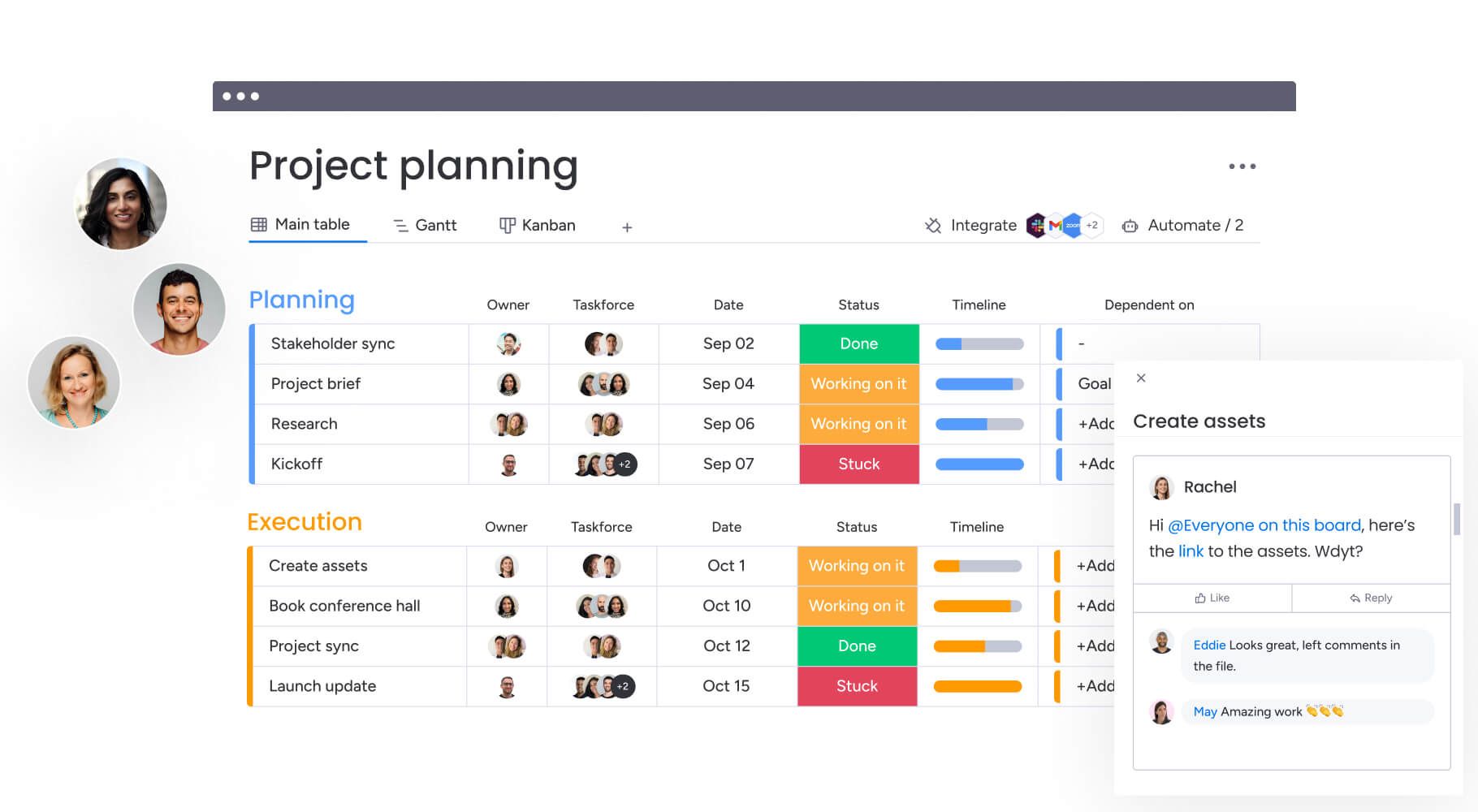
Monday.com is a flexible board-based platform that teams use to track creative intake and production status across campaigns, with a visual interface that makes "where does everything stand" easy to answer at a glance. It leans harder into visual clarity and fast adoption than into creative-specific proofing.
Standout features
- Customizable board views, including Kanban, Gantt, timeline, and calendar
- No-code "if this, then that" automations for repetitive routing
- Built-in Workdocs that live alongside project boards
- A wide integrations marketplace covering Slack, Google Workspace, and more
Strengths
- Among the highest ease-of-use and ease-of-setup marks in the category
- Low learning curve, which drives fast team-wide adoption
- Strong visual dashboards for status reporting to non-PM stakeholders
Limitations
- No native visual proofing or annotation for creative assets specifically
- Version control for creative files still requires manual workarounds or a third-party integration
Best for: Teams whose main question is "where does everything stand across campaigns" rather than "what does this specific file need," and who value fast adoption over deep creative-review features.
G2 rating: 4.7/5, at the time of writing.
Pricing: Monday.com's free plan covers up to two seats. Paid tiers, billed annually, start at Basic for $9 a seat per month, Standard at $12, and Pro at $19, with Enterprise available on request. Plans are sold in seat brackets rather than exact headcounts.
5. Asana: best for task-based campaign coordination
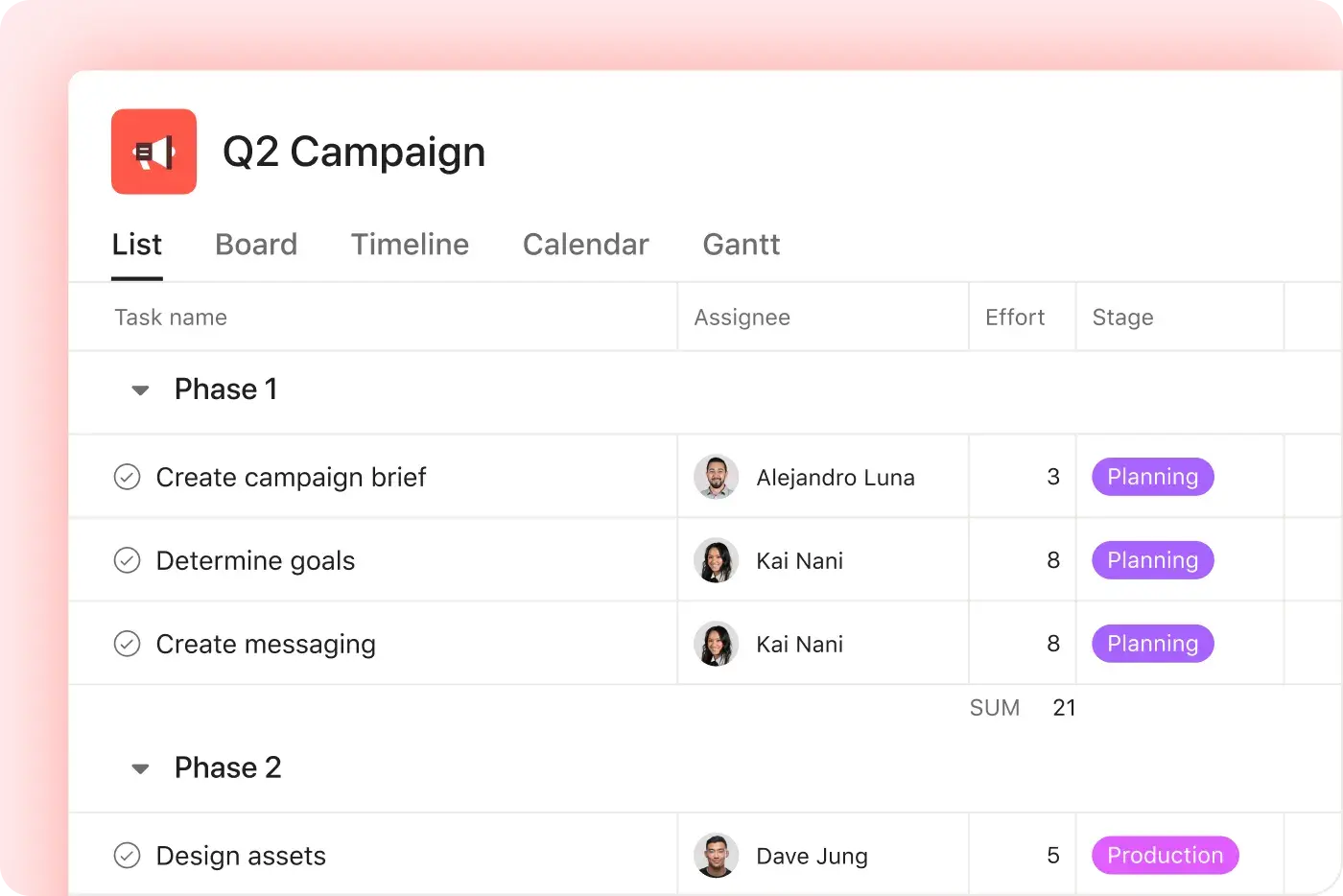
Asana is a project management platform built around tasks, owners, and timelines, which makes it a strong fit when the real bottleneck is knowing who's doing what next rather than managing the creative file itself. It doesn't treat the asset as the center of the workflow the way a DAM-first tool does.
Standout features
- Custom workflow rules and automations that route work when a task's status changes
- Pre-built campaign and creative brief templates for repeatable work
- Timeline, board, list, and calendar views over the same underlying data
- A visual proofing add-on for markup on creative files
Strengths
- Strong task dependency mapping and timeline views for multi-step campaigns
- A visual Workflow Builder for planning start-to-finish processes across stakeholders
- Templates and onboarding resources that make implementation straightforward
Limitations
- Visual proofing is a paid add-on rather than a native capability
- Asset previews and version history are thinner than in an asset-first platform
Best for: Teams whose projects stall because of unclear task ownership and sequencing, not because people can't find the right file.
G2 rating: 4.4/5, at the time of writing.
Pricing: Asana's free Personal plan covers up to two users. Starter runs $10.99 a user per month (annual billing), and Advanced runs $24.99, with Enterprise available on request.
6. Adobe Workfront: best for enterprise program management
Adobe Workfront is an enterprise work management platform built for large marketing organizations that need program-level visibility across many concurrent campaigns, particularly teams already standardized on Adobe Creative Cloud. It solves for governance and portfolio visibility more than for day-to-day creative speed.
Standout features
- Structured request queues that standardize how work enters a department
- Automated, multi-stage approval routing with configurable rules
- Resource management and capacity planning across teams and portfolios
- Native Adobe Creative Cloud integration, so designers work in Photoshop while managers track timelines in Workfront
Strengths
- Deep native integration for teams already invested in the Adobe ecosystem
- Strong centralized, real-time visibility into status across large programs
- Sophisticated request queues and routing at genuine scale
Limitations
- A dated interface with a steep learning curve that typically requires a dedicated admin
- Custom, quote-based pricing with no free plan, which puts it out of reach for smaller or mid-market teams
Best for: Large marketing organizations, generally 500 or more employees, already invested in Adobe that need program-level governance across multiple creative teams.
G2 rating: 4.1/5, at the time of writing.
Pricing: Custom, quote-based. Adobe Workfront does not publish per-seat rates or offer a free plan.
What to look for in creative workflow software
The right tool depends on which stage of the workflow is actually breaking, not on which platform has the longest feature list. Match your bottleneck to the criteria below before you shortlist anything.
- Where does an asset live after it's approved? If the answer is "wherever it was last exported," reuse becomes guesswork. Look for a system that keeps approved work centralized and searchable, not just a task tool that references a file elsewhere.
- Who does the filing? If findability depends on one designer's naming habits, that's a single point of failure. Automatic tagging at upload is what keeps a library usable once that person is out sick or has moved on.
- Is version control automatic or a naming convention? "Hero_FINAL_v3" is a guess, not a system. Version stacking that surfaces the current approved file automatically removes the guessing.
- How does approval routing actually work? Sequential or parallel, with visible status, matters more than how many integrations a tool has if reviewers currently have no idea it's their turn.
- Does it fit the tools your team already uses? A workflow tool that requires ripping out existing storage or design software adds migration risk most teams don't need to take on.
FAQ
What is creative workflow management software?
It's software that standardizes how a creative asset moves from request through production, review, approval, and distribution, while keeping the context behind approved work intact so teams can find, reuse, and adapt it later instead of starting from scratch.
How is creative workflow management different from project management?
Project management tracks tasks, timelines, and resources. Creative workflow management focuses specifically on how fast one asset moves from brief to approved deliverable, with an emphasis on intake, feedback, versioning, and sign-off rather than portfolio-level scheduling.
Can a project management tool handle creative workflows on its own?
Partially. Tools like Asana and Monday.com coordinate tasks well but generally lack native visual proofing, automatic version stacking, and asset-level workflow tracking, so most teams pair them with a dedicated review or asset tool.
What should I look for in creative workflow software?
Match the tool to your actual bottleneck: intake standardization, review and approval routing, version control, or post-approval asset reuse. A tool built for one of those doesn't automatically solve the others.
Is there free creative workflow software?
Yes. Playbook, Wrike, Monday.com, Asana, and Ziflow all offer functional free tiers, though limits on storage, seats, or workflow stages vary. Adobe Workfront does not offer a free plan.
Ready to see how an asset-centered workflow compares? Schedule a demo with Playbook.