
TL;DR: To organize design files so this never happens again, stop letting the filename do version control's job. Give each deliverable one home, let iterations stack on that single asset, group distinct variants into one tile, and move version and status out of the filename and into searchable metadata. This guide shows you how to organize design files with a durable system, and where a real digital asset manager like Playbook takes over the parts a folder never could.
The filename is the villain here. It is a single string of text trying to carry version number, approval status, campaign, and date all at once, and it fails at all four the moment a second person opens the folder. Below is a system that does not depend on anyone remembering the naming rule.
Ready to see it on your own library? Schedule a demo and bring your messiest folder.
Why do design files always turn into FINAL_v6?
Design files decay into FINAL_v6 because the filename is the only place most teams have to record what a file is and where it stands. A filename is a poor database. It cannot be queried, it cannot enforce itself, and it drifts the instant two people save to the same folder.
Three forces make it worse over time. Creative work multiplies: one hero image becomes five crops, three locales, and a dozen review passes. Feedback arrives out of band, in Slack, over email, on a screenshot, so the "approved" version lives in someone's memory rather than on the file. And retrieval leans on recall, which means the person who made the folder is the only one who can find anything in it.
The cost is measurable. Warner Bros. Discovery Sports, which runs marketing for TNT Sports, Eurosport, and Bleacher Report, had assets scattered across SharePoint and Google Drive before it centralized in Playbook, and it cut asset requests to the creative team by roughly 50%. Playbook's own reporting puts it plainly: 96% of users say they spend less time hunting for files after switching. The filename was never the fix. A system is.
What is the difference between version stacking and grouping?
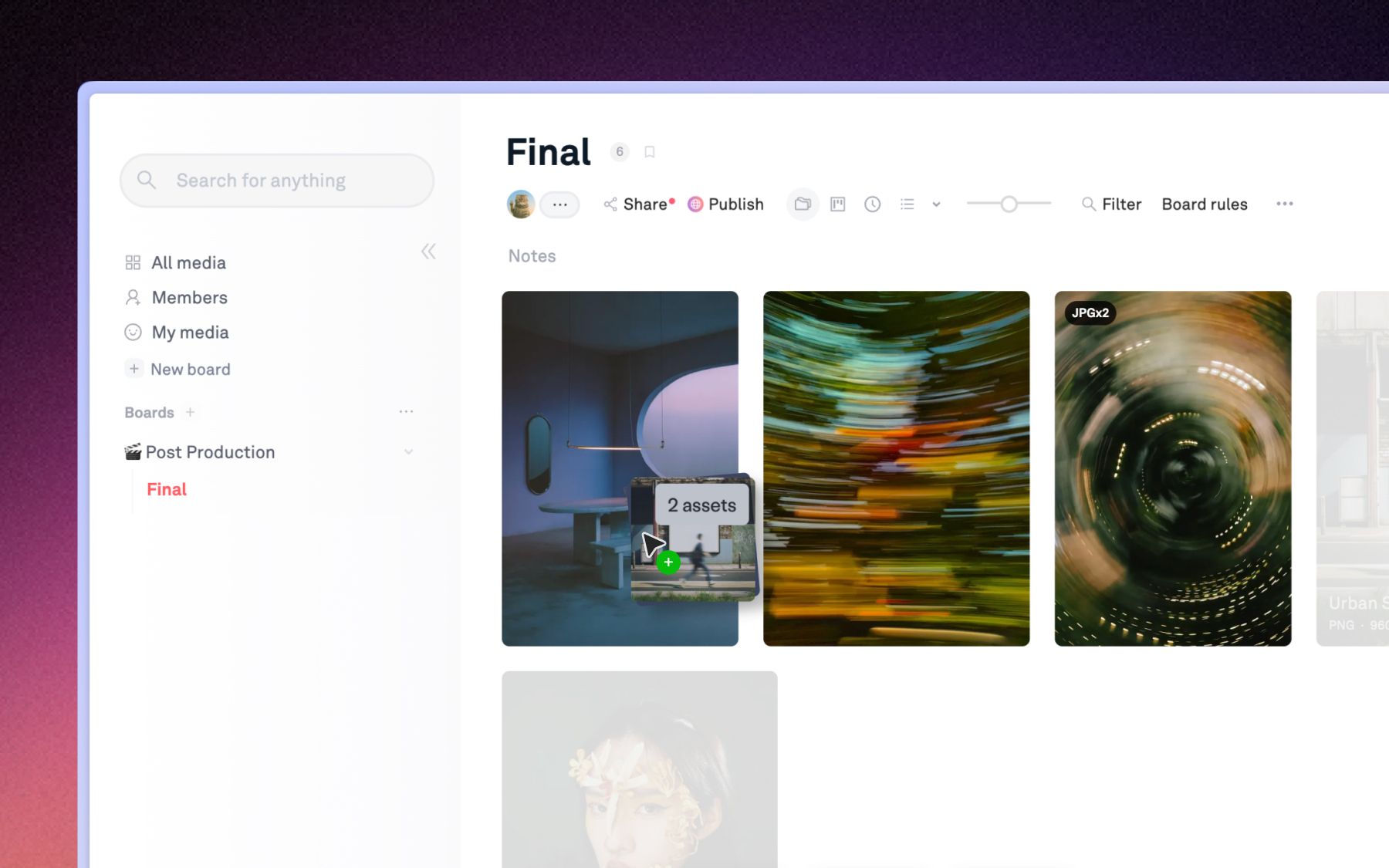
Version stacking and grouping solve two different problems, and conflating them is why most "file systems" still spawn duplicates. Version stacking layers iterations of one asset onto a single record. Grouping collects several distinct assets into one tidy tile. You need both, and you need to know which is which.
Think of version stacking as time and grouping as space. Stacking is the story of one file getting better: v1 to v6 of the same banner, all living on one asset that carries its own history. Grouping is one clean tile standing in for many separate files: the banner in five sizes, or a burst of forty photos from one shoot, tucked behind a single preview so the board reads cleanly.
| Version stacking | Grouping (stacks and variants) | |
|---|---|---|
| What layers | Iterations of ONE asset | Several DISTINCT assets |
| The record | One asset carries its whole history | One tile holds many separate files |
| Use it for | v1 to v6 of the same key visual | Five sizes of a banner, or a photo burst |
| The Playbook term | Version stacking, change history | Stacks and variants |
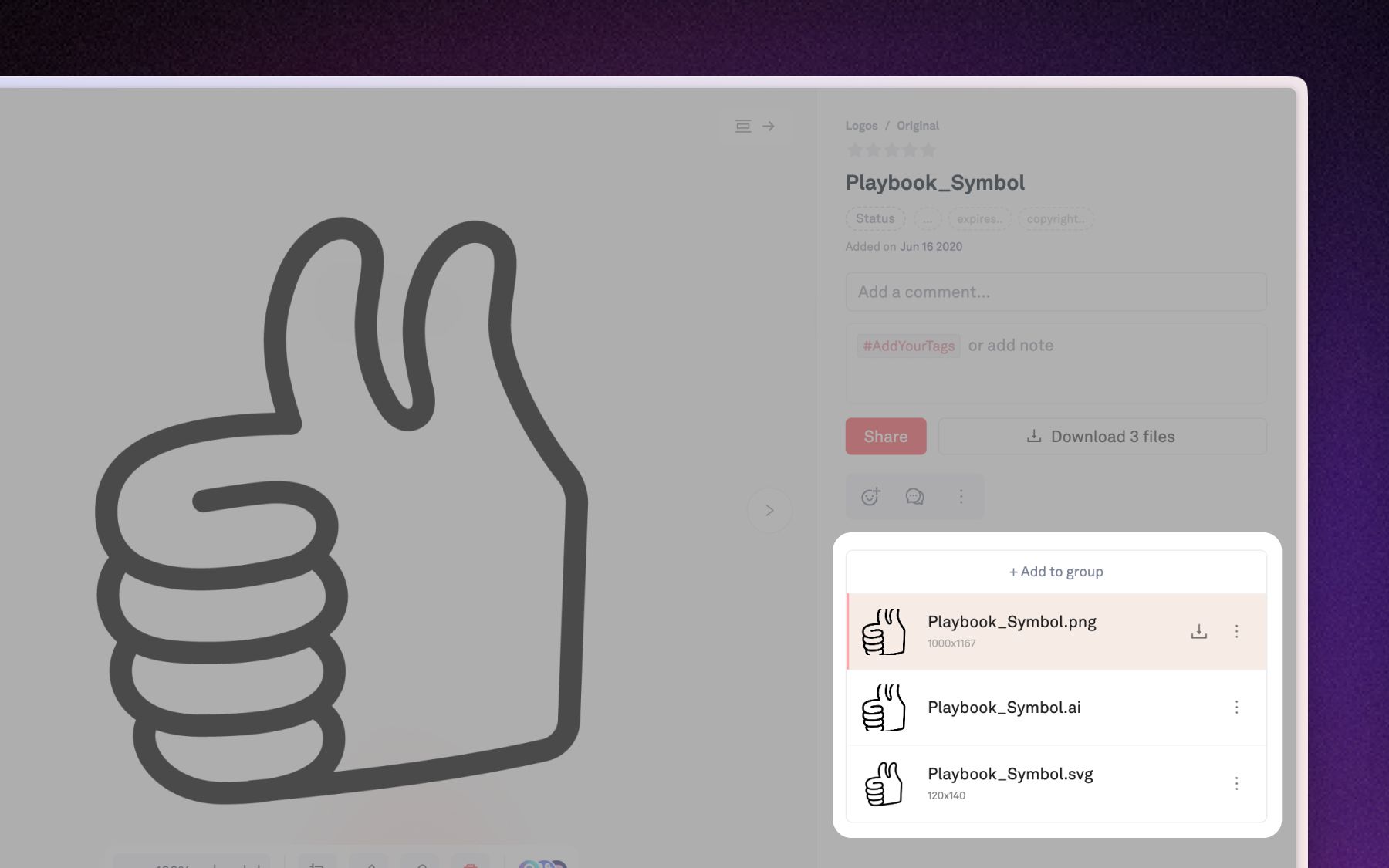
Get this right and the folder full of banner_v1 through banner_v6_FINAL collapses into a single asset with six revisions behind it. Get it wrong and you are back to naming files. In Playbook, version stacking means each iteration layers on top of the original asset rather than spawning a separate file, while asset grouping keeps distinct variants together in one stack. Two systems, one clean board.
What does a durable design file organization system look like?
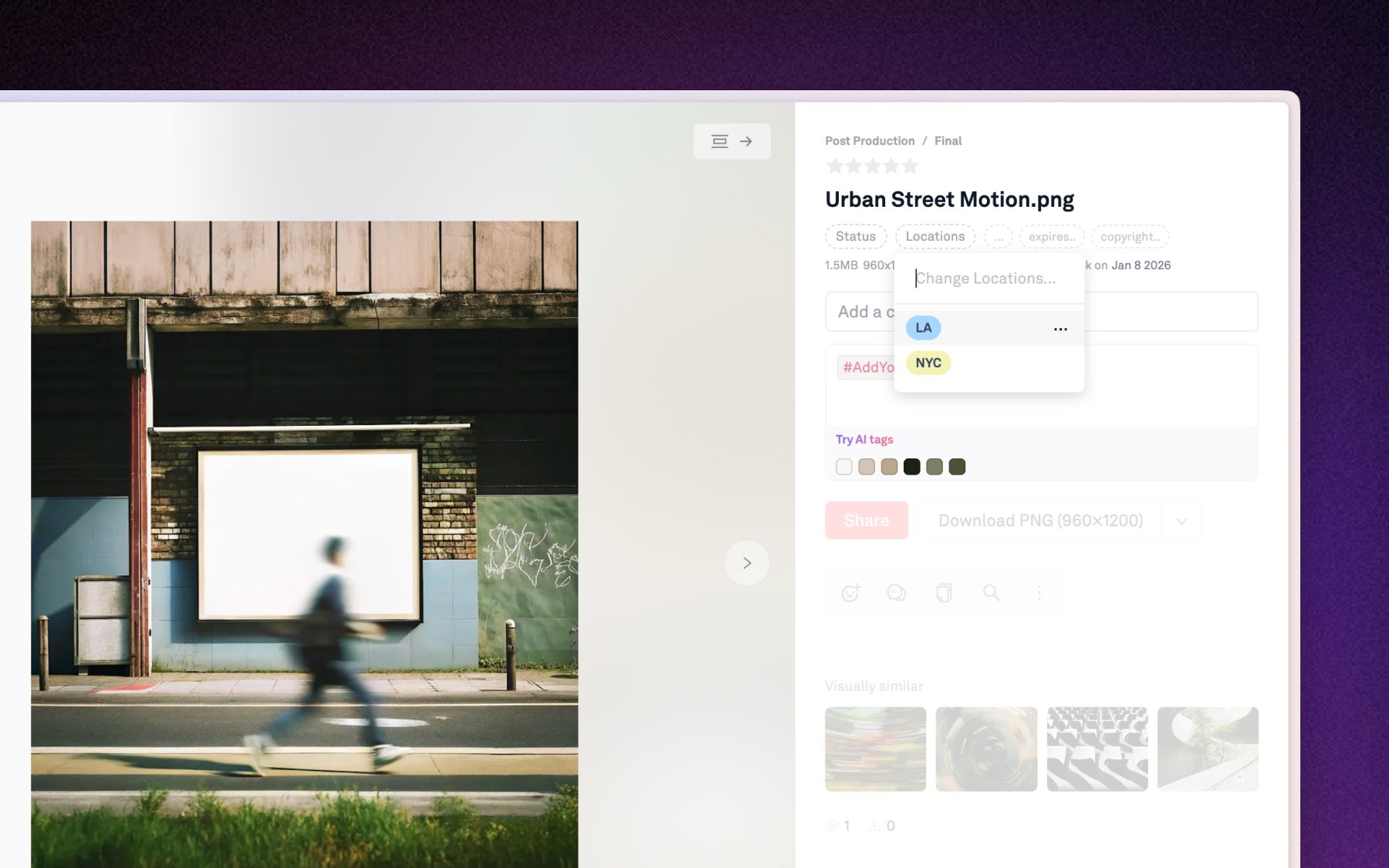
A durable design file organization system moves every job the filename was faking into a place built for it: version into version history, status into a field, meaning into tags, and discipline into rules that run at upload. The filename becomes a label again, not a database.
Here is the seven-step file organization system you can adopt this week. It is deliberately tool-agnostic, then it names where software does the heavy lifting.
The file-organization system (the FINAL-proof checklist):
- One deliverable, one home. Keep a single canonical record per asset, not a fresh file per revision.
- Stack iterations, do not clone them. Let each new version layer onto that record so v6 lives on top of v1, with the trail intact.
- Group distinct variants into one tile. Sizes, locales, and session shots belong in one stack, not scattered across a board.
- Put state in a field, not the filename. Status (Draft, In Review, Approved), campaign, and date live in structured fields you can filter.
- Tag by content, not by folder. Describe what is in the asset so retrieval beats memory, ideally automatically.
- Enforce the rules at the door. Auto-apply required tags and statuses on upload so nothing lands unlabeled.
- Make it searchable. The test of any system is whether a new hire can find the approved hero image without asking you.
Two data points keep this honest. Block Renovation, a Brooklyn PropTech company, migrated more than 250,000 assets into a tagged system organized by market, project type, and homeowner, and stopped losing hours to a nested Google Drive. And because good asset management should not be gatekept, version history in Playbook is available on every plan, including the free one, not sold as an enterprise upgrade.
What are the best design file naming conventions?
The best design file naming conventions are consistent, machine-readable, and free of anything that changes over time. A good name describes what a file permanently is. It never tries to track version or approval, because those are the two things a filename cannot keep current.
A workable pattern looks like project_asset_descriptor_YYYY-MM-DD, for example springsale_hero_desktop_2026-07-14. The rules behind it:
- Use one delimiter and lowercase throughout. Underscores or hyphens, pick one, so names sort and parse predictably.
- Use ISO dates (2026-07-14). They sort chronologically on their own.
- Avoid spaces and special characters. They break links, scripts, and exports.
- Never encode version or status. No
v6, noFINAL, noAPPROVED. This is the single rule that ends theFINAL_v6spiral. If you want to stop naming files final, this is where you stop.
Here is the reframe, though. A naming convention is a floor, not a system. It holds exactly until the second person forgets it, and then your library is half-convention, half-chaos, which is worse than either. Naming conventions organize the string. They do not organize the work. The durable version of "how to organize design files" is to let the convention describe the file and let the system carry version, status, and meaning. That is the difference between a rule people break and a structure that holds by construction.
How do you manage design iterations without cloning files?
You manage design iterations by keeping them on one asset instead of copying the file every time something changes. Proper version control for creative files means the newest cut sits on top, every prior cut stays recoverable, and no one has to read a filename to know which is current.
In practice, that means three capabilities working together. Replace a file in place and the previous state is snapshotted automatically, so the history builds itself. Open a Revisions panel to see every past version, newest first. Revert to any earlier version in a click, and because the pre-revert state is snapshotted too, rolling back never destroys anything. Where enabled, you can compare two versions side by side to see exactly what moved.
This is also where review stops being a game of telephone. When feedback attaches to the asset instead of arriving as a screenshot, the approved version is a fact on the record, not a memory. WBD Sports cut its legal review cycles from four rounds to two after moving review and approvals onto the asset itself. "We don't need to be in the same room anymore," said David Bret, VP of Marketing for WBD Sports EMEA. Iterations managed as versions, not clones, are what make that possible.
How does Playbook organize design files for you?
Playbook is a digital asset management and creative workflow platform that runs the seven-step system for you, so organizing design files stops being a discipline you enforce and becomes how the library behaves by default. It is not a folder with a nicer icon. It is a home where version control, grouping, and tagging are motions inside one searchable library.
Here is how the system maps to the product:
- Version stacking and change history handle iterations. Every asset keeps a full version history with revert, and on plans where it is enabled, side-by-side compare. Available on every plan, including Free at the time of writing.
- Stacks and variants handle grouping. Drag one asset onto another, or multi-select and group, and ten noisy tiles become one clean stack with every variant a click away.
- AI auto-tagging handles meaning. The moment an asset lands, Playbook reads the actual pixels and tags it across 16+ dimensions, from visual style and color palette to product and talent, so files are findable without anyone stopping to label them. Automatic on-upload tagging starts on the Team plan.
- Custom fields handle state. Status, campaign, and date become structured, filterable data on the asset, not a note in a side spreadsheet.
- Board upload rules handle discipline. Set a rule once and every file dropped into that board is auto-tagged, status-stamped, and checked for required metadata before it counts as complete.
- AI Organize, part of Playbook Intelligence (currently rolling out in beta), proposes and builds a board structure that fits your content, so you can talk to your library instead of filing by hand.
The proof is in the migrations. Block Renovation moved more than 250,000 assets off Google Drive and rebuilt discoverability with heavy, structured tagging, freeing a one-person creative team from being the search engine for five departments. "Start sooner rather than later," advised Molly, Brand Design Lead at Block Renovation, on adopting a real system before the library grows. Playbook now supports more than 5,000 teams with 10 or more members, and its AI-powered search lets any of them find an asset by describing it rather than remembering where it was filed.
Pricing is published and self-serve, no sales call required. At the time of writing: Free is $0 for 100GB and up to 300 assets, Pro is $120 per year with 2TB, Team is $240 per year per member with 3TB and the AI features, and Business is $4,800 per year for 15TB and unlimited members. Guests who comment, review, and download stay free on Pro and up, so the whole review chain joins without a per-seat meter. Your team's creative work is a living, breathing beast. Your system should reflect that.
FAQ: organizing design files
How do I organize design files in a team?
Give each deliverable one canonical record, stack iterations on it instead of cloning files, and move version and status into metadata everyone can filter. In a team, enforce it at upload with board rules so labeling does not depend on anyone remembering the convention. Retrieval should work by search, not by asking the person who made the folder.
How do I stop naming files FINAL?
Stop encoding version and approval in the filename entirely. Put version into version history and status into a field like Draft, In Review, or Approved. The filename should describe what a file permanently is, never its changing state, because the state is exactly what a name cannot keep current.
What is the difference between version stacking and grouping?
Version stacking layers iterations of one asset onto a single record, so v1 to v6 of the same banner share one home and history. Grouping collects several distinct assets, like five sizes of that banner or a photo burst, into one tidy tile. Stacking is time, grouping is space.
What are good design file naming conventions?
Use a consistent, lowercase pattern like project_asset_descriptor_YYYY-MM-DD, one delimiter, ISO dates, and no spaces or special characters. Crucially, never put v6, FINAL, or APPROVED in the name. A naming convention is a floor for describing files, not a system for tracking versions.
Do I need a DAM to manage design iterations?
Not to start, but conventions break the moment a second person forgets them. A digital asset manager keeps every iteration on one record with automatic version history and one-click revert, so managing design iterations stops depending on discipline. Playbook includes version history on every plan, including Free, at the time of writing.
How does version control for creative files actually work?
When you replace a file, the system snapshots the previous state automatically, keeps it as an immutable revision, and treats the newest as the live version. You can browse past versions, revert without destroying anything, and where enabled, compare two versions side by side. No duplicate files, no _v6 in sight.
Stop letting the filename do version control's job
Your files are alive, and a text string cannot keep up with them. Give your work one home where versions stack, variants group, and metadata does the finding. Schedule a demo and watch your next FINAL_v6 disappear for good.