
Partner mini-apps
Quick, powerful tools built into Playbook powered by trusted partners for fast last-mile editing without leaving your workspace.
Mini-apps let you take action on your assets without switching to another tool. Whether you need to convert a file format, clean up an image, or generate new content, mini-apps put those capabilities right where your files already live.
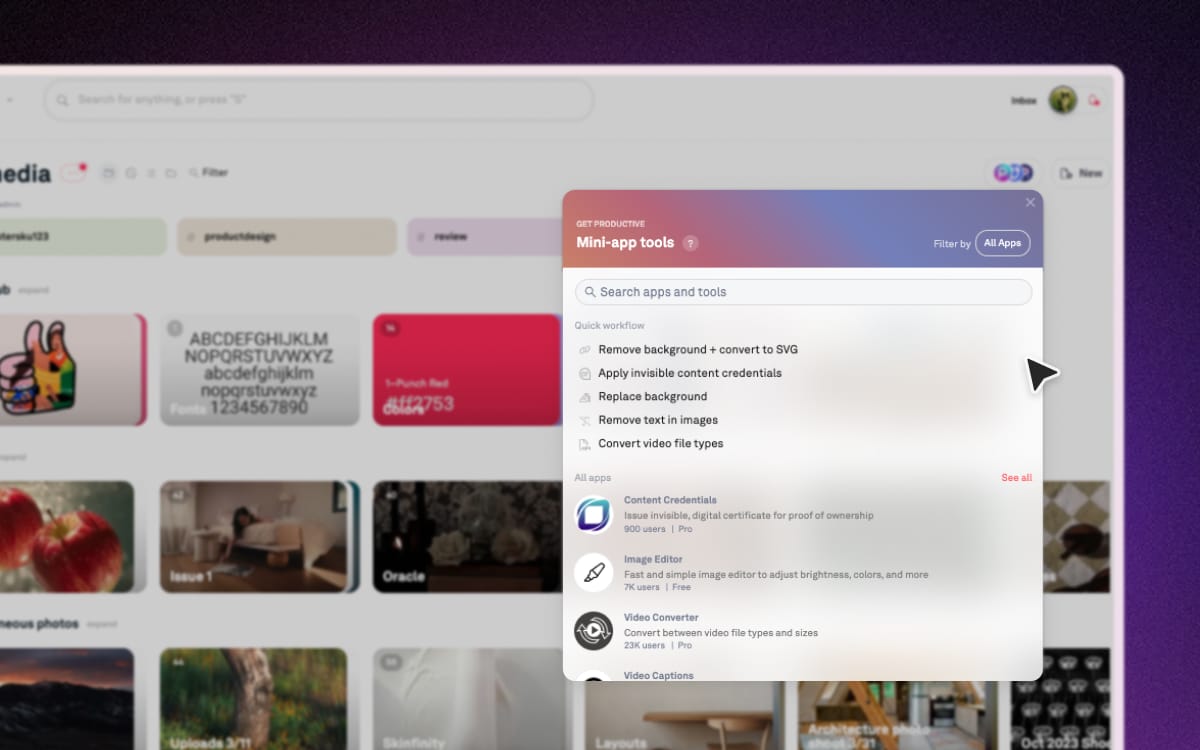
What you can do with mini-apps
Mini-apps cover a wide range of common creative tasks, including:
- Create GIFs from video clips or image sequences
- Upscale images to increase resolution without quality loss
- Convert file formats between common image, video, and document types
- Add captions to videos automatically
- Generate images using AI
- Remove text from images for clean, reusable assets
- …and more, with new mini-apps added regularly
How to access mini-apps
There are two ways to use mini-apps:
- From any board header — Click the Mini-app button in the board toolbar to browse and launch available tools across your assets
- From an asset — Open any asset in the asset modal and access mini-apps directly from there for single-file quick edits
Want to see mini-apps in action? Take a quick tour →