
Zapier
Learn how to fire Playbook events into Zapier so your workspace can trigger workflows in thousands of other apps.
Zapier connects Playbook to thousands of other tools without code. Playbook acts as the trigger: something happens in your workspace, Zapier notices, and your workflow runs, whether that is posting to a channel, writing a row in a sheet, or kicking off an approval.
Connect your Zapier account
- From the app list: open Apps, choose Zapier, and sign in to your Zapier account.
- Authorize once: the connection is per workspace, so a Zap can only see the workspace you connected it to.
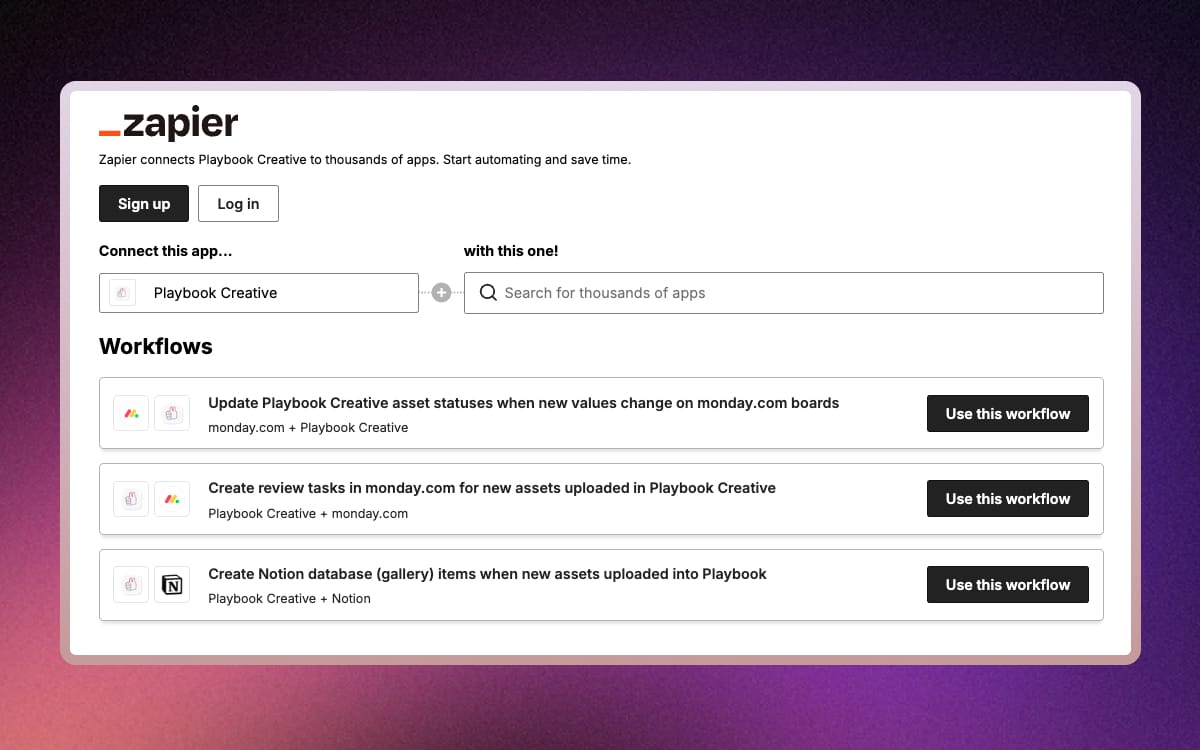
Build a Zap
- Create and save the connection: build the Zap in Zapier with Playbook as the trigger step, then save it.
- Use your saved workflows: once saved, it runs on its own whenever the event fires.
Two examples of the shape these take: add assets to a board whenever a file lands in a particular Google Drive folder, or notify a Slack channel whenever a board is shared with someone outside the team.
Looking for something more specific? Enterprise plans can have custom integrations built. Contact us to talk it through.