Analytics
Learn how to track usage, understand your audience, and manage shared links across your workspace.
Insights gives you a clear picture of how your workspace is being used, from who's viewing and downloading your assets to how much storage Playbook has saved you automatically. Use it to stay on top of what's resonating with your audience and keep your shared links organized.
How to access Insights
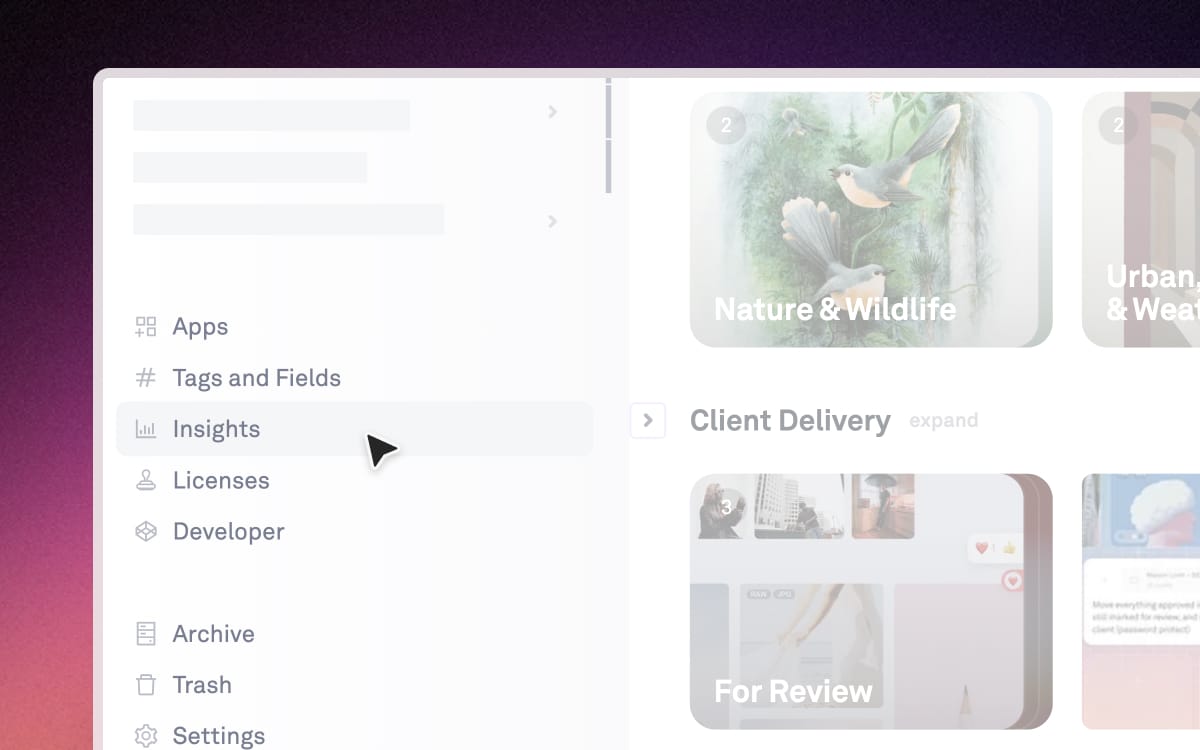
In the left sidebar, click Insights to open the analytics dashboard for your workspace.
What you can see
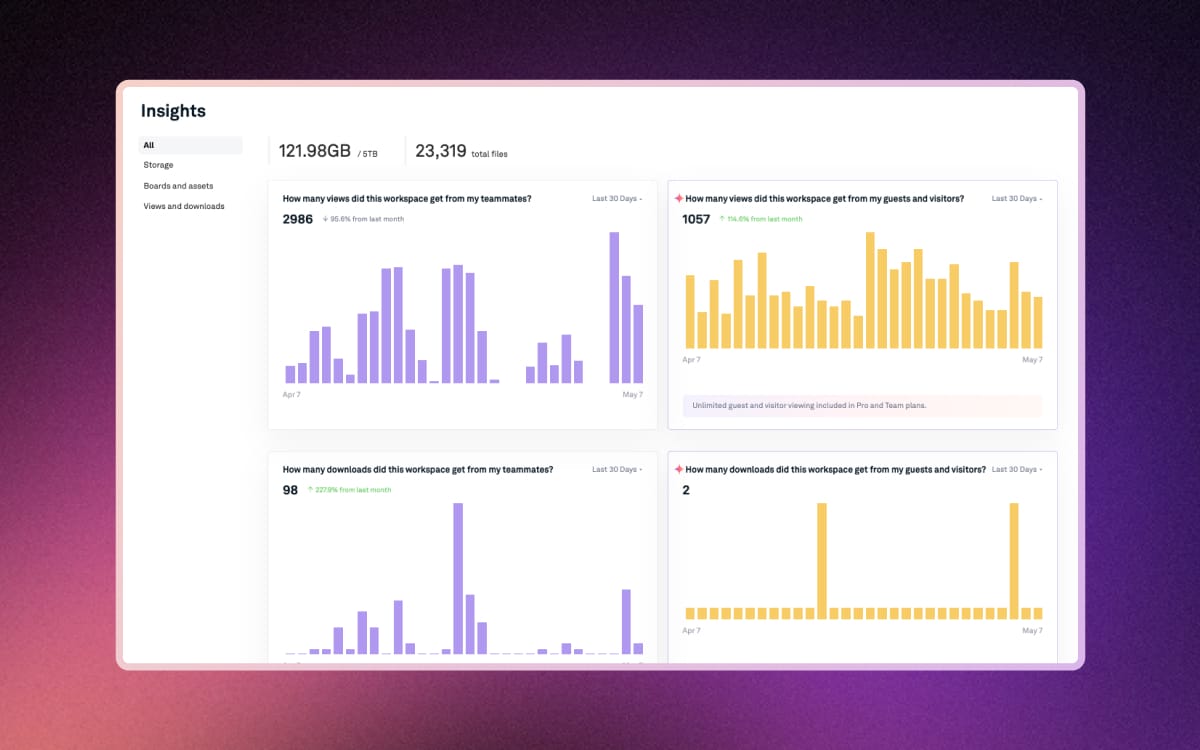
The Insights dashboard surfaces the metrics that matter most for your creative workflow:
- Member vs. non-member views & downloads — See how your content is being accessed, broken down by workspace members and external viewers
- Download volume — Track how often assets are being pulled from your workspace over time
- Saved storage by Playbook — The amount of storage Playbook has freed up for you through automatic deduplication and decluttering
- Most viewed and downloaded boards & assets — Quickly spot what's getting the most attention
- Active published and shared pages — A snapshot of all content currently live and accessible externally
Adjust the time range using the toggle at the top of each graph to view insights from the last week, last month, or this month.
Managing your shared links
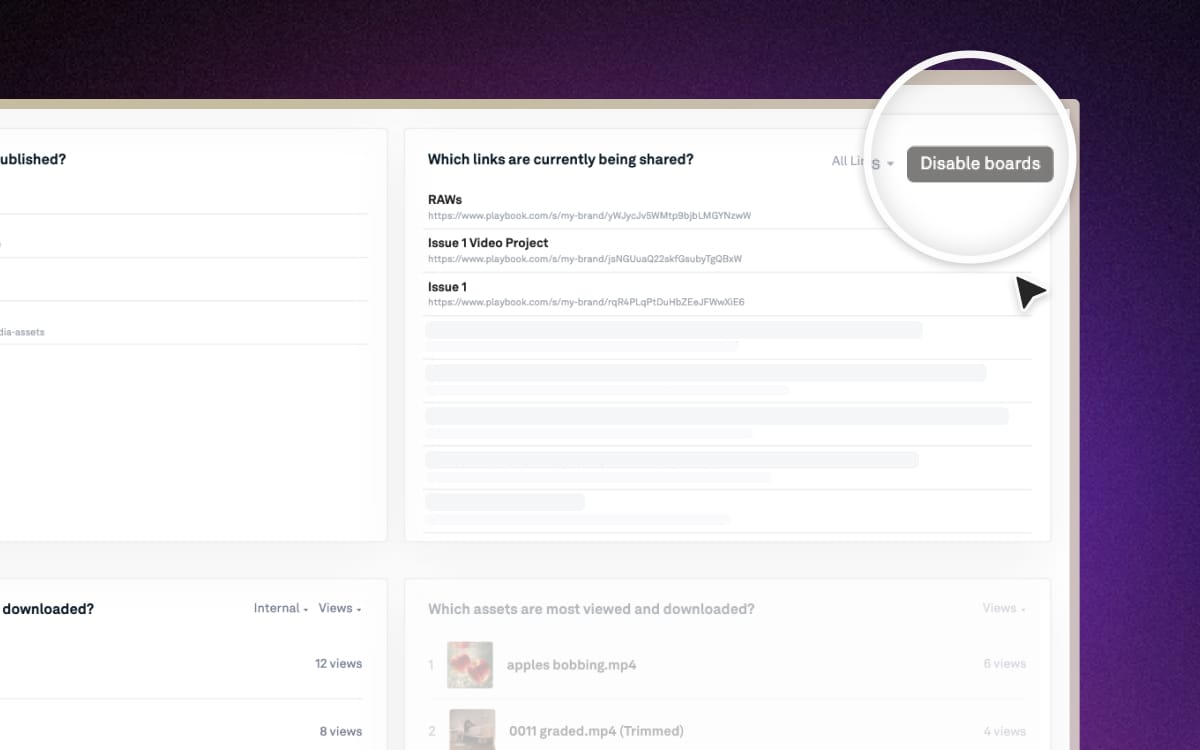
The "Which links are currently being shared?" section gives you a full list of everything currently shared outside your workspace — so nothing slips through the cracks.
- To manage a specific link: Click on any shared link in the list to adjust its sharing settings, update permissions, or turn it off
To remove all shared links at once: Click Disable boards to revoke access across all shared links in one go