
Publish a client delivery portal
Learn how to publish a client delivery portal from a Playbook board so every client has one branded link to their finished work.
A delivery portal is a published board that belongs to one client. Instead of a new transfer link per project, the client keeps a single URL that fills up as the work ships. It carries your branding, not a file-transfer service's.
Build one board per client
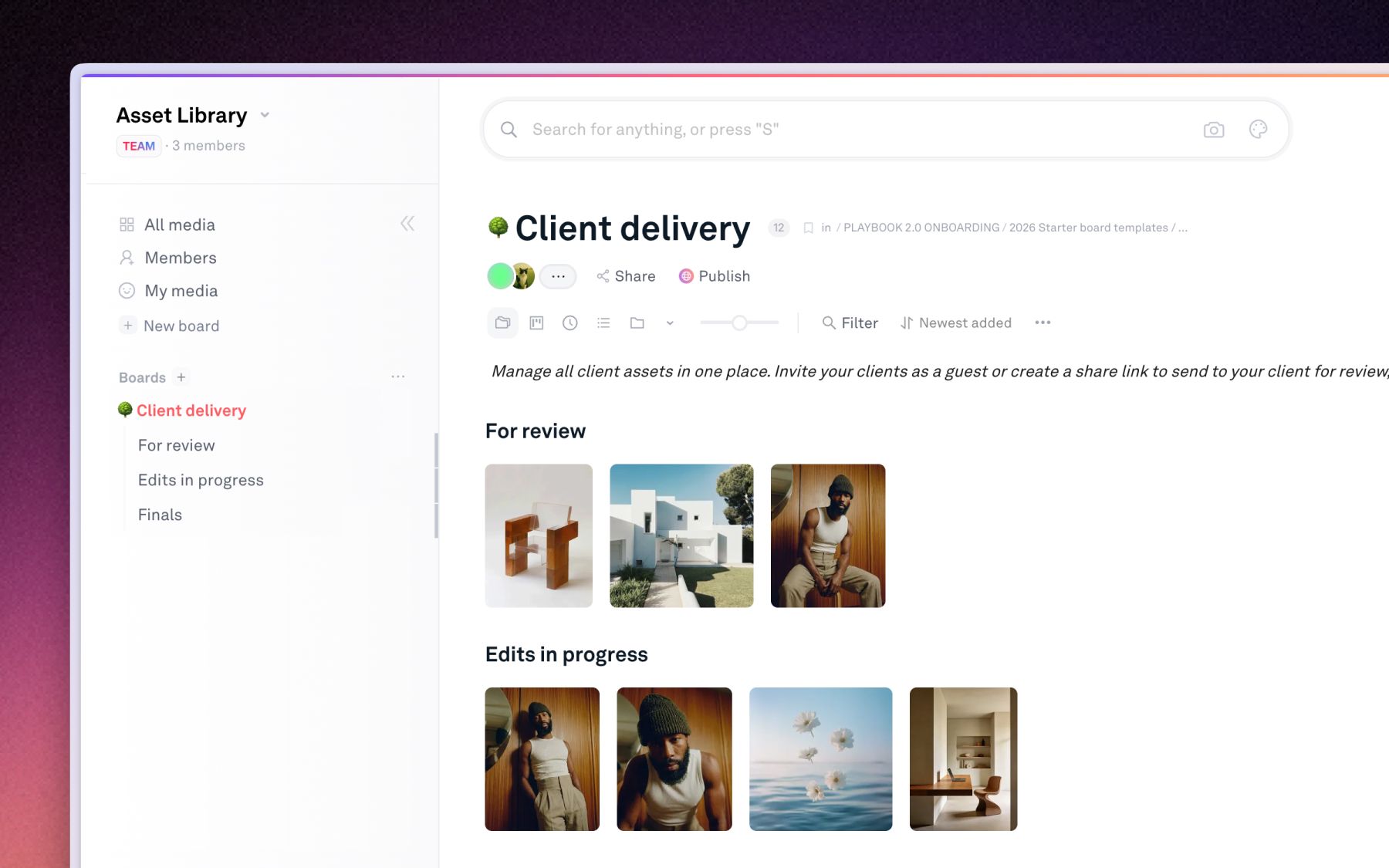
Create a board named for the client, then structure it the way they think about the work.
- Sub-boards: one per project, campaign, or retainer month.
- Groups: stack rounds of revisions so the approved file is the one on top.
- Hide what is not ready: anything hidden on the board never appears on the portal.
Label the deliverables
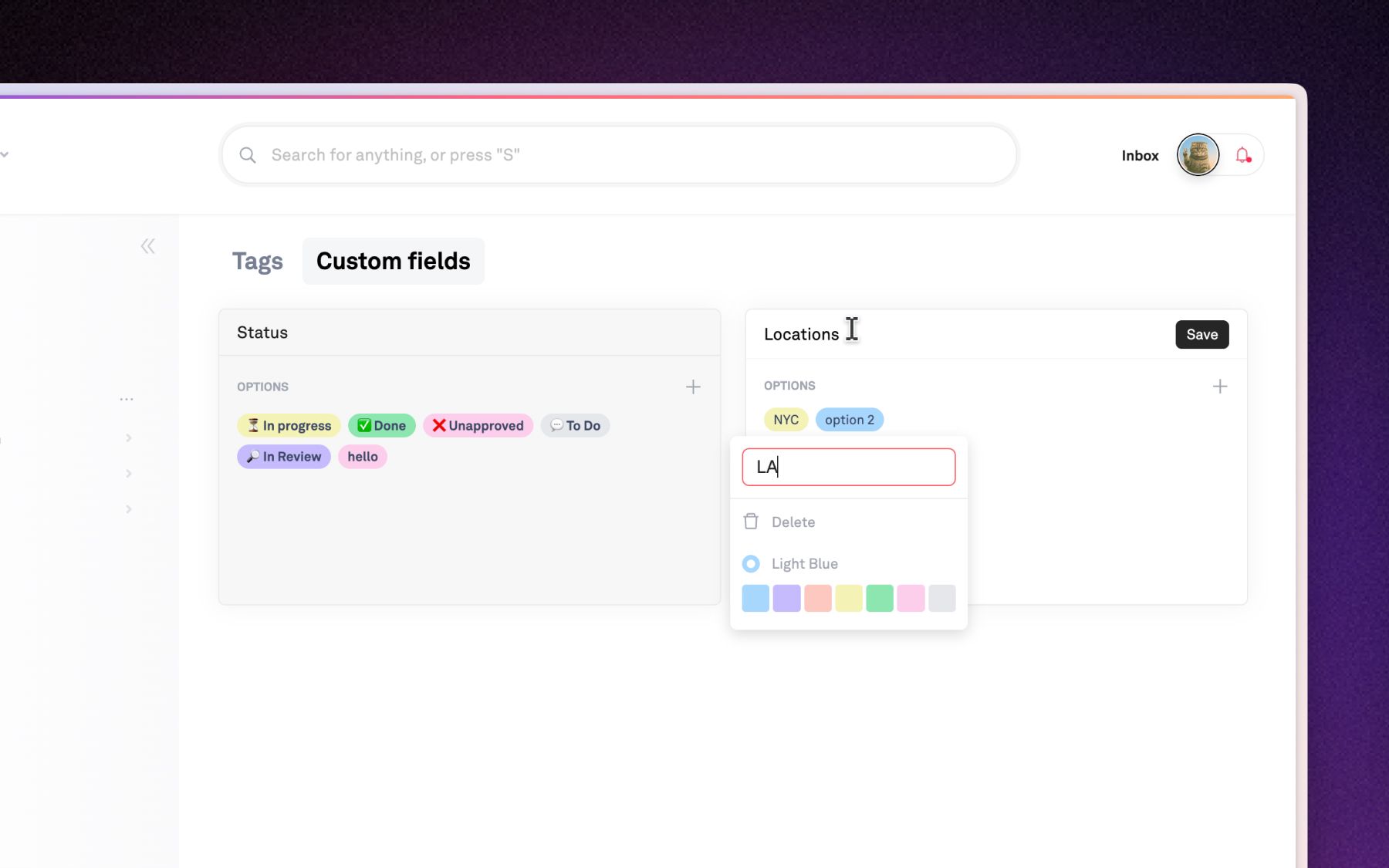
Add custom fields so the client can tell files apart without asking you.
- Deliverable type: social cut, print file, working file.
- Status: in review or approved, so the portal only reads as final where it is final.
- Board rules: require the fields you care about before a file counts as delivered.
Pick a client handoff template
Click Publish in the top header and choose a handoff template. All three are live in the template gallery:
- Nancy and Benjamin: the gallery template, a straightforward grid handoff.
- Golden Gate Estates: a project-led layout that presents the work set by set.
- Natalie Garrington: a named-client portal with a cover and a personal introduction.
Customize your site
Open Template Settings to set your logo, cover, typography, and page slug, then check Desktop preview and Mobile preview. The full walkthrough of the publish editor, presets, and per-section editing is in Publishing your board.
Send the link with the right controls
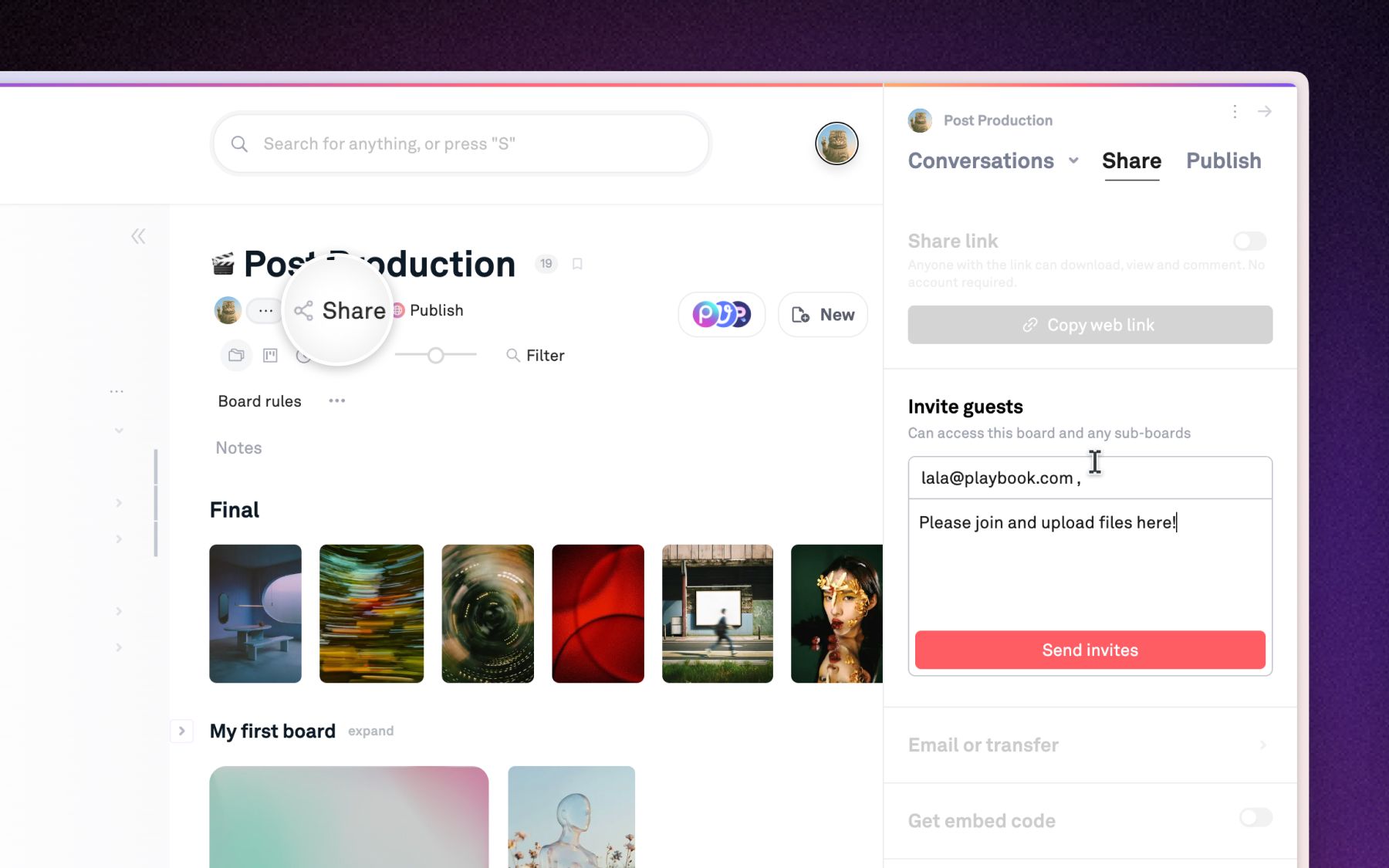
Toggle the link on and hand it over once.
- Downloads on: the client pulls originals themselves instead of emailing you.
- Password: for work under NDA.
- Expiry: for a portal that should close at the end of a retainer.
- Comments on: the client can leave feedback on the page. See Comments & timestamps.
Expected behavior
The portal is live, so next month's work appears the moment you add it to the board. Clients who bookmark the link never need a new one, and guests can comment and download without a paid seat. See Members, guests & permissions.